seat minimum
A 3-person team billed for five.
Everhour’s Team plan starts at 5 seats, no matter how many people are actually tracking time.
everhour alternative
Everhour puts a great timer inside the PM tool you already use. But it bills a 5-seat minimum, locks integrations out of its free plan, and thins out without a connected tool. TrackingTime works standalone or on top, with no seat minimum, integrations on the free plan, and dedicated retainer tracking.
Get startedwhy switch
Everhour bills a minimum of 5 seats regardless of team size, and its free plan drops all integrations along with the extra seats. TrackingTime charges only for the people on the team, and its free plan includes 50+ integrations and unlimited users, forever. Beyond pricing, the products themselves diverge.
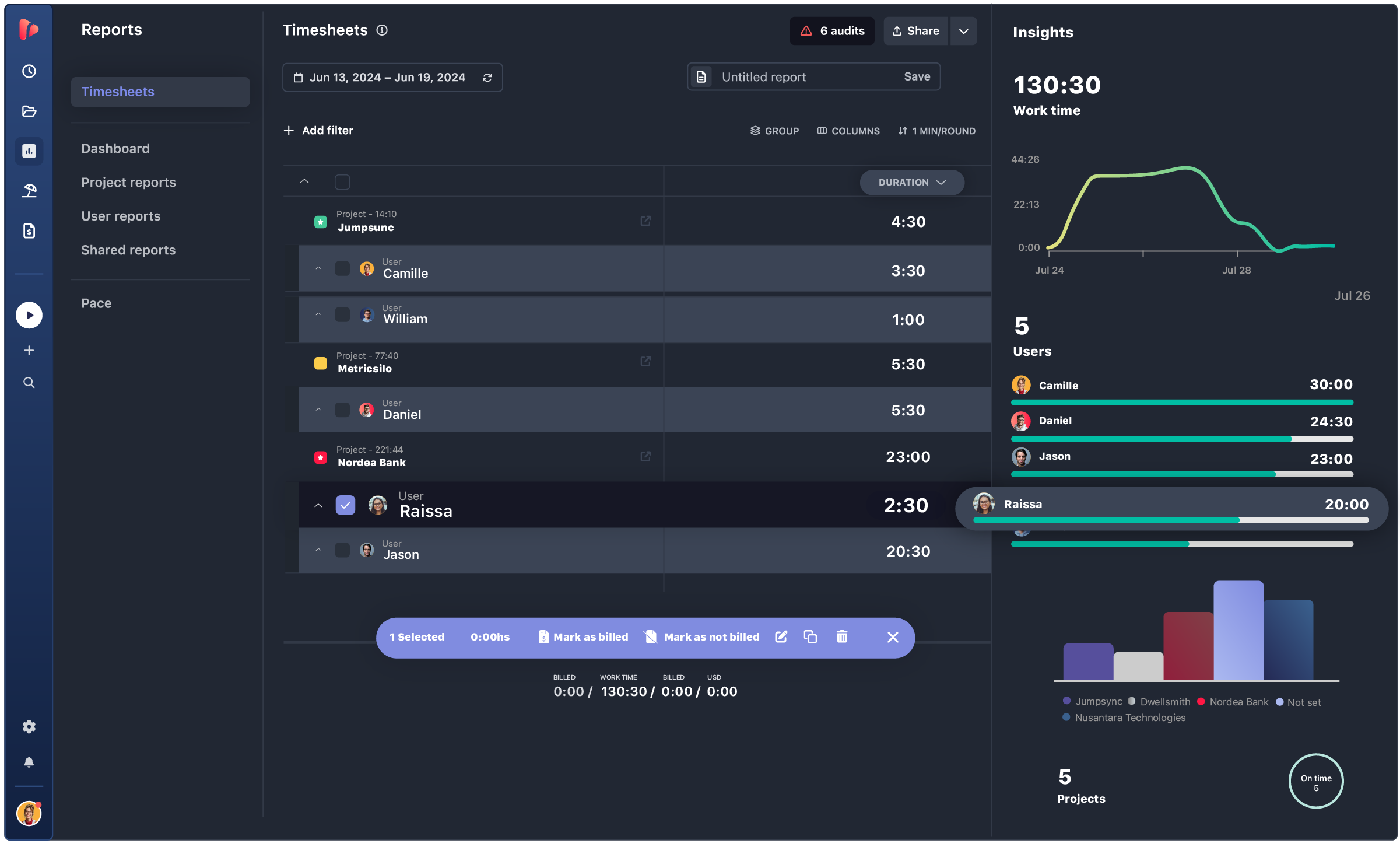
Everhour is designed to live inside another tool, its standalone experience is thin: time gets tracked in Everhour, tasks get managed in Asana or Trello, and progress gets checked somewhere else again. Every handoff between tools is a context switch, and context switching is where alignment slips, hours go missing, and managers lose the thread of what's actually happening. TrackingTime closes that loop with a full project management system of its own, a board, a timeline, a company-wide view of every project, so a manager can see who's working on what right now, catch a blocker before it spreads, and understand where the day went.
The work and the hours stay connected, because they never leave the same system. The same gap shows up in billing and privacy. Everhour offers recurring budgets, not true retainers, TrackingTime's Pro Plus tracks pace against a monthly retainer, with burn alerts and rollover. And where Everhour now offers optional screenshot monitoring, TrackingTime never takes one.
TrackingTime vs Everhour
Everhour keeps pricing simple, one flat Team plan with everything included, but with a 5-seat minimum (50 for Custom) and a free tier with no integrations, capped at 5 users. TrackingTime charges only for the users on the team, across real tiers, with integrations included even on the free plan.
| TrackingTime | Everhour | |
|---|---|---|
| Free | $0, unlimited users & 50+ integrations | $0, max 5 users, no integrations |
| Entry paid | Starter $4.50, no minimum (annual) | Team $8.50, min. 5 seats (annual) |
| Mid | Pro $6.75 (annual) | — |
| Advanced | Pro Plus $8.50 (annual) | — |
| Top | Business $12 (annual) | Custom, min. 50 seats |
TrackingTime vs Everhour
Everhour’s native embeds inside Asana, ClickUp, Jira, Trello, Monday and Notion are best-in-class, with almost no friction. TrackingTime integrates with the same tools and includes them on the free plan, where Everhour locks every integration behind its paid Team plan.
| TrackingTime | Everhour | |
|---|---|---|
| Native / app integrations | ✅ | ✅ (best-in-class embed) |
| Integrations on the free plan | ✅ (50+) | ❌ |
| Automatic tracking | ✅ | ✅ |
| No screenshots / no surveillance | ✅ | Optional screenshots |
TrackingTime vs Everhour
Everhour’s tracking shines inside another tool, but on its own, its project management is light. TrackingTime is a full PM surface in its own right, a board, a project timeline, a company-wide view of every project, with tracking in the same place.
| TrackingTime | Everhour | |
|---|---|---|
| Task list & assignments | ✅ | ✅ |
| Board / Kanban view | ✅ | ❌ |
| Project timeline view | ✅ | ❌ |
| Company-wide project timeline | ✅ | ❌ |
| Real-time team visibility (one dashboard) | ✅ | ❌ (spread across tools) |
| Works as a standalone system | ✅ | Weaker without a connected PM tool |
TrackingTime vs Everhour
Both tools cover invoicing, budgeting, expenses and profitability well. The difference is retainers: Everhour offers recurring budgets, TrackingTime adds dedicated tracking with pace, burn alerts and rollover.
| TrackingTime | Everhour | |
|---|---|---|
| Invoicing | ✅ | ✅ |
| Budgeting & profitability | ✅ | ✅ |
| Expense tracking | ✅ | ✅ |
| PTO / time off + accrual | ✅ | ✅ |
| Dedicated retainer tracking | ✅ | ❌ (recurring budgets only) |
Honest take
We’d rather be honest than oversell. Everhour earns its place for teams already living inside a PM tool.
Native, embedded timers inside Asana, ClickUp, Jira or Monday are the smoothest in the category, deeper than TrackingTime’s integrations, and if in-context tracking is the whole job, Everhour does it beautifully.
A flat, all-inclusive plan is simpler to manage once a team is already past the 5-seat minimum, with nothing to compare across tiers.
No need for standalone project management, dedicated retainers, or a free plan that includes integrations, just a timer embedded where the work already happens.
TESTIMONIALS
4.7/5 on G2 · 117 verified reviews · Recognized every season as High Performer and Momentum Leader in Project Management, Time Tracking, and Time & Attendance.








Get answers to all your questions about our service and plans.