
AI EMPLOYEES FOR YOUR BACK OFFICE

Your back office just hired five AI employees. They already know your team’s hours.

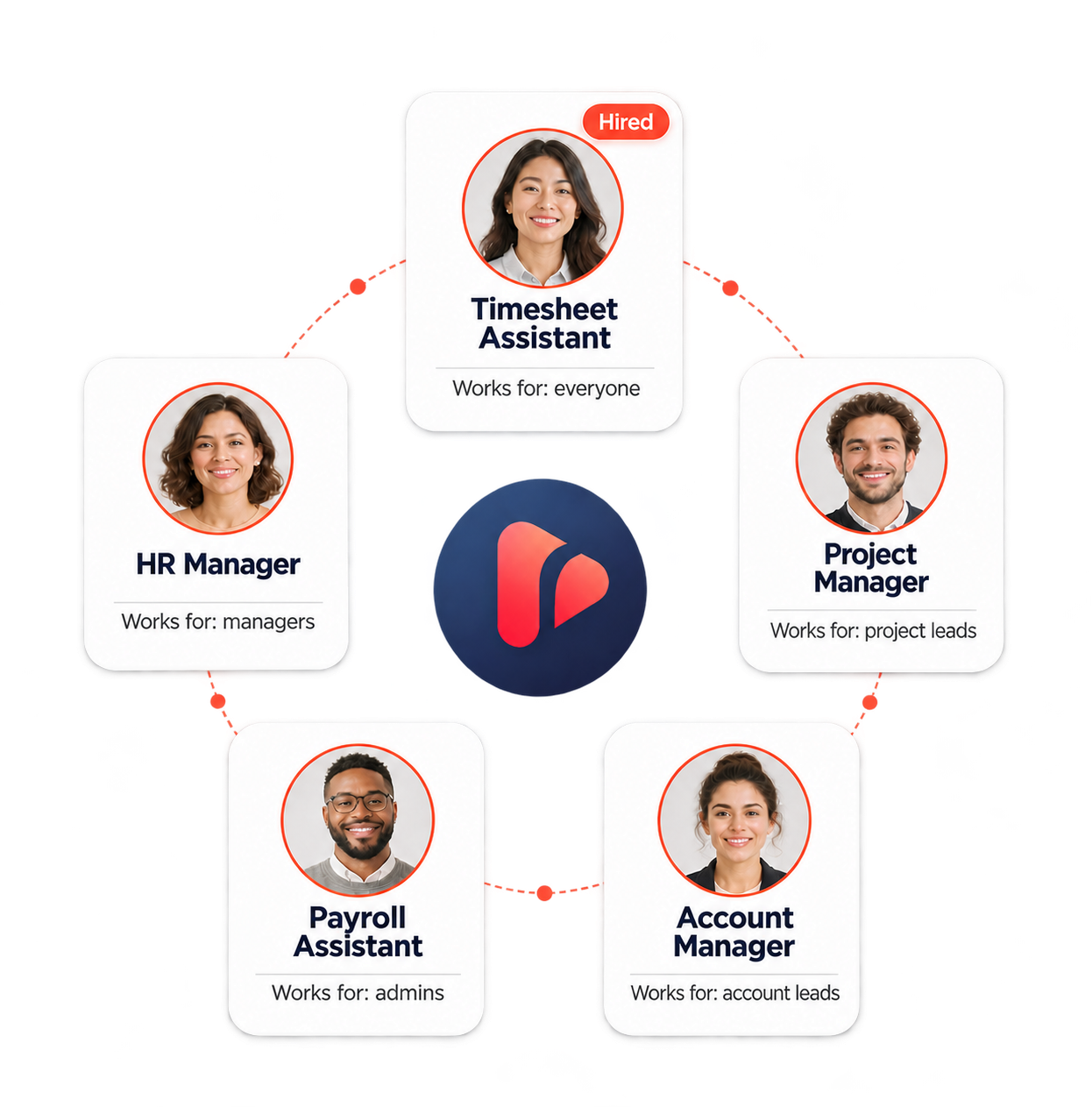
Meet the Timesheet Assistant, HR Manager, Payroll Assistant, Account Manager and Project Manager. They work inside Claude, ChatGPT and Gemini, on the hours, time cards, retainers and invoices already in TrackingTime. You add them to the assistant you already use.

Hired in minutes

Your team keeps working where it already asks questions: Claude, ChatGPT, Gemini, Perplexity, Copilot, Codex or Cursor.

Already know the numbers

From day one they work on the real hours, time cards and invoices in TrackingTime, through the official connector.

They ask before they act

Before they create, send or lock anything, they show you what will change.

onboarding in minutes

Onboarded in two steps, in the assistant your team already has open.

Add the TrackingTime connector and sign in with your account, then add the agents. Free and open source.

Claude

Add the connector from the Claude directory, then upload each agent under Customize → Skills. On Team and Enterprise, an Owner uploads the plugin once and every member gets all five agents.

Claude directory

ChatGPT

Install the TrackingTime plugin from the ChatGPT store and sign in with your TrackingTime account. Then upload the agents under Plugins → Skills. Developer mode is not needed.

ChatGPT store

Claude Code, Codex, Cursor

In Claude Code, run /plugin marketplace add trackingtime/agent-skills and then /plugin install trackingtime@trackingtime. It brings the agents, the connector and 22 slash commands. Other coding agents: npx skills add trackingtime/agent-skills.

Install guide

meet the team

Five roles. One new back office team.

Each one knows which data to check for its job and when to stop and ask. Hire only the roles your company needs.

Timesheet Assistant

“I forgot to track yesterday. I was on the Lumen rebrand all morning.” Each person's own time, handled in a sentence.

  • Starts and ends the workday, logs breaks, sends an end-of-day summary
  • Fills the timesheet from a plain description of the day
  • Hours, overtime, missing days and time off balance
→ Works for everyone, on their own time.

HR Manager

“Who's out this week, and who hasn't logged hours?” The team's attendance and timesheets, kept up to date.

  • Who's in today and who's out
  • Reminders by Slack or Teams, escalation after three missed days
  • Compliance reports, time off approvals and holidays

→ Works for managers and HR.

Payroll Assistant

“Give me October's payroll hours as a CSV.” Time cards turned into the numbers payroll needs.

  • Hours per person: regular, overtime, breaks, paid leave
  • Unexplained absences and a readiness check
  • Locks the period and exports a CSV for payroll
→ Works for admins at period close.

Account Manager

“How's the Northwind retainer doing this month?” Client accounts in order, before anyone has to ask.

  • Retainer burn and alerts before a budget runs out
  • Unbilled hours ready to invoice, invoice status
  • Client-ready reports and billable expenses
→ Works for admins at billing time.

Project Manager

“Set up the website project for Halden: five tasks, due March 15.” Projects created from a brief and followed to delivery.

  • Project, tasks, owners and dates from a plain brief
  • Status against estimate and delivery date
  • Profitability per project or client, team workload
→ Works for managers running delivery.
read every job description on GitHub

Missing timesheets get chased. Payroll hours are ready at period close. Invoices wait for your OK.

Five roles your back office was covering by hand.

everyone · managers · admins

AI employees that respect your org chart.

Each one only does what the person asking is allowed to do in TrackingTime. Team numbers stay with managers, payroll and margins stay with admins.

Everyone

The Timesheet Assistant logs your workday, fills your timesheet and tells you your hours. It never shows anyone else's.

Managers

The HR Manager and the Project Manager cover attendance, reminders, approvals, project status and workload.

Admins

The Payroll Assistant and the Account Manager close the period, lock time cards, invoice clients and watch retainers.

monitoring-free by design

They work on what people log. Nothing else.

No screenshots, no activity tracking, no keystrokes.

Self-reported.

Attendance is what people log in TrackingTime, as they report it.

Your permissions.

You sign in with your TrackingTime account. Each agent checks your role before showing team data.

Confirmed, one by one.

Invoices, reminders, time off and locked periods go out only after you confirm them in the conversation.

Open source.

MIT licensed and on GitHub. Read every instruction an agent follows before you turn it on.

Works with 60+ tools your team already uses

MICROSOFT 365

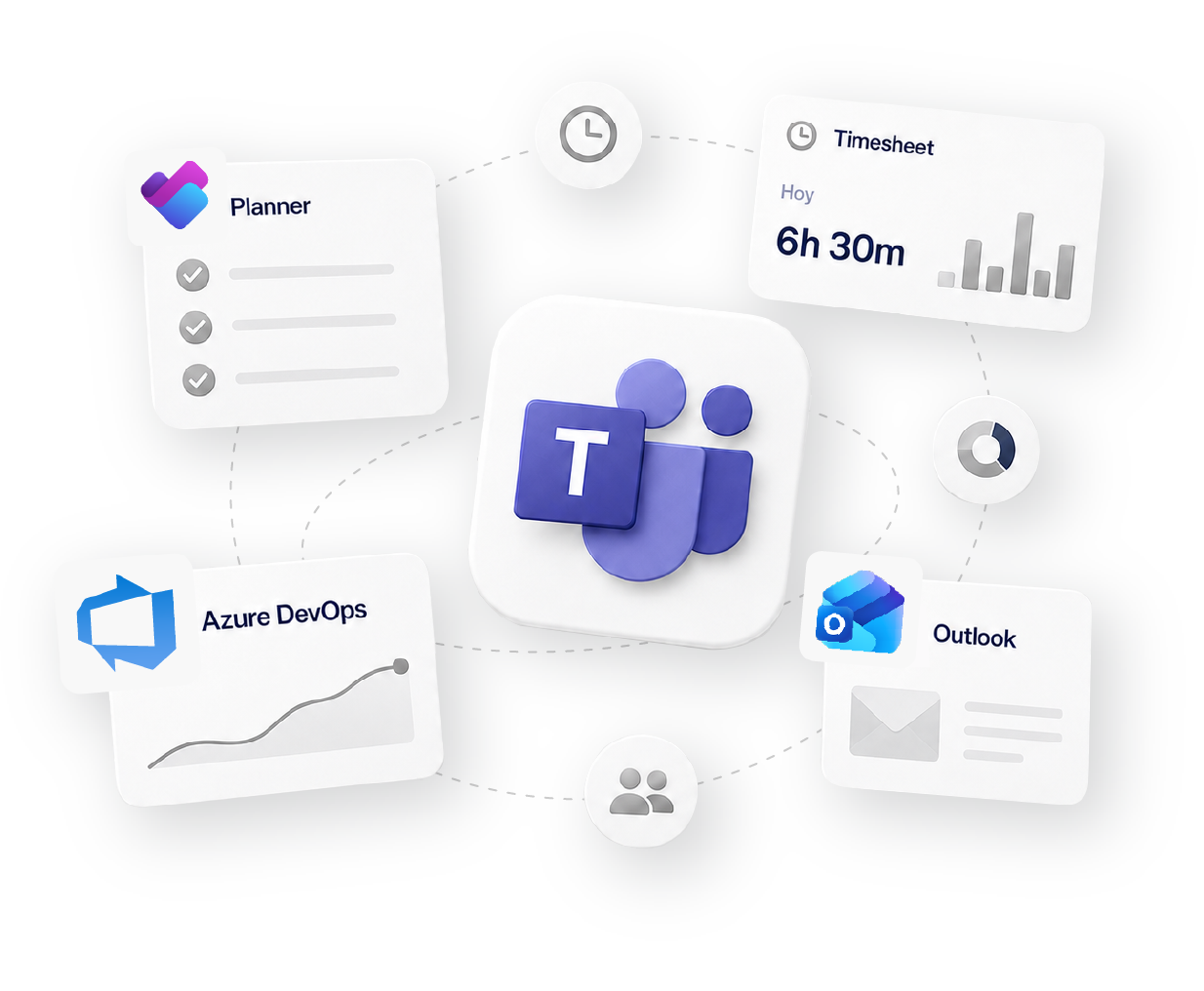
Lives inside Microsoft Teams, Planner, and Azure DevOps

Your team already lives in Microsoft 365. TrackingTime lives there too — so tracking happens where work happens, not in a tab nobody remembers to open.

Explore Integration
Microsoft 365 time tracking integration

FAQS

Straight answers before you turn an agent on.

Setup, data and privacy, plans.

The connector gives your assistant access to TrackingTime. The agents tell it how to do a back-office job well: which data to check, what to ask before acting, and how to report back. You need the connector for the agents to work.

get started

Your back office, now with five AI employees.

Free and open source. Works with any TrackingTime account, Free Plan included.

Meet your AI team