




AI-powered time tracking

Automatic time tracking that fills in the gaps.

AutoTrack builds your timeline in the background so nobody has to remember to start a timer. Review it, confirm what counts as work, done. No screenshots, no one watching how you work.

Get started
  • AutoTrack - automatic time tracker

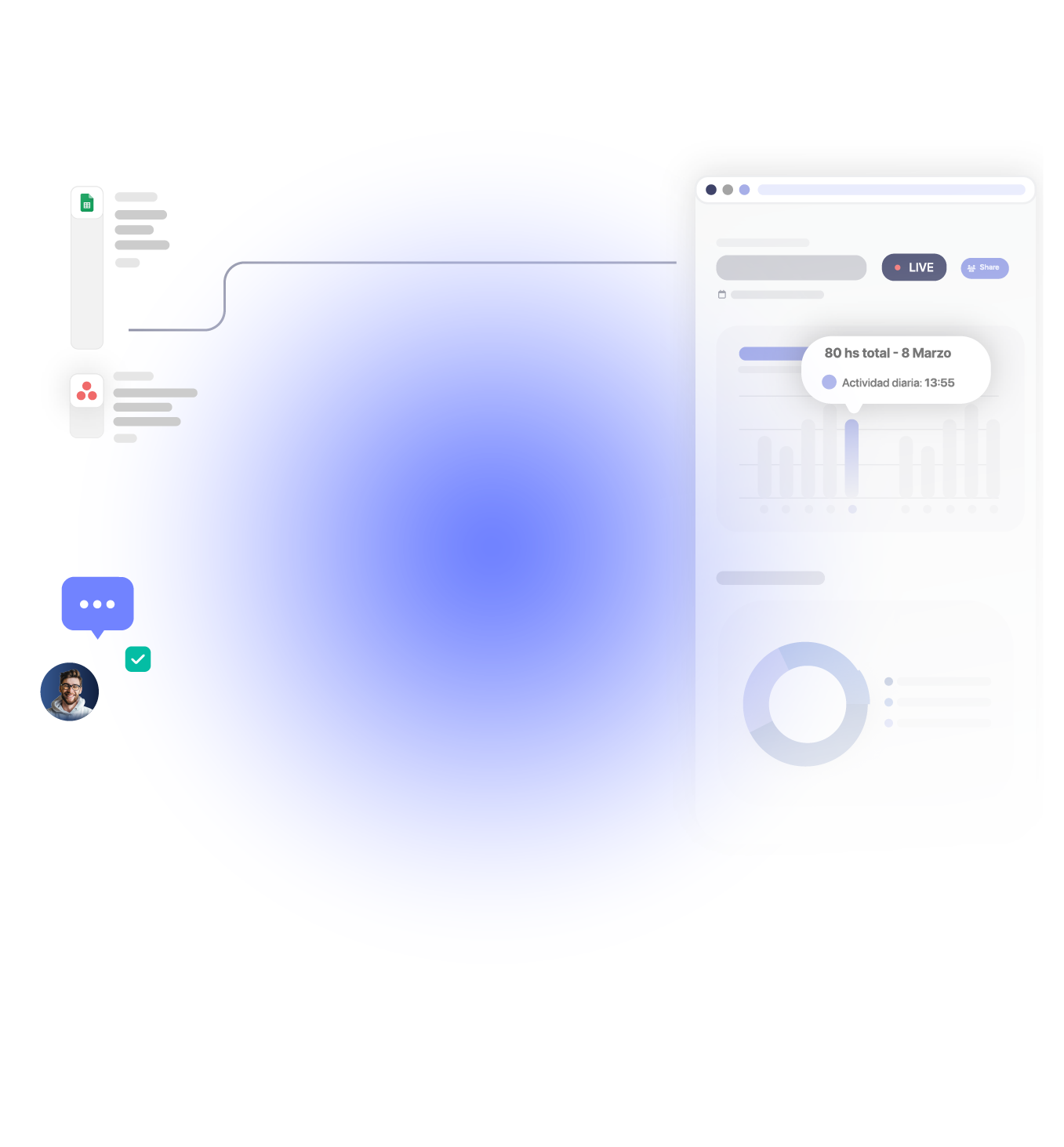
Managers estimate 21.5% of billable hours go unrecorded.

Average billable utilization dropped to 66.4% in 2025

Just 15 untracked minutes a day add up to 60+ hours a year

Automated tracking captures 91% of billable hours

TRUSTED BY 15,000+ TEAMS. 60+ INTEGRATIONS. FREE PLAN FOR UNLIMITED USERS.

  • Openstax
  • moma
  • playpass
  • ssl
  • smartsheet
  • mci

how it works

Time tracking that runs in the background.

See exactly how AutoTrack builds your day for you, from the first app you open to the timesheet you submit.

Approvals icon
Activity records.

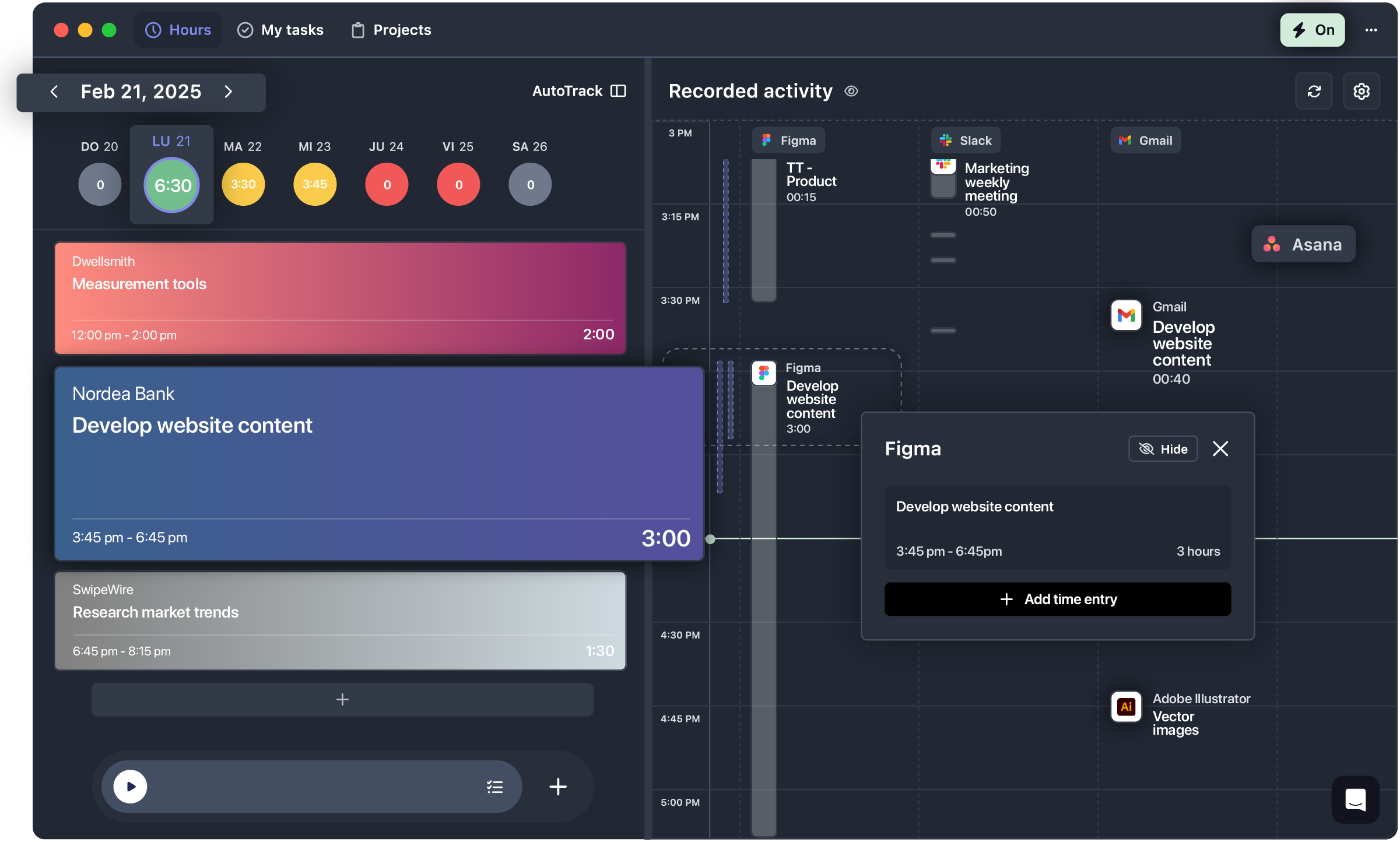
Reliable and private activity records: detects apps, sites, calendar events, and idle time, and builds a private timeline as you work, running through the desktop app for Mac and Windows.

→ The day gets documented without any extra effort.

Insights icon
AI suggestions.

Suggestions analyzes the day’s activity and offers ready-to-log time entries. One click to review and confirm, no typing, no digging. Anything can be edited or discarded before it becomes a time entry.

→ Confirming turns activity into a time entry.

Customized display.

The view adapts to how the work actually happens: hide specific apps or sites from the timeline, adjust rounding thresholds, switch between compact and detailed layouts.

→ AutoTrack adapts to the team, not the other way around.

list icon
Accurate timesheets.

No gaps, no forgotten hours. Timesheets stay complete and accurate, ready for payroll, billing, or reporting and synced in real time across every device.

→ One click today saves the scramble at month-end.

Time tracking software

What’s the smartest way to track work hours?

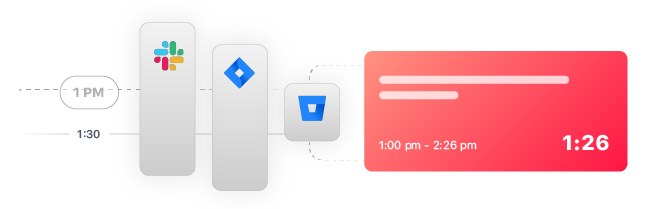
Manual time tracking means starting and stopping timers, guessing what you did after the fact, and hoping nothing got missed. AutoTrack tracks the work automatically, suggests entries based on real activity, and gives you a private timeline only you can see, before you decide to log it.

Manual tracking

  • Start/stop timers by hand
  • Fill in gaps from memory
  • Frequent errors, missed hours
  • No visibility into real activity

AutoTrack

  • Tracks in the background automatically
  • Suggests entries from real activity
  • One-click logging, fewer gaps
  • Private timeline, visible only to you

The real gap is memory, not effort. AutoTrack closes it automatically.

Team adoption

Time tracking the whole team sticks with.

Time tracking only works if the whole team does it, and people skip it when it feels like surveillance.

Performance insights

Private by default

AutoTrack never takes screenshots, records keystrokes, or captures personal content. Activity stays private by default, visible only until someone chooses to confirm it as a time entry. Nothing gets shared before that point.

time blocking

What reaches the timesheet

Managers only ever see the entries someone confirms, never the raw activity behind them. The timeline itself stays out of view, so nobody has to explain a tab left open or a break between tasks.

client reports

Fits how the team works

Real time or end of day, AutoTrack fits how each person logs time, without anyone needing to be watched to be trusted. The system adapts to the habit, not the other way around.

desktop time tracker

Start logging time in the background with zero effort.

Download the desktop app to enable AutoTrack and start logging your time automatically. No timers, no effort — just accurate tracking in the background.

Time tracking app

Track time, not people.

Let automatic time tracking fill in the gaps.

Get started

No timers to start, no memory to rely on, just an accurate record of the day.

Sign in with Google

FAQ

Frequently Asked Questions

Get answers to all your questions about our service and plans.

What is automatic time tracking?

Automatic time tracking is a method that records work hours in the background without requiring users to start or stop a timer. It captures activity passively, allowing for accurate time logging with minimal effort.

How does AI time tracking work?

AI time tracking uses artificial intelligence to analyze user activity and suggest relevant time entries. Tools like AutoTrack apply this technology to help users log time with one click, reducing guesswork and improving accuracy.

Can automatic time tracking replace manual logging?

Yes, automatic time tracking can significantly reduce or eliminate the need for manual time logging by capturing and suggesting entries based on real activity, saving users time and improving consistency.

Is AutoTrack a monitoring tool?

No, AutoTrack is not a monitoring tool. It helps individuals track their own time privately and never captures screenshots, keystrokes, or personal data. Only the user can see the activity timeline unless they choose to log it.

Does automatic time tracking invade privacy?

No, modern automatic time tracking tools like AutoTrack are built with privacy in mind. Users control what’s tracked, can hide apps or websites, and retain full ownership over their data.

Can managers see my activity in AutoTrack?

No, managers only see the time entries you choose to log. The raw activity data remains private and is never shared automatically with supervisors or team leads.

Do I need a desktop app to use AutoTrack?

Yes, AutoTrack requires the TrackingTime desktop app to capture background activity and offer smart suggestions. It’s available for both macOS and Windows, starting on the Starter plan.

Can I control which apps AutoTrack tracks?

Yes, AutoTrack lets you customize what gets tracked. You can hide specific apps, exclude certain websites, and adjust how activity is displayed and grouped in your timeline.

Who can benefit from AI-powered time tracking?

AI-powered time tracking is ideal for freelancers, remote professionals, and hybrid teams who want accurate time logs without manual input or distraction. It simplifies timesheet management across dynamic work environments.