












Our company has had a fantastic experience with TrackingTime. We would recommend to anyone looking for an easy to use time tracking experience.
chrome time tracking extension
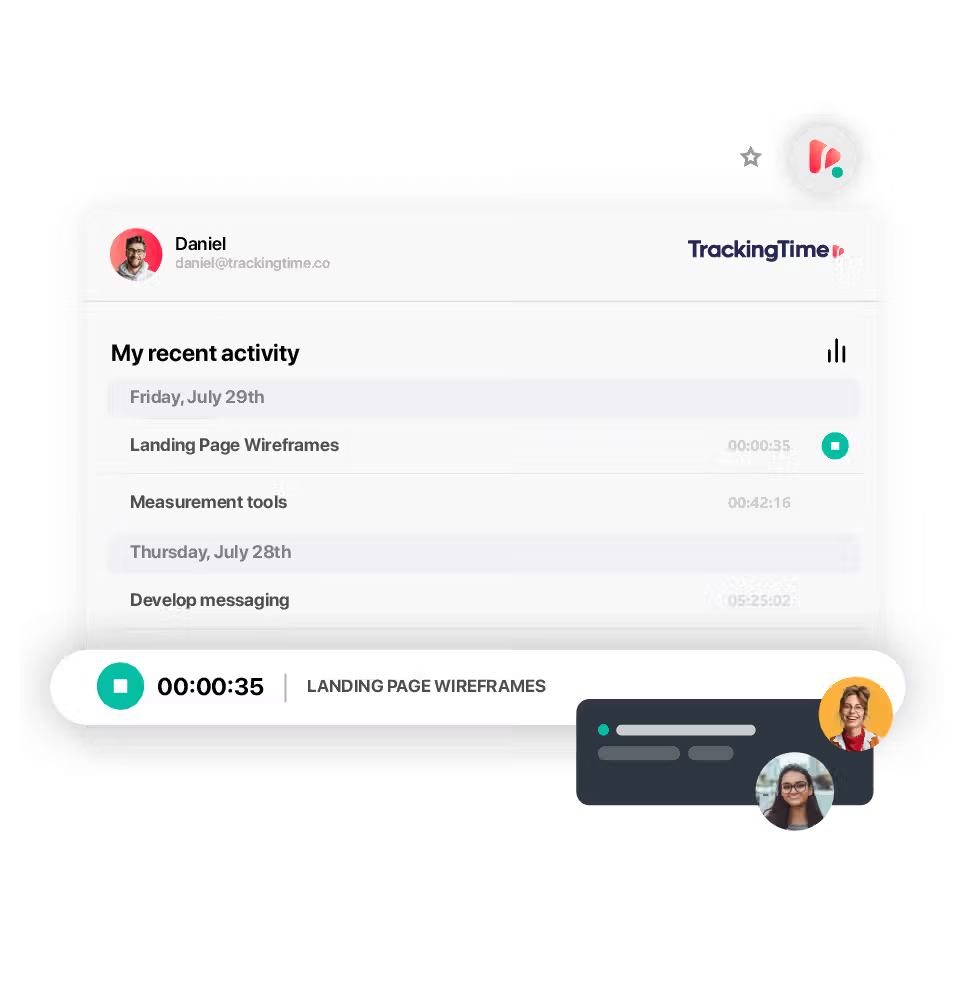
Track time in Chrome.
Track time directly from your browser with our Chrome extension – built for teams who value productivity, accuracy, and visibility.

time tracking apps
A time tracker for all your devices.
time tracking browser extension
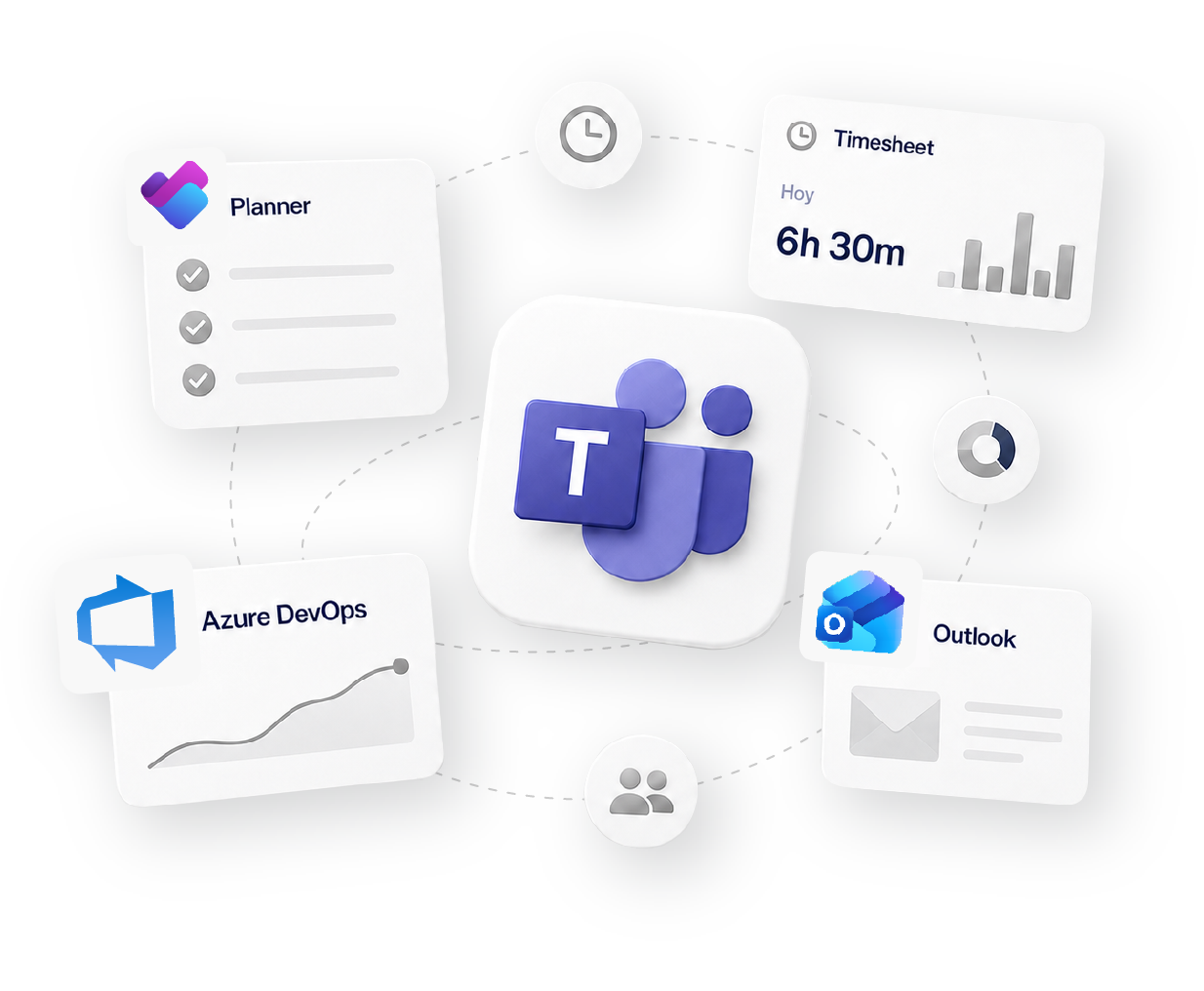
Add time tracking to your apps.
It’s easy for your employees to keep track of every minute they work, regardless of whether they are switching between tools.
Seamless integration.
Stop wasting time jumping between tabs. With our Chrome time tracking extension, you can start tracking your work directly from tools like Asana, Trello, ClickUp, Google Docs, Notion, and more. The integration is native, intuitive, and doesn't require complex setup or training.
Just one click, and you're ready to go—no disruption to your existing workflows, no steep learning curve. Work where you already work, and let time tracking follow automatically.
Effortless time tracking.
Tracking time shouldn’t interrupt your flow—it should enhance it. Our extension lets you start, pause, and stop timers right from inside your tasks, meetings, emails, or browser windows.
Whether you're working on a client project or attending a daily standup, TrackingTime records every minute with precision. The setup is instant, and there’s no need for switching tabs, configuring settings, or remembering to log hours later. It just works—so you can focus on doing the work, not documenting it.

Consistent and accurate.
Never lose track of time again. With unified tracking across all your apps, teams using different tools can still record their hours consistently.
Every entry is logged in real time and synced across your organization’s workspace—ensuring time data is always accurate, audit-ready, and complete. Say goodbye to manual edits, late timesheets, and forgotten entries. With TrackingTime, your logs are always up-to-date, reliable, and ready for reporting.
Works with 60+ tools your team already uses
Social proof
Why 15,000+ teams trust TrackingTime.

High rates from our users confirm that we’re built for teams.






-

OPENSTAX
-
MOMA
-
PLAYPASS
-
SSL
-
SMARTSHEET
-

MCI






how it fits your workflow
Track
Time tracking
Organize
Projects & Tasks
Approve
Timesheets & Approvals
Share
Reports & Clients
Bill
Invoicing & Rates


FAQS
Straight answers for Chrome users.
If you do most of your work in Chrome, a browser extension is the easiest way to track time. The best time tracker for Chrome lets you start and stop timers directly inside apps like Trello, Notion, and Asana. TrackingTime’s time tracker for Chrome does just that, embedding time tracking into your browser-based workflow.
Yes. With a time tracker for Chrome, you can log time directly in Gmail, Google Docs, or Google Sheets, turning your browser into a complete time tracker.
get started
Track time, distraction-free.
The timer sits right in your Chrome toolbar, so logging time never breaks your focus or means switching tabs. Free to start, no credit card required.
Start for free