







FREE FOR UNLIMITED USERS

Time Tracking Software
for Teams

Track hours, run projects, and generate timesheets your finance and HR teams can actually use — free for unlimited users, no credit card required.

Start for freeSign up with Google
Trusted by 15,000+ teams

Trusted by 15,000+ teams

Trusted by 15,000+ teams

BUILT FOR TEAMS THAT RUN ON TIME

Turn tracked hours into operational data

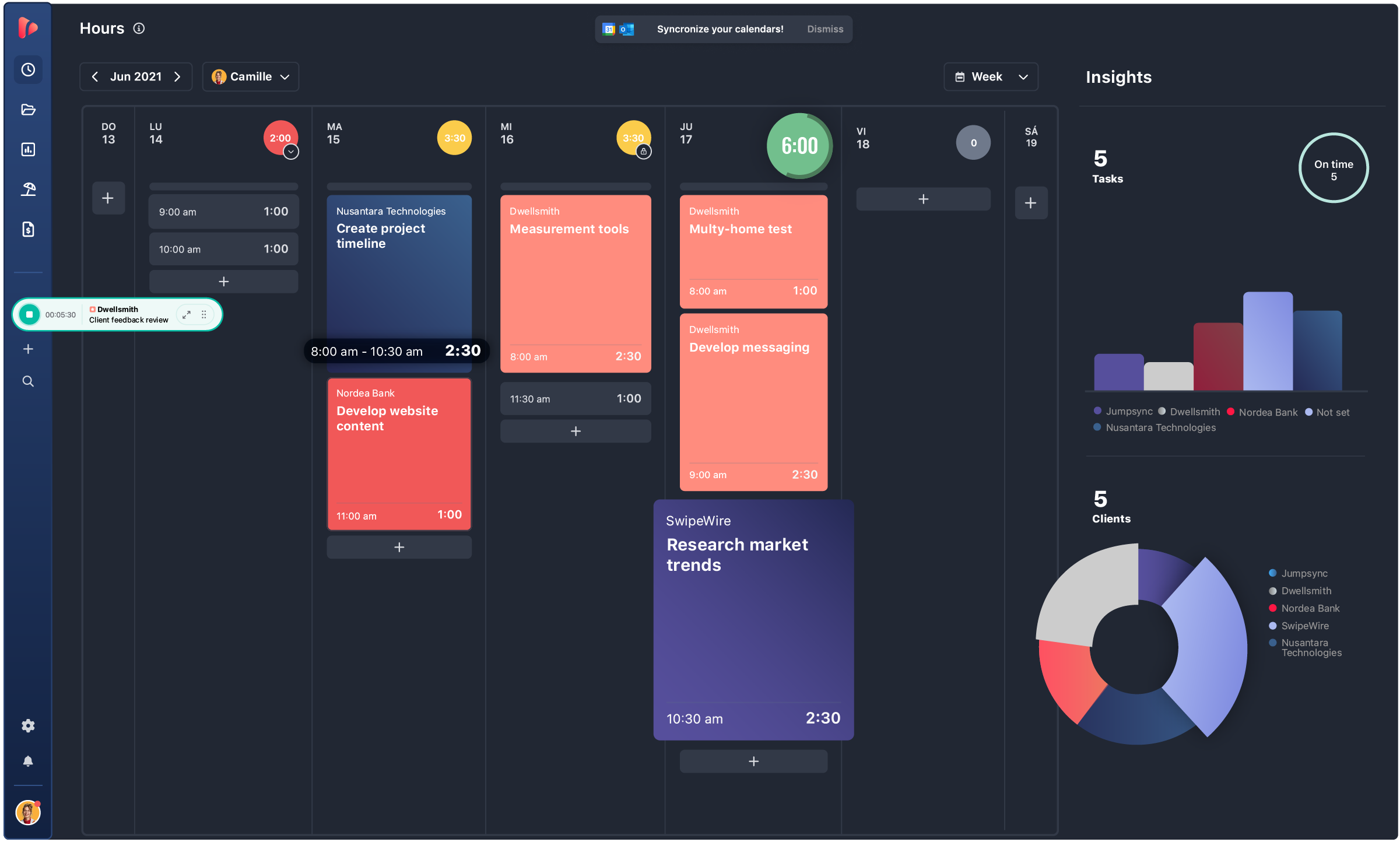
From the first clock-in to the final client report — TrackingTime covers time tracking, project management, timesheets, attendance, and reporting in one place. One source of truth for operations, finance, and HR.

    • track hours
    • Board view
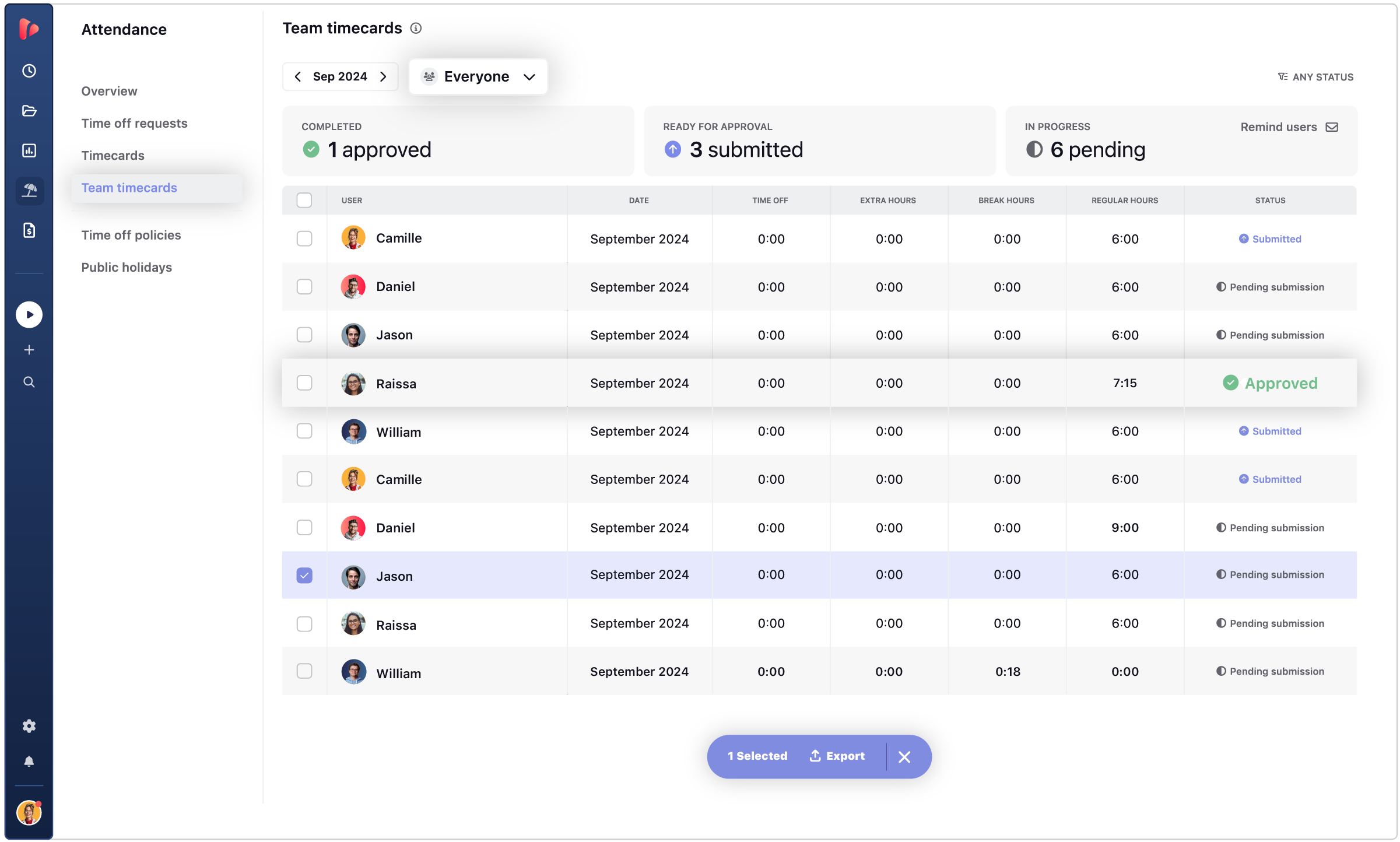
    • Feature Timesheets
    • Feature Timecard
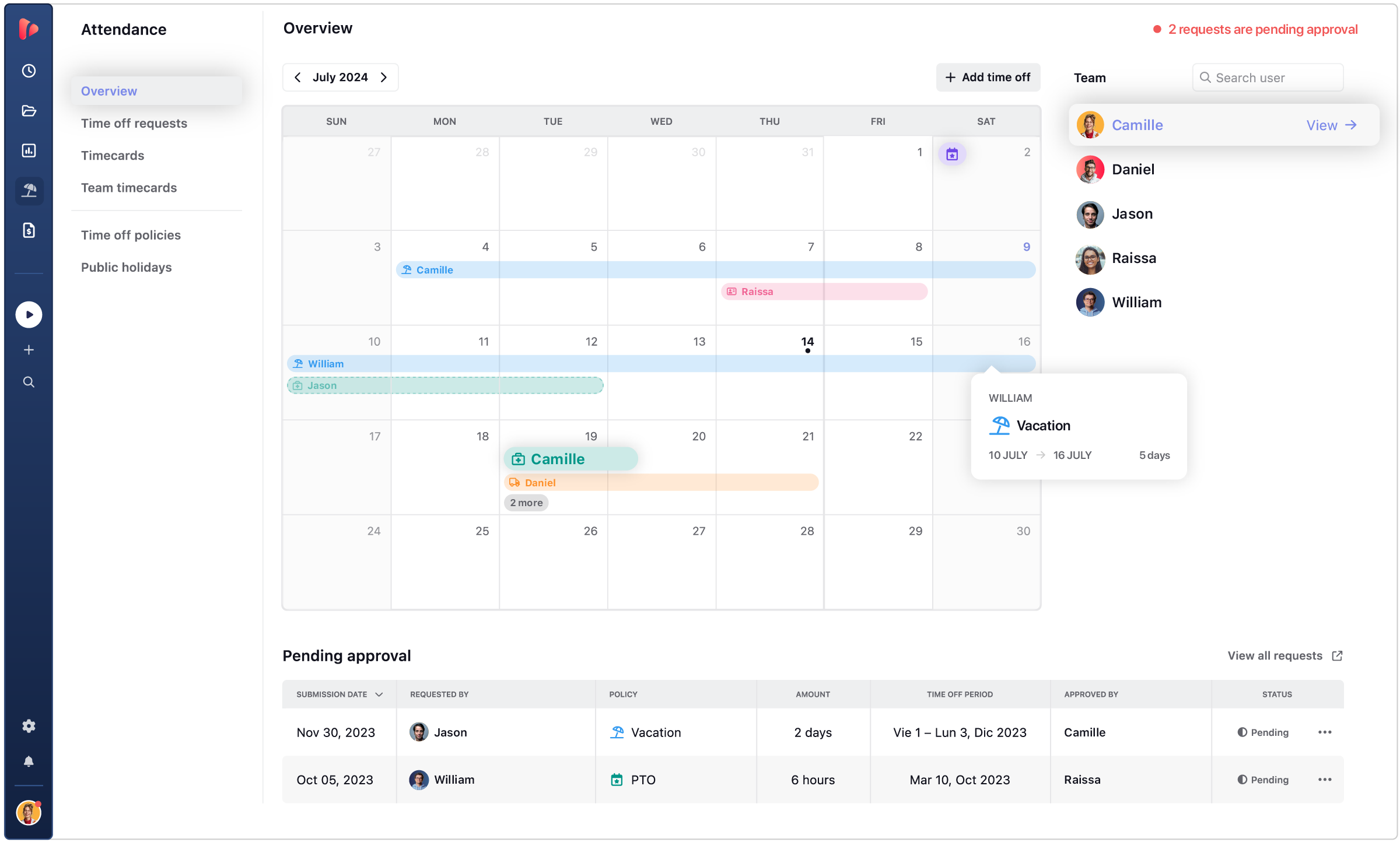
    • attendance tracking
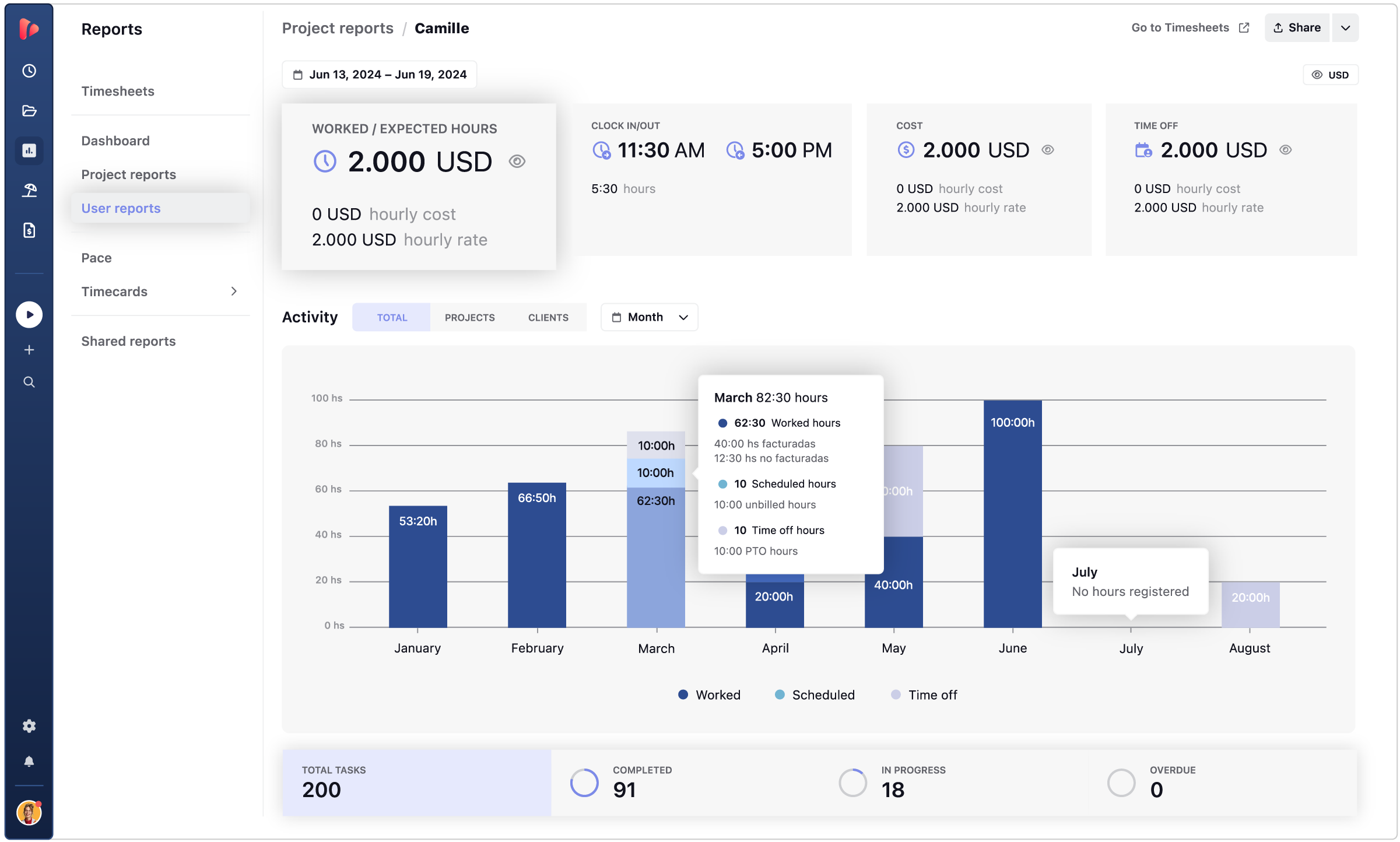
    • Ilustraciones-Website-Web-App_ReDesign_FeatureUserReport-1152x693px.png

    TRUSTED BY TEAMS WORLDWIDE. 60+ INTEGRATIONS. FREE PLAN FOR UNLIMITED USERS.

    SEAMLESS TEAM ADOPTION

    Time tracking built for how your team actually works

    Accurate data starts with a tracker people actually use. TrackingTime adapts to every work style and hides the complexity, so the data arrives clean, complete, and ready to act on.

    Flexible time tracker

    Avoid team friction

    Office, field, or remote. Full-time or by the hour. Per task or per project. Every team member tracks in the way that fits their work — without forcing a single method across the team.

    Accurate time reports

    Get accurate reports

    Every time entry feeds into structured reports your team can trust. No copy-paste between tools, no manual consolidation — the report is ready the moment the period closes.

    Performance insights

    Gain full control

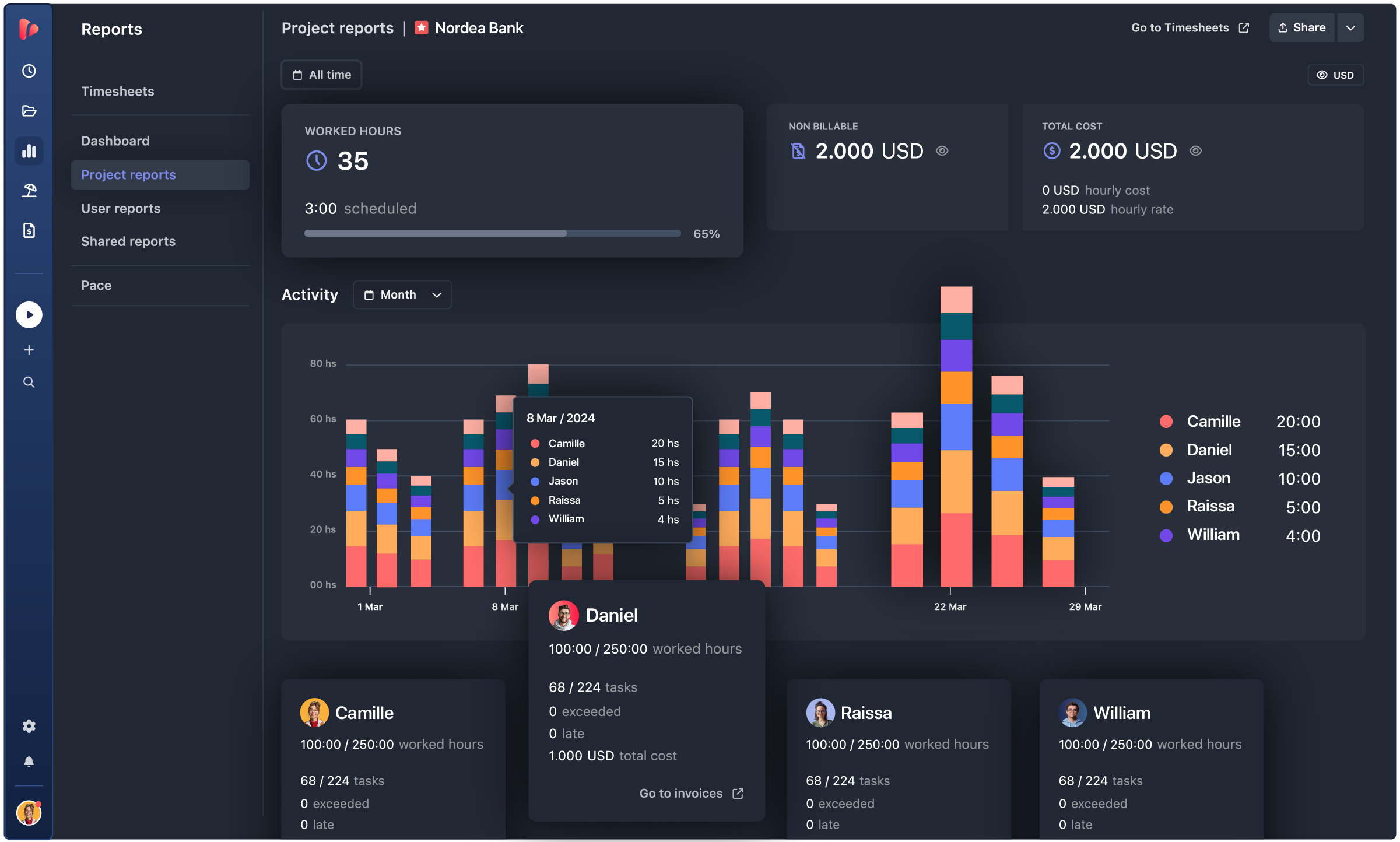
    See where hours actually go: which projects are on budget, which team members are overloaded, and where to reallocate before a deadline slips — not after.

    AUTOMATED TIMESHEETS

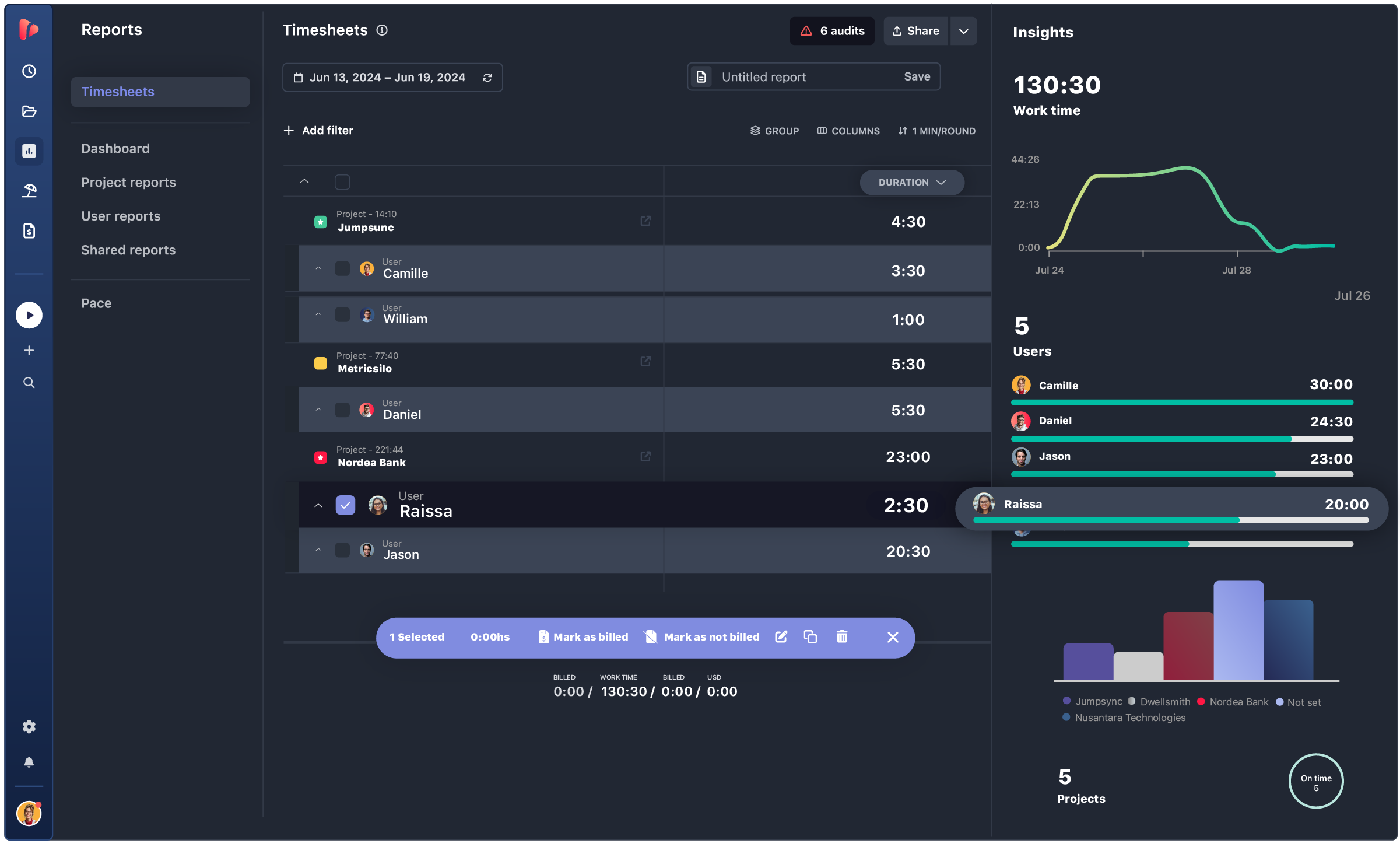
    Streamline your timesheet workflow

    TrackingTime builds them automatically from the hours your team already tracks — ready to review, export, or send to payroll in seconds.

    TIME REPORTS

    Live and scheduled reports for clients and internal teams

    Every stakeholder sees what they need: clients see their hours, finance sees billables, leadership sees the dashboard.
    Set once, automate delivery.

    Create reports

    Filter billable hours by project, task, user, or client.
    Group and format the data to match how you bill, then export to PDF, Excel, or send directly into an invoice.

    • Accurate reporting of billable hours
    • Group data by project, client, or user
    • Export in PDF, Excel, or CSV

    Share reports

    Share a live link with clients or partners — they see real-time data without needing to create an account.
    Customize with your colors, patterns, and charts.

    • Public or private link, no login required
    • Always shows the latest data
    • For internal and external use

    Schedule Reports

    Configure once, delivered forever.
    Weekly billables to the accountant, monthly dashboard to leadership, client hours at period close — all sent automatically.

    • Schedule any report at any frequency
    • Automatic delivery to any inbox
    • Simplify month-end close

    INTEGRATIONS

    Track time where your team already works

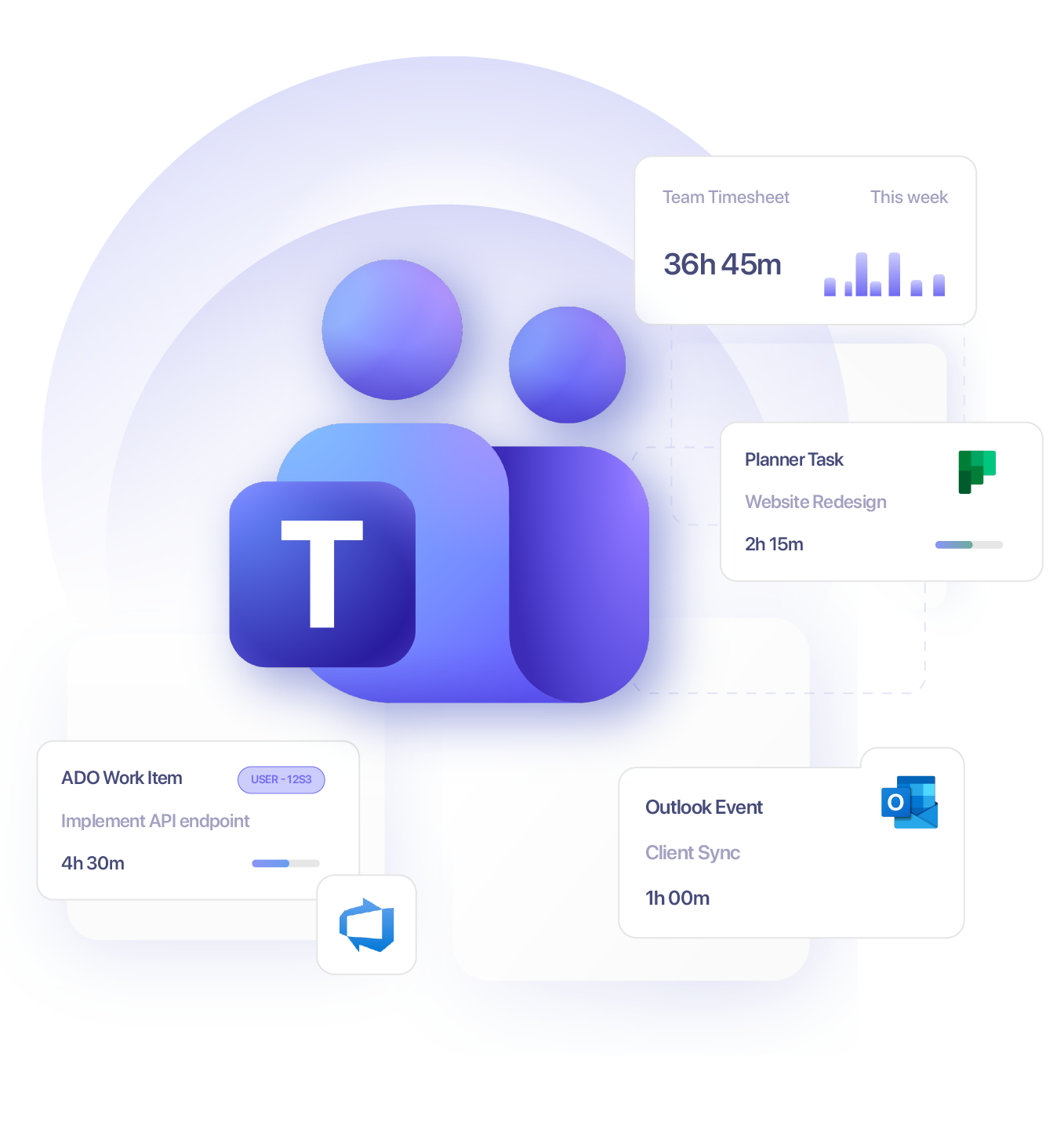
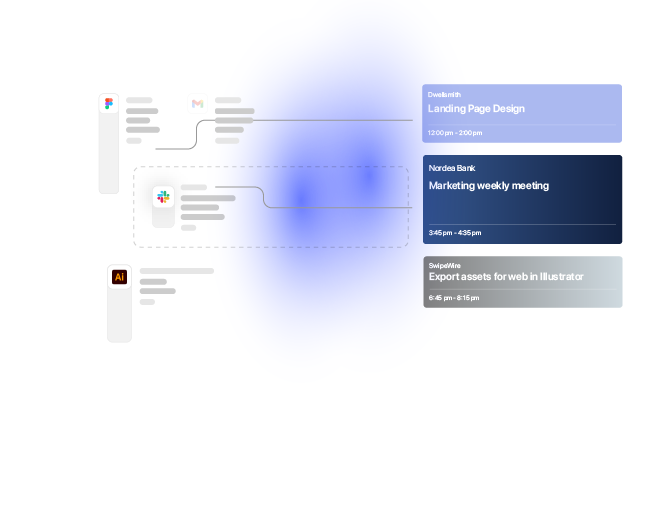
    TrackingTime lives where work happens. Add a timer to Asana, Jira, Notion, Monday, ClickUp, Microsoft Teams, Slack, and 60+ more — your team tracks without switching tabs.

    • This app is a lifesaver! With TrackingTime, I can easily set project timelines and track my team's progress. The ability to create detailed timesheets and business reports for clients is a game-changer.

      on nachonacho.com

    • TrackingTime was incredibly convenient to use; its simple design made it accessible to anyone. The features were outstanding and the reports provided invaluable insights into my own productivity.

      on capterra.com

    • TrackingTime keeps my team and projects on track. Saves us hours of headaches and facilitates working remotely. Top notch.

      on nachonacho.com

    TESTIMONIALS

    Trusted by all kinds of teams

    4.7/5 on G2 · 117 verified reviews · Recognized every season as High Performer and Momentum Leader in Project Management, Time Tracking, and Time & Attendance.

    leave your feedback

    TIME TRACKING APP

    Track time, not people

    No screenshots. No keystroke logging. No invasive monitoring. Just the operational data your team needs to run projects, bill clients, and close payroll.

    Free for unlimited users

    Get started

    Start tracking today. Invite your entire team — no seat limits, no credit card, no time limit on the free plan.

    Sign in with Google

    FAQ

    Frequently Asked Questions

    Get answers to all your questions about our service and plans.

    What is time tracking software?

    Time tracking software is a tool that records how much time employees spend on tasks, projects, and clients. It helps teams improve productivity, manage workloads, control costs, and gain visibility into how work time is actually used — across individuals, projects, or the entire organization.

    How does time tracking software work?

    Time tracking software lets users log hours using timers, manual entries, or automatic tracking based on app and browser activity. Time is assigned to tasks, projects, or clients and organized into timesheets and reports. More advanced tools like TrackingTime also support approval workflows, billable rate management, and integrations with the apps teams already use — turning raw hours into actionable operational data.

    How do you get started with time tracking software?

    Getting started is typically straightforward: create an account, set up your projects or clients, and invite your team. Most tools let you begin tracking immediately with a timer or manual log. With TrackingTime, you can also connect it to tools your team already uses — like Asana, Jira, or Microsoft Teams — so adoption happens within existing workflows rather than requiring a separate habit.

    Can time tracking software generate timesheets automatically?

    Yes. Most time tracking tools generate timesheets automatically from tracked hours. These can be reviewed, approved, and used for payroll, client billing, or compliance reporting. Tools like TrackingTime go further by offering a timesheet datatable — a structured, filterable view of the same data that works for HR, finance, and operations without manual exports or reformatting.

    Does time tracking software include reporting features?

    Yes. Time tracking software typically includes reports that show how time is distributed across tasks, projects, team members, and clients. These insights support productivity analysis, budget control, and decision-making. TrackingTime includes shared reports that can be sent directly to clients or stakeholders without giving them full access to the workspace — useful for agencies and professional services teams that report externally on a regular basis.

    Does time tracking software integrate with other tools?

    Yes. Most time tracking platforms integrate with project management, calendar, and productivity apps so teams can log time without switching between tools. TrackingTime integrates with 60+ tools — including Asana, Jira, ClickUp, and Microsoft Teams, Planner, and Azure DevOps — and offers browser extensions for Chrome, Edge, and Firefox that embed the timer directly into the tools teams already use daily.

    What is the best time tracking software for teams?

    The best time tracking software for teams combines easy adoption, accurate data, and reporting that different stakeholders can actually use. For teams that need more than a timer — such as approval workflows, billable rate tracking, client reporting, or payroll-ready timesheets — TrackingTime is built specifically for that level of operational depth. It’s particularly well suited for agencies, consultancies, and professional services teams of 5 to 200+ people.

    Who should use time tracking software?

    Time tracking software is useful for any team or professional that needs to account for how work time is spent — whether for billing clients, managing project budgets, processing payroll, or improving team productivity. It’s especially valuable for agencies, consultancies, law firms, engineering studios, software teams, and growing companies where hours directly impact revenue, compliance, or staffing decisions.

    Is time tracking software better than spreadsheets?

    Yes, for teams with ongoing tracking needs. Spreadsheets require manual updates, are error-prone, and don’t scale when multiple people need to log, review, or approve time simultaneously. Time tracking software automates data collection, enforces consistency, and generates real-time reports — eliminating the reconciliation work that typically falls on managers or HR before payroll or client invoicing.

    Is time tracking data secure?

    Reputable time tracking tools protect data with encryption in transit and at rest, role-based access controls, and audit logging. TrackingTime is built with a privacy-by-design approach — it does not use screenshots, keystroke logging, or invasive monitoring of any kind. Access to projects and reports is controlled by user roles, and sensitive data is never exposed to team members or external users beyond their defined permissions.