finances / client billing

Turn tracked hours into client invoices

Learn how to set rates, report fixed-fee, hourly and retainer work, and close each month with numbers you can trust.

01
about your business

Define How Your Company’s Billing Process Works to Use TrackingTime Correctly

TrackingTime’s projects can adapt to organize your data according to the way you bill your work.

    We bill per project

    We work on a project basis, use estimates for budgeting, report progress, and invoice at the end of each project.

    Takeaways

    • Generate accurate estimates
    • Define milestones
    • Report and invoice the total for the project
    SEE HOW IT WORKS

    We bill per period

    We provide services, report tasks, and invoice various clients a pre-agreed fee for the corresponding period.

    Takeaways

    • Organize tasks by client
    • Assign a rate to each period
    • Report and invoice the hours for each period
    SEE HOW IT WORKS

    We bill work hours

    We hire external professionals to sell services to different clients. We invoice outsourced services, reporting and invoicing the hours of each professional.

    Takeaways

    • Work with one project per client
    • Distribute tasks among your teamt
    • Report and invoice hours by user
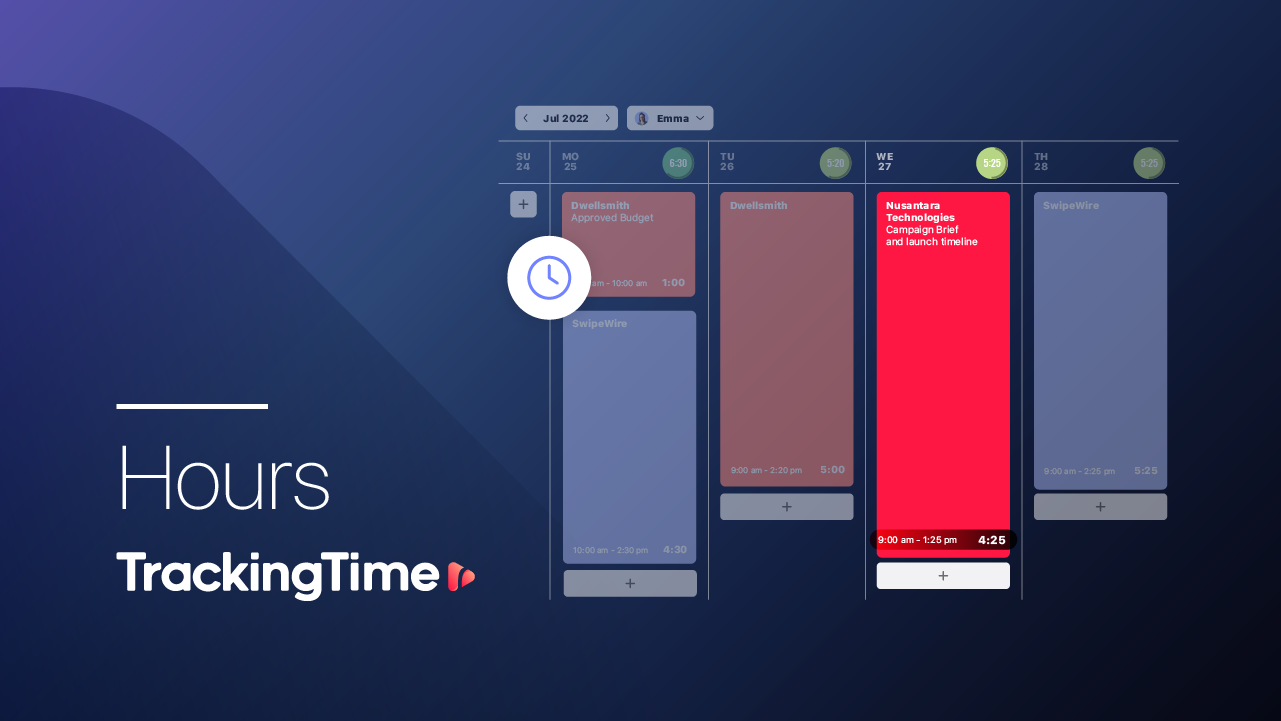
    SEE HOW IT WORKS
    02
    time tracking

    Set Tracking and Reporting Expectations

    Provide your team with clarity to implement time tracking and reporting in a simple manner for successful adoption.

    • The information as you need it

      Define and communicate to your team what information you expect to receive in order to align the hours they record with what you need to report to your clients.

    • Most suitable tracking method

      Recommend to your team to track using the desktop or mobile apps according to their convenience, and encourage the use of the extension to integrate with other apps.

    • Help them develop the habit

      Use work schedules, the progress donut and automatic reminders to catch gaps in the first weeks.

    • Month-end close

      Define and communicate when you’ll conduct the month-end audit and closure, so your team is aware of the period within which they should submit hours to be invoiced

      .

    Solo

    Stay organized so you can track, audit, report, and bill all your work hours.

    Medium Team (+10)

    Define a responsible that makes sure users track their hours as expected.

    Big Team (+50)

    A responsible for each team, project, or client contributes to accurate time reports.

    03
    time reports

    Report Hours to Your Clients and Mark them as Billed

    Report your working hours according to your needs and the requirements of each client.

    • Filter the information

      Filter billable hours for the desired period by project, task, user, or client,and group them according to your needs.

    • Export and share your report

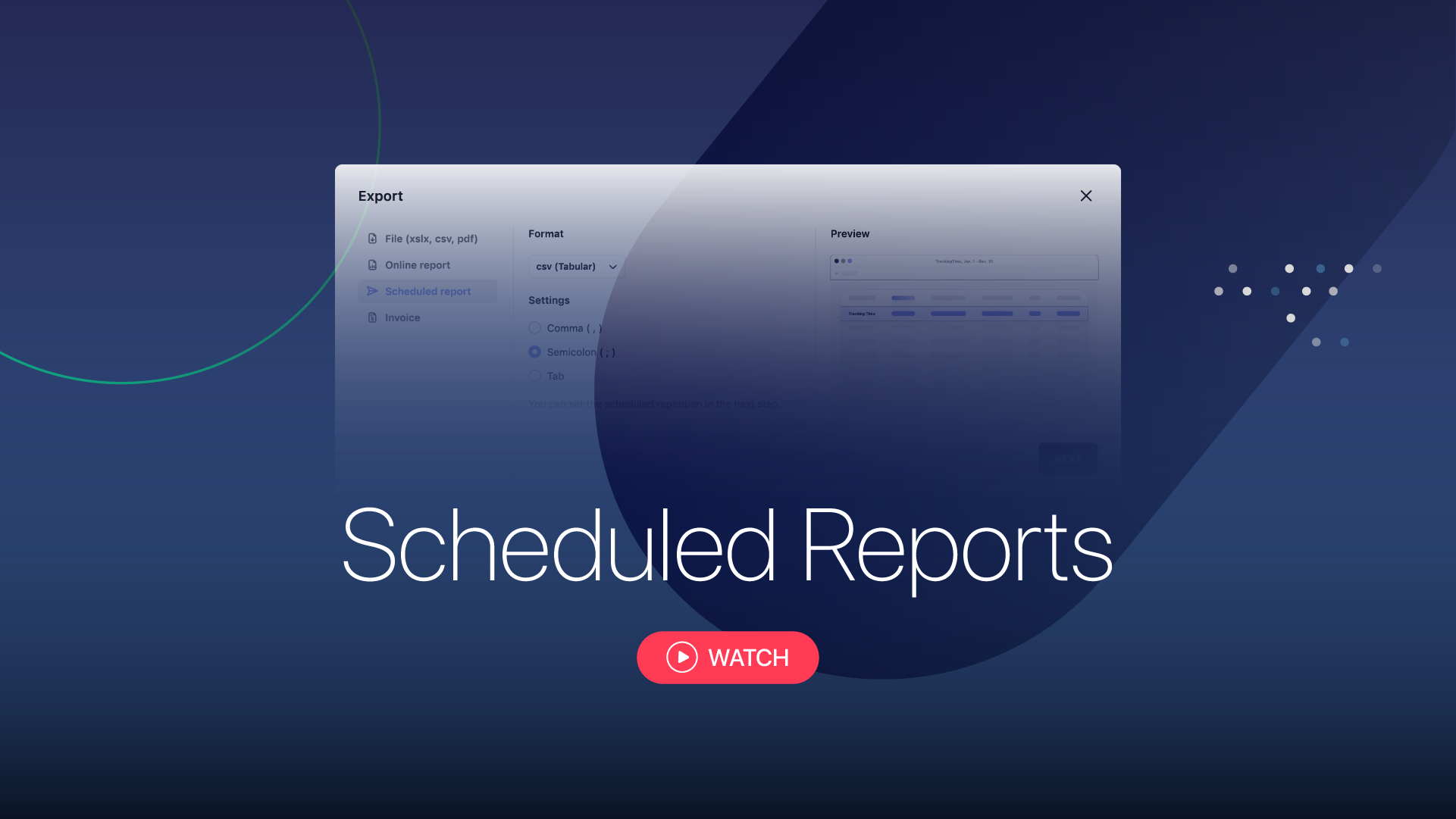
      Export your report in the desired format, or generate a customized report to share online.

    • Mark billed hours

      Once reported, the hours will be marked as billed so that you can keep a better control.

    04
    solutions

    Recommendations to Achieve the Results You Expect

    Find practical solutions to implement TrackingTime according to the specific needs of your business.

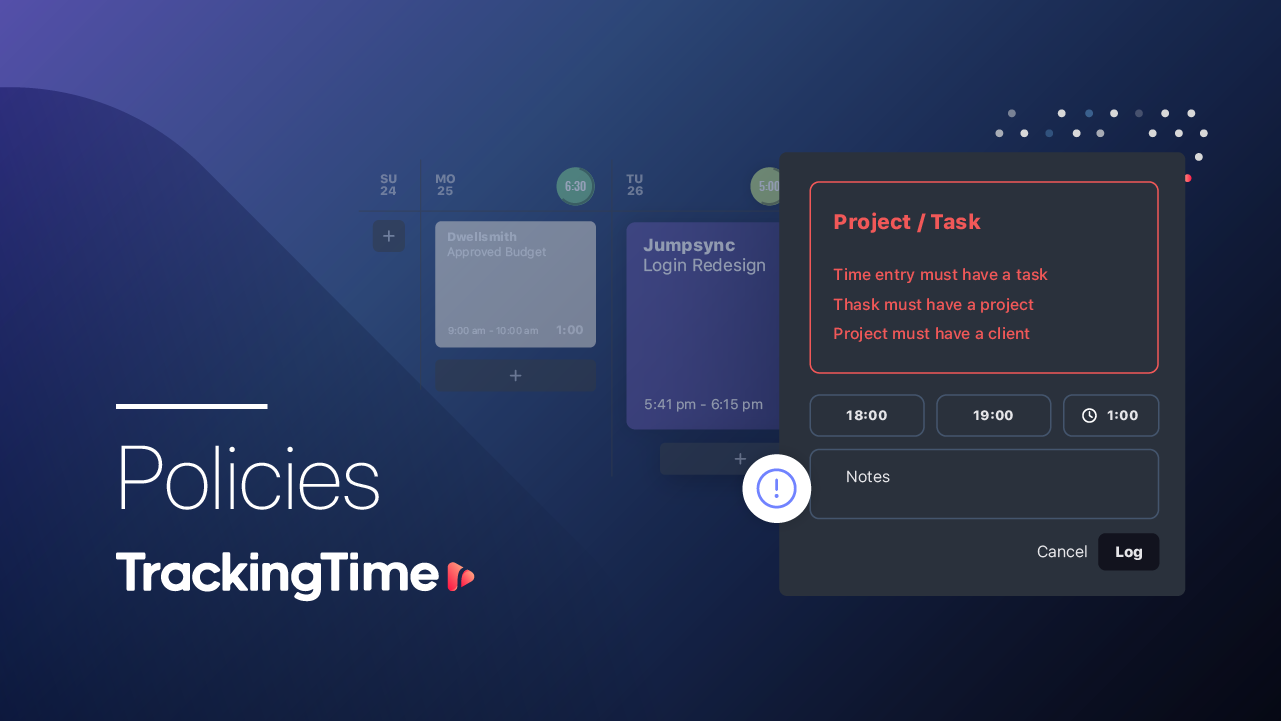
    TrackingPolicies
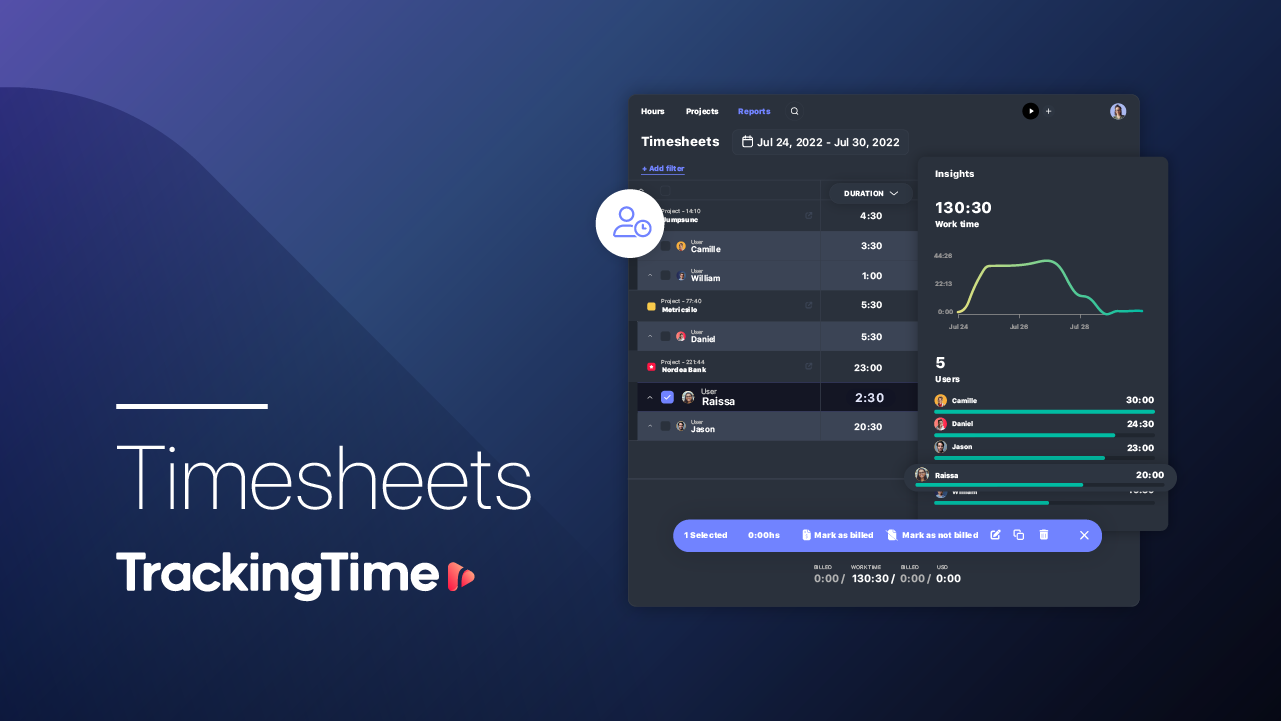
    timesheet app
    Reminders
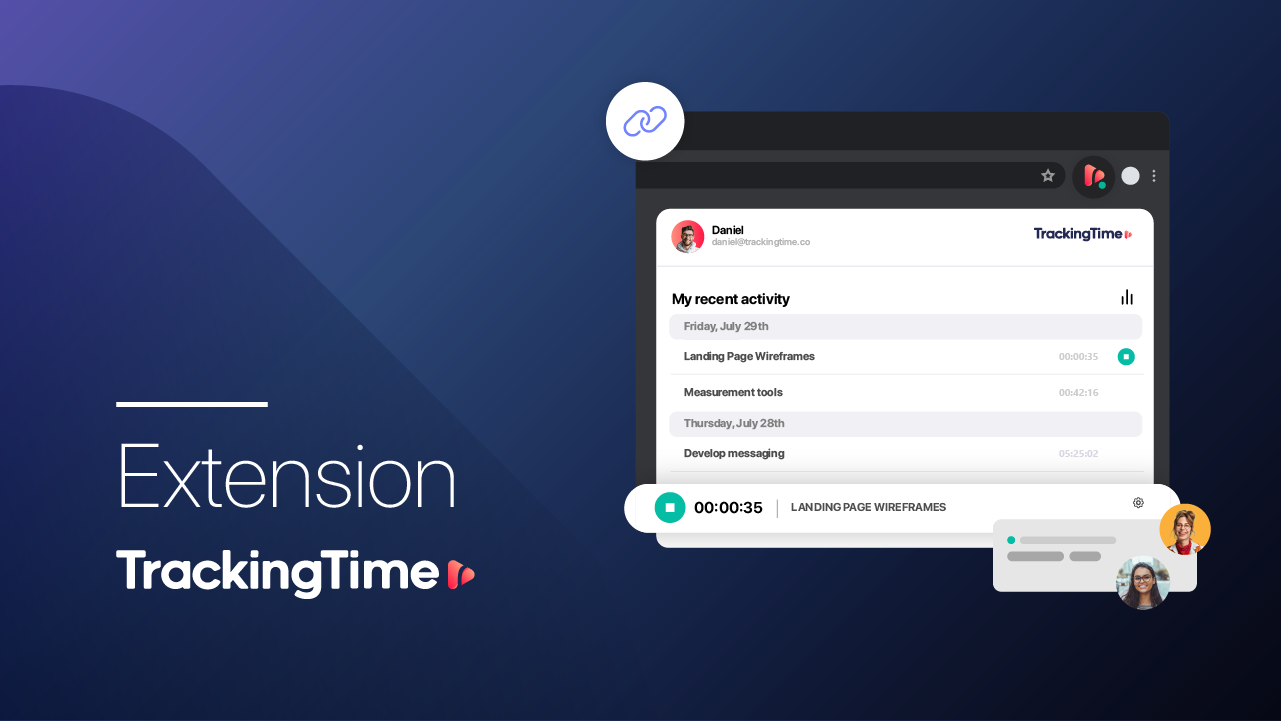
    Youtube_Extension
    Youtube_Hours
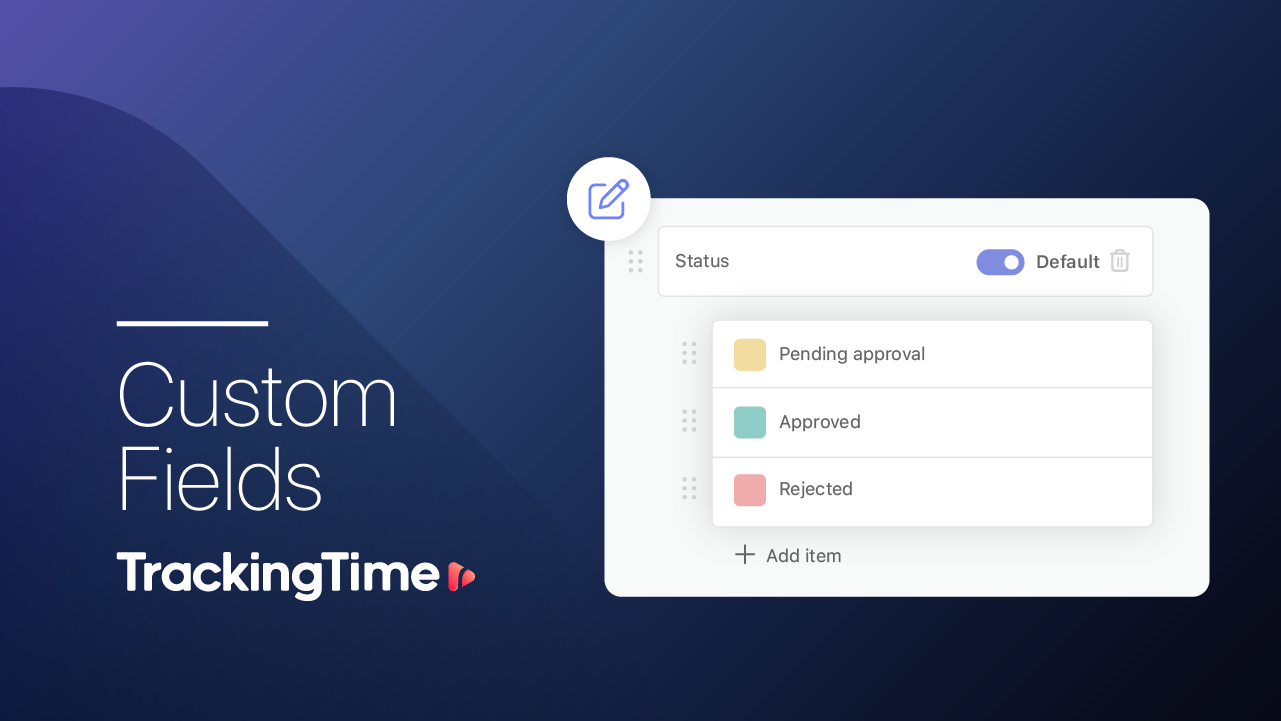
    Youtube_CustomFields
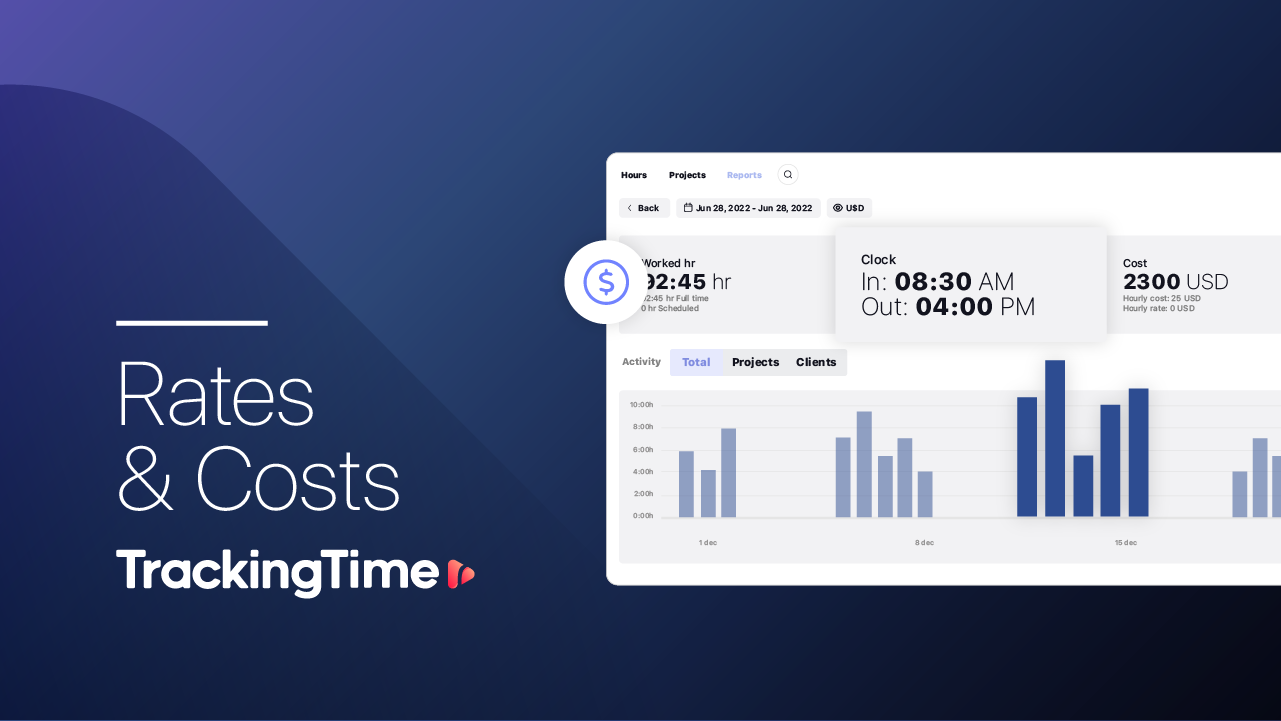
    Rates&Costs
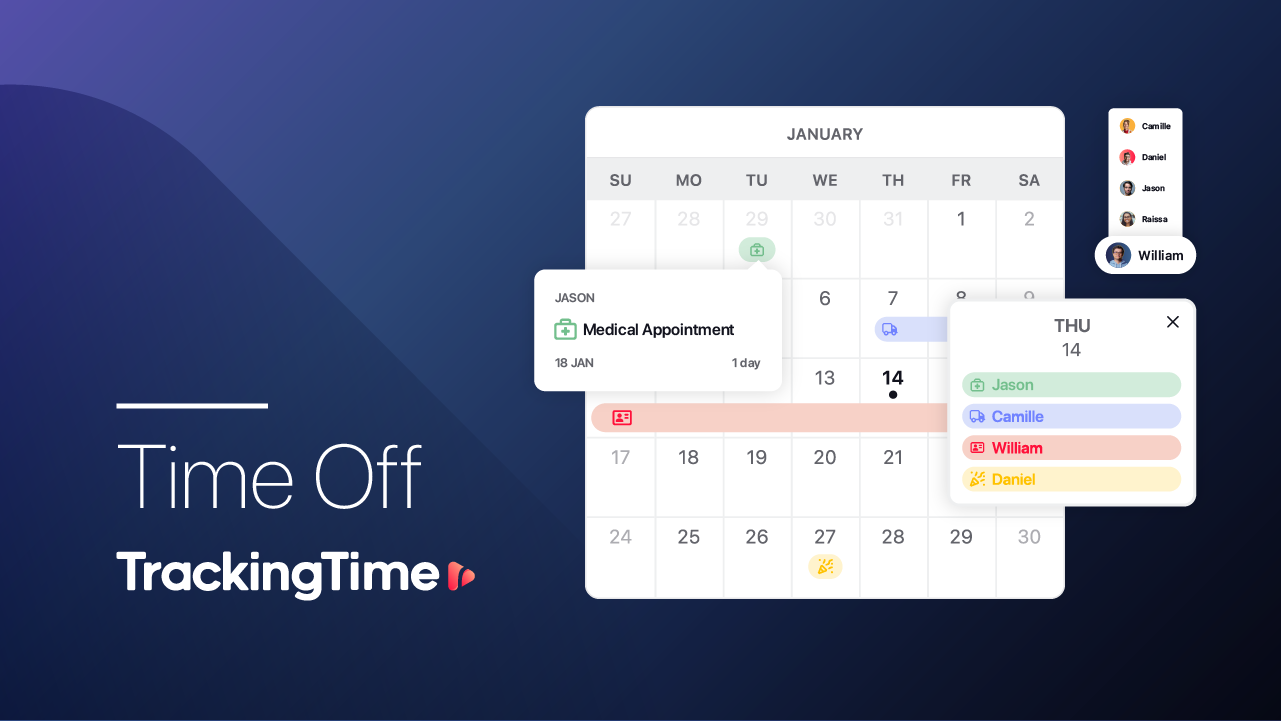
    TimeOff
    /
    05
    time tracking guides

    Share the Guides for a Successful Implementation

    Guide for Employees

    employees

    Guide for Employees

    • Sync your calendar
    • Install the extension
    • Turn on AutoTrack
    • Set notifications
    Guide
    Guide for Employers

    employers

    Guide for Employers

    • Keep it simple
    • Set expectations
    • Work with estimates
    • Review progress
    Guide
    06
    setup checklist

    Report and Bill Your Team’s Work

    Organize hour tracking

    • Set work schedules
    • Turn on and recommend reminders
    • Set expectations with estimates

    Keep time records clean

    • Define tracking policies
    • Identify missing hours with Pace
    • Audit the quality of time logs

    Report and bill

    • Set rates and costs
    • Audit billable hours
    • Report, export, and bill

    Setup

    Ensure a Complete Setup

    Sync Your Calendar Install the Extension Activate AutoTrack