How TrackingTime
fits into your workflow.
No workflow changes required. Set up clients, projects, tasks, estimates, and retainers once, then let the team track time from the tools they already use.
Time Tracking for Agencies
TrackingTime helps marketing, creative, and digital agencies connect billable hours to project profitability, retainer control, and client transparency without changing how the team works.

THE PROBLEM
A $15,000 project can look profitable on paper, until the team spends 180 hours on a 120-hour scope and nobody notices until delivery.

Most agencies don’t lack time data. They lack timely visibility. Hours live across spreadsheets, PM tools, and disconnected reports. By the time someone reconciles the numbers, the project is already over budget.

Project status, tracked hours, and retainer usage are separated across systems. Without an operational view, agencies struggle to identify scope creep, utilization issues, or profitability risks early enough to act.

Profitable agencies don’t just track more hours.
They connect time tracking to projects, clients, and retainers in real time, making overruns visible before margins disappear.
WHAT AGENCIES NEED TO TRACK
Not all time data is equally valuable. Agencies that protect margins track operational context, not just hours worked.

Meetings, admin work, business development, and revisions all consume capacity. Separating billable from non-billable work reveals true utilization and shows profitability leaks.

Total hours alone don’t explain margin. Agencies need visibility into which clients, projects, and deliverables generate profit, and which quietly consume resources.

Retainers become risky when usage is only reviewed at month-end. Real-time tracking helps agencies see whether delivery is pacing correctly before hours exceed scope.

The most valuable operational insight comes from comparing quoted hours against actual execution. Over time, this improves pricing accuracy, scoping, and forecasting.

Healthy agency utilization typically sits between 65–80% billable capacity. Tracking utilization by role, person, and week helps prevent both underused capacity and team burnout.

When timesheets, project status, and budgets live in separate tools, decision-making slows down. A unified operational view makes agency performance measurable in real time.
RETAINER TRACKING

Define each client's monthly or weekly retainer in hours or currency. TrackingTime tracks consumption automatically as the team logs time.

Get notified before scope runs out. Set alert levels per project so PMs have time to act — not just report overages after the fact.

Share a live view of retainer usage with clients. No exports, no spreadsheets — they see what's been used and what's left.

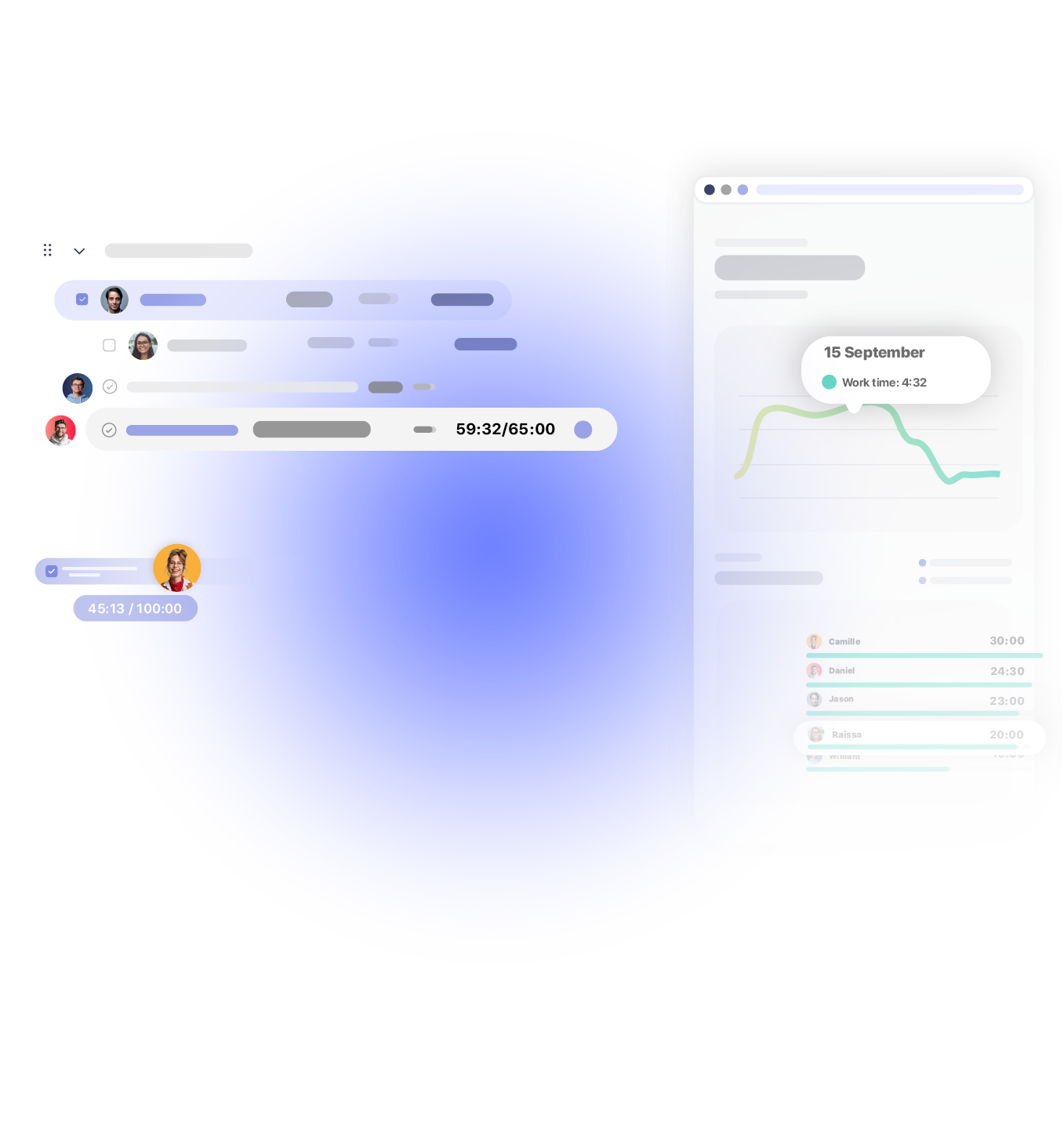
No workflow changes required. Set up clients, projects, tasks, estimates, and retainers once, then let the team track time from the tools they already use.

Create your client and project structure in TrackingTime, then add tasks, estimates, and team assignments. Every tracked hour follows the same hierarchy: client, project, or task, so time data is automatically attributed to the right place.
Sync tasks from Asana, ClickUp, Jira, Monday, and other project management tools your team already uses. The team can track time directly from existing tasks, without switching systems or changing how work gets managed.

Give each role the tracking method that fits their workflow: calendar entries, browser extension, mobile app, web timesheets, or AutoTrack suggestions. This reduces missing hours and makes time tracking easier to adopt consistently across the agency.

Use Pace Reports, retainer tracking, and shared client reports to monitor consumption before projects go over scope. Managers can adjust workloads, start scope conversations early, and keep clients aligned without manual exports or Friday reporting rituals.
Built for agencies that need operational visibility across projects, retainers, billable hours, and client reporting.
BEFORE AND AFTER
See how agencies move from end-of-week chaos and spreadsheet reconciliation to structured time tracking, live retainer visibility, and proactive client management.
who is it for
The fastest-growing agencies and consultancies know their unit economics cold. Time tracking is how they validate that growth is actually profitable — not just busy.
Social proof

High rates from our users confirm that we’re built for teams.







OPENSTAX

MOMA

PLAYPASS

SSL

SMARTSHEET

MCI
FAQS
Adoption, integrations, reports, billing, and retainer.
The biggest adoption failure in agencies is asking the team to do something disconnected from their workflow. TrackingTime embeds directly into tools like Asana, ClickUp, and Jira, so the timer lives where work already happens. AutoTrack suggests entries automatically, and reminders help teams stay consistent without manual follow-up. Adoption comes from convenience, not enforcement.The Business Dive’s independent review of TrackingTime singles out AutoTrack as its standout feature.
No. TrackingTime does not record screenshots, keystrokes, GPS location, or continuous screen activity. Employees track their own time voluntarily, while managers gain visibility into project hours and workload distribution not surveillance of how people work. This distinction is important for maintaining a healthy agency culture.
No. TrackingTime connects with your existing project management tools, including ClickUp, Asana, Monday, Jira, and others. Tasks sync automatically, and teams can track time directly from the tools they already use. TrackingTime adds operational visibility, billing, retainers, financial reporting, and client reporting on top of your current workflow.
Yes. Shared Reports let clients access a live view of their tracked hours by project and task through a secure report link, no account required. You control exactly what clients can see, without exposing internal workspaces, billing data, or unrelated projects.
TrackingTime supports fixed-fee, retainer, and hourly billing models simultaneously across different clients and projects. Fixed-fee projects compare tracked hours against estimated budgets to monitor profitability in real time, while hourly projects accumulate billable time for invoicing. Retainers track hour consumption within the defined billing period, including configurable alerts and real-time visibility into usage. Carryover rules for unused retainer hours remain flexible and depend on the agreement between the agency and the client, giving teams accurate operational data for renewals, overages, and scope conversations.
Yes. TrackingTime lets agencies manage multiple retainers across different clients, projects, and billing periods simultaneously. Each retainer can have its own budget, consumption limits, alerts, and reporting visibility, making it easier to monitor profitability across the entire client portfolio.
Yes. TrackingTime supports real-time retainer monitoring with configurable alerts at different consumption thresholds, helping agencies identify scope risks early and take action before retainers exceed their planned limits.
Time tracking for agencies
No manual reports. No retainer surprises.
No clients asking where their hours went.