01 / Set the schedule
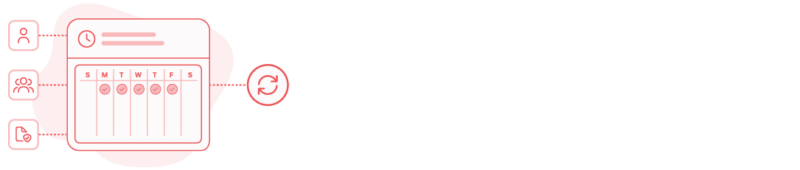
Define the hours your team is expected to work, by person, team, or policy.
- Standard weekly hours, or custom per person
- Applies automatically to every day going forward
- No manual comparison needed later
TIME AND ATTENDANCE TRACKING BUILT FROM TRACKED HOURS
TrackingTime gives agencies and professional services teams a reliable record of who worked, how much, and how it compares to what was expected.

manage team attendance
The same time entries, timers, and clock-ins become the record of who worked, and the visibility to know who’s available right now.
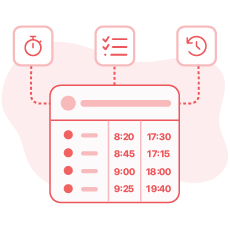
Every time entry, timer, and clock-in feeds the attendance record automatically. Nothing gets logged twice, and nobody fills out a separate form to account for the day.
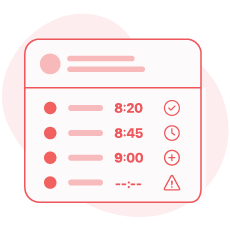
Late arrivals, early departures, unplanned overtime, and days with no activity when work was expected all surface on their own, without anyone reviewing each entry by hand.
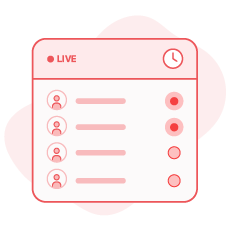
See who's working and who isn't at any given moment, without messaging anyone or waiting for someone to compile a report.
set & export
Define the schedule, and everything from there gets measured against it automatically, ready to export whenever compliance or payroll needs it.
Define the hours your team is expected to work, by person, team, or policy.

When the record needs to leave the system, export it as PDF, Excel, or CSV.
HR · managers · compliance teams
Attendance means something different depending on who’s looking: HR needs the record, managers need the visibility, compliance needs the proof.

A formal, traceable attendance record, without reconciling hours by hand at the end of the period.

See who's available and who's off schedule, without having to ask or wait for someone to send an update.

Exportable, traceable records ready for any audit or labor requirement, with a full history of who logged what, and when.

projects · time off · payroll · reporting
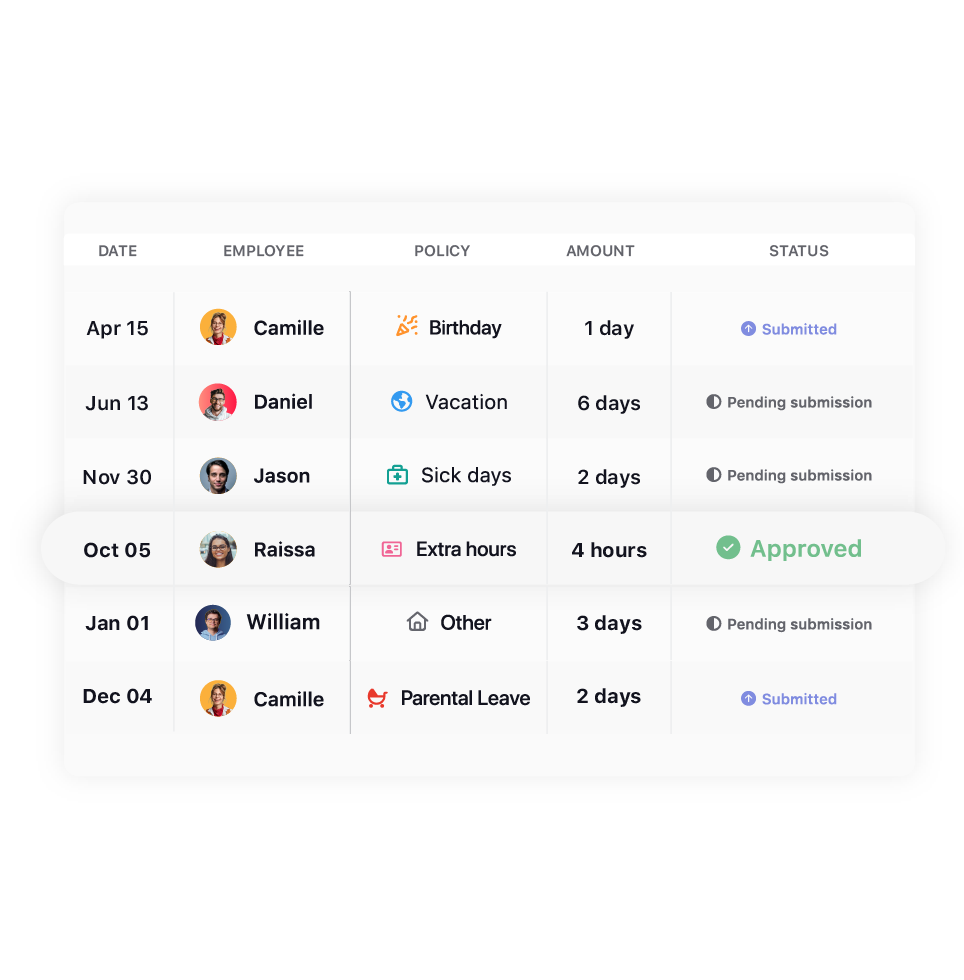
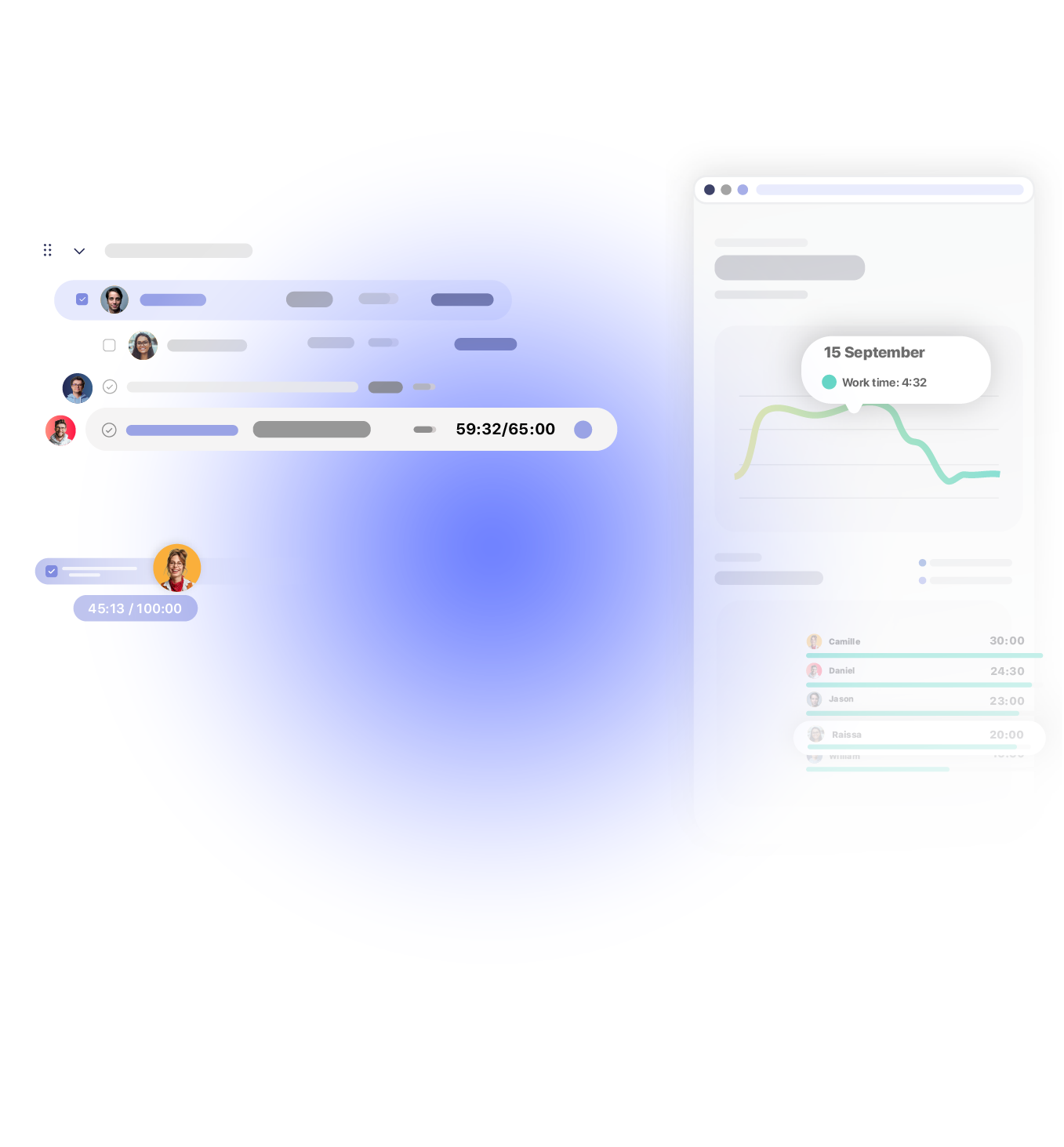
Attendance isn’t a separate step. The same data connects to projects, time off, and payroll, so nothing needs reconciling by hand.

See who’s on schedule and who isn’t before assigning work, not after a project is already behind.

Absences, approvals, and balances live alongside attendance, so availability never has a gap nobody noticed.

The same data becomes the formal document HR needs each period, without anyone building it separately.

Attendance rolls into the same reports and timesheets the rest of the team already uses.
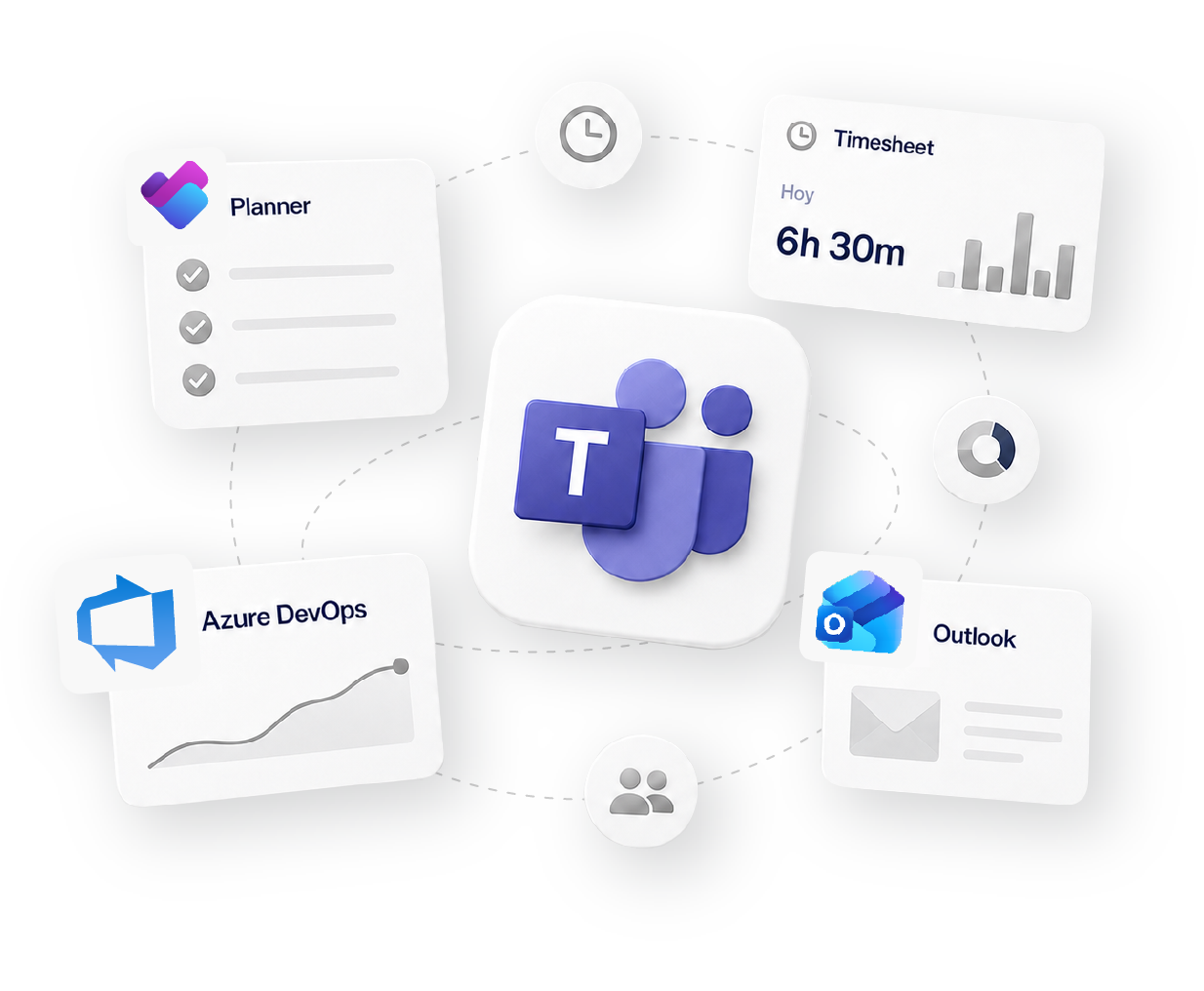
Works with 60+ tools your team already uses
how it fits your workflow
Track
Time tracking
Organize
Projects & Tasks
Approve
Timesheets & Approvals
Share
Reports & Clients
Bill
Invoicing & Rates
Social proof

High rates from our users confirm that we’re built for teams.
![G2 High Performer Fall 2026 [Task Management, Time & Attendance, Time Tracking, Project Management, Project, Portfolio & Program Management]](https://trackingtime.co/wp-content/uploads/2026/09/ProjectPortfolioProgramManagement_HighPerformer_HighPerformer-1-3.png?x64639)
![G2 Regional Leader EMEA Fall 2026 [Time Tracking]](https://trackingtime.co/wp-content/uploads/2026/09/TimeTracking_Leader_EMEA_Leader-1-1.png?x64639)
![G2 High Performer EMEA Fall 2026 [Time & Attendance]](https://trackingtime.co/wp-content/uploads/2026/09/TimeAttendance_HighPerformer_EMEA_HighPerformer-1-1.png?x64639)
![G2 High Performer Mid-Market Fall 2026 [Time & Attendance]](https://trackingtime.co/wp-content/uploads/2026/09/TimeAttendance_HighPerformer_Mid-Market_HighPerformer-1-1.png?x64639)
![G2 High Performer Small-Business Fall 2026 [Time & Attendance, Time Tracking]](https://trackingtime.co/wp-content/uploads/2026/09/TimeAttendance_HighPerformer_Small-Business_HighPerformer-1-1.png?x64639)


OPENSTAX

MOMA

PLAYPASS

SSL

SMARTSHEET

MCI
FAQS
Fit and setup, remote teams, privacy, and compliance.
A basic time clock only captures who clocked in and out. TrackingTime connects that same data to projects, tasks, and reporting, so it means more than an entry and an exit.
Define a standard schedule, or a custom one per person. From there, actual hours are compared against it automatically, every day.
Yes. On a remote team, the workday becomes visible through the hours actually logged, not through physical presence.
Days with no activity show up on their own, alongside late arrivals, early departures, and unplanned overtime.
That’s exactly the point. TrackingTime gives visibility without watching anyone, no screenshots, mouse tracking, or GPS.
No. It only reflects the hours logged, the same record the team already keeps for their own tracking.
Yes, in PDF, Excel, or CSV, formal and ready whenever it’s needed.
Yes. Records are traceable and exportable, built to meet documentation requirements from day one.
get started
Free for unlimited users. No credit card required.
Get started