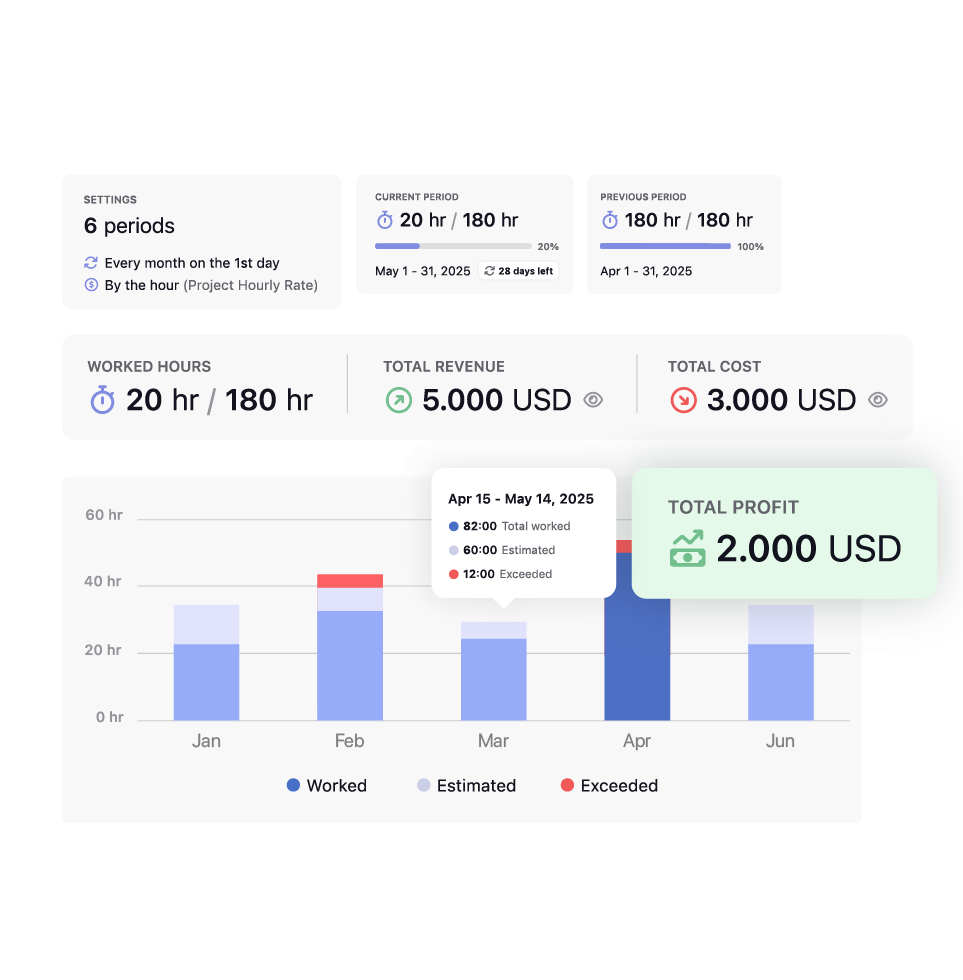
01 / Overrun

Ninety percent of the block is gone and half the period is still ahead.
- The PM has time to talk to the client before hours run out.
- The team adjusts scope on purpose, before the numbers force the decision.
Project profitability software for all contract models
TrackingTime gives agencies visibility over retainer hours, project costs, and expenses while the project is still running.

There’s a familiar moment in agency work: a retainer runs over without anyone noticing until the month is already closed, a fixed fee project looks healthy until someone finally sits down and adds up every hour, or an expense goes unlogged for weeks until it turns up, unexplained, on the client’s invoice.
Each one is the kind of problem that only shows up in hindsight, once the numbers are already locked in.
No workarounds · Real retainers
Set the retainer terms, track consumption as work happens, renew backed by real records.

Configure the hour or budget block for each client on a monthly, quarterly, or custom cycle, whatever the agreement calls for, and adjust it any time the scope changes.

Every logged hour moves the numbers in real time, so the team always knows exactly where a retainer stands, all the way to renewal.

Walk into every renewal with a complete record of what was delivered, how the block was used, and where the conversation with the client should start.
Retainer lifecycle
There’s enough time to act on each one, adjust scope, shift priorities, or walk into renewal with proof, before it’s too late to matter.
Ninety percent of the block is gone and half the period is still ahead.

The block is at 40% with the period almost over.

The period closes and the renewal conversation is about to start.
client transparency
One link, updated automatically, no account or status meeting required.

The client watches the same consumption numbers throughout the period, so the invoice just confirms what they already saw.

The client can point to exactly what the block delivered when it's time to renew, backed by real data.

The client checks progress on their own schedule, right from the shared link, any time a question comes up.


billing methods
Every project follows one of three models. Each one tracks a different number, but the mechanism underneath is the same.
the payoff
What changes once retainers, expenses, and hours share the same numbers.

Consumption is visible before the block runs out, with enough time to adjust scope or talk to the client.

Billable costs get logged as they happen, so nothing gets left off the invoice.

Cost and revenue update as the project runs, not just after it closes.

Real consumption history replaces estimates when it’s time to renew or negotiate.
Works with 60+ tools your team already uses
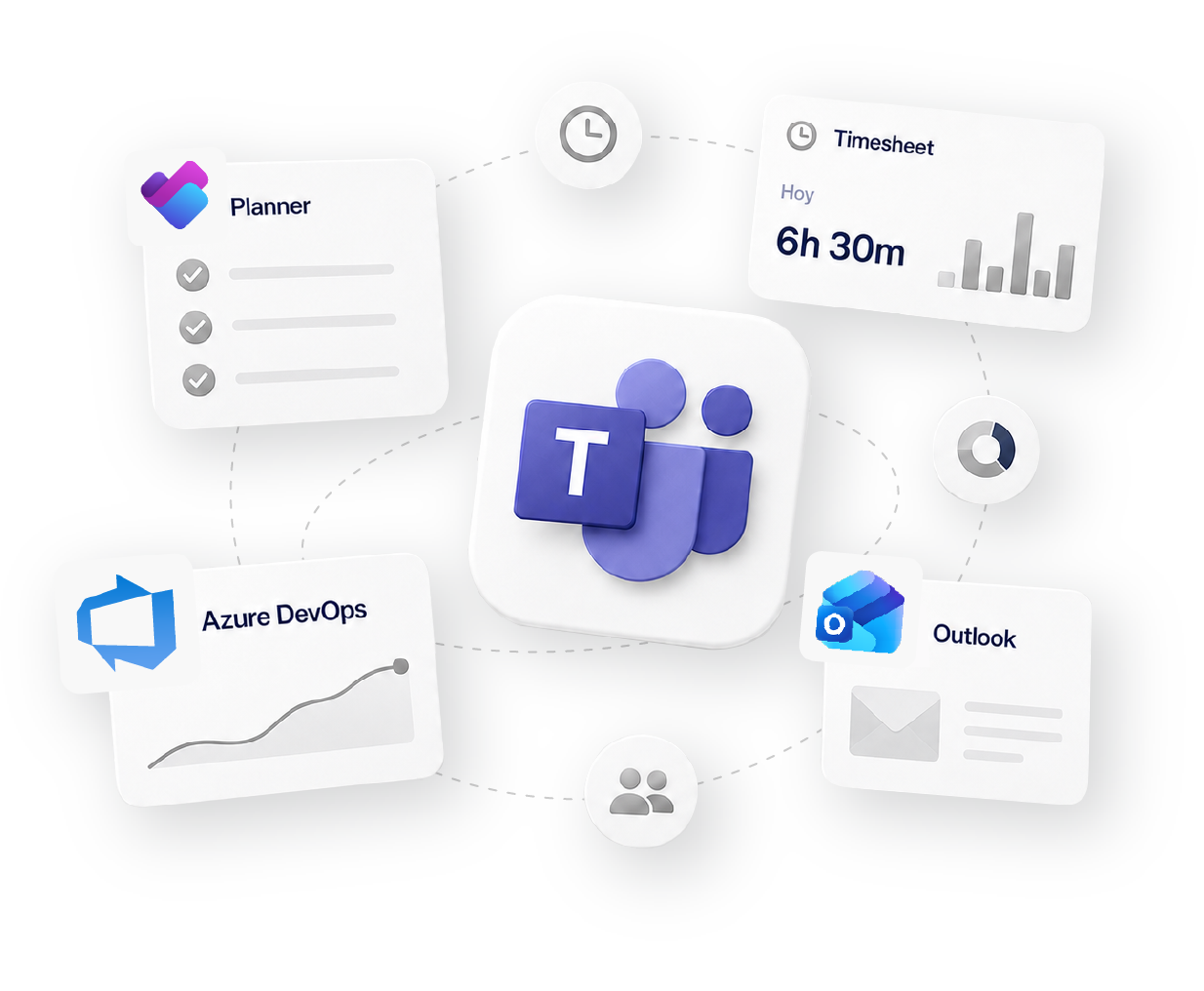
how it fits your workflow
Track
Time tracking
Organize
Projects & Tasks
Approve
Timesheets & Approvals
Share
Reports & Clients
Bill
Invoicing & Rates
Social proof

High rates from our users confirm that we’re built for teams.
![G2 High Performer Fall 2026 [Task Management, Time & Attendance, Time Tracking, Project Management, Project, Portfolio & Program Management]](https://trackingtime.co/wp-content/uploads/2026/09/ProjectPortfolioProgramManagement_HighPerformer_HighPerformer-1-3.png?x55164)
![G2 Regional Leader EMEA Fall 2026 [Time Tracking]](https://trackingtime.co/wp-content/uploads/2026/09/TimeTracking_Leader_EMEA_Leader-1-1.png?x55164)
![G2 High Performer EMEA Fall 2026 [Time & Attendance]](https://trackingtime.co/wp-content/uploads/2026/09/TimeAttendance_HighPerformer_EMEA_HighPerformer-1-1.png?x55164)
![G2 High Performer Mid-Market Fall 2026 [Time & Attendance]](https://trackingtime.co/wp-content/uploads/2026/09/TimeAttendance_HighPerformer_Mid-Market_HighPerformer-1-1.png?x55164)
![G2 High Performer Small-Business Fall 2026 [Time & Attendance, Time Tracking]](https://trackingtime.co/wp-content/uploads/2026/09/TimeAttendance_HighPerformer_Small-Business_HighPerformer-1-1.png?x55164)


OPENSTAX

MOMA

PLAYPASS

SSL

SMARTSHEET

MCI
Plans, retainers, expenses, and how it all becomes an invoice.
TrackingTime compares what a project is billing against what it actually costs as the work happens. For fixed fee and retainer work, that comparison flags an overrun while there’s still time to adjust scope or talk to the client.
It covers the core of it for agencies and consultancies: retainers, costs, margin, and expenses in one workspace, without the overhead of an enterprise financial suite.
Pro, the plan built for financial control. It also includes billing rates, invoicing, and approvals. Current pricing and the 2 user minimum are on the pricing page.
No. Each period closes on its own, and any rollover agreement with a client is handled manually, outside the automatic cycle. That keeps the numbers for each period exact.
Yes. Every expense is tagged billable or non-billable, so internal costs never show up on a client invoice by mistake.
No. TrackingTime turns approved hours and billable expenses into an invoice draft, exported as PDF or CSV, ready to import into whatever system handles the actual billing and payments.
Free for unlimited users. No credit card required.
Start for free