01 / Submit

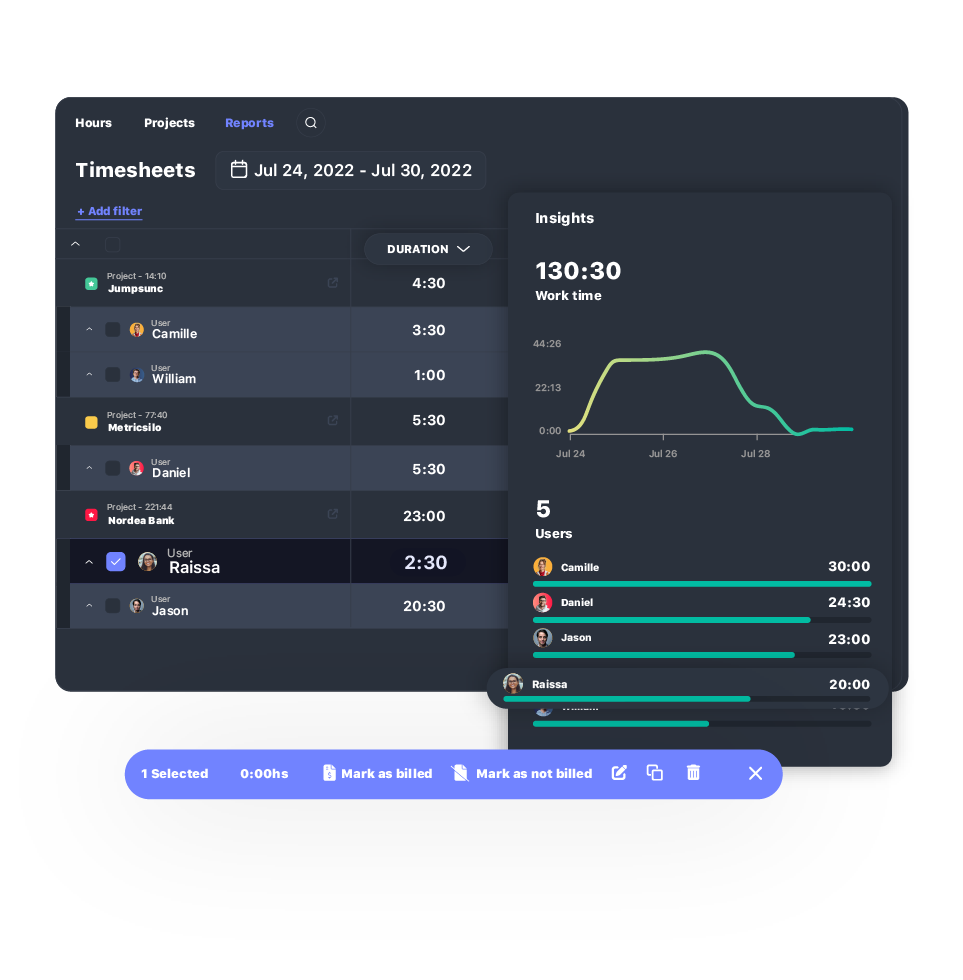
Employees submit their hours at the close of the period.
- Weekly, biweekly, or whatever cycle the team runs on
- Entries move to a pending state automatically
- Nothing reaches payroll or billing before this step
TIMESHEET SOFTWARE FOR TEAMS THAT BILL AND PAY ON HOURS
TrackingTime gives agencies approval-ready timesheets built automatically from tracked hours before payroll or billing runs.

organize every hour
TrackingTime automatically builds each timesheet from tracked hours. Timesheets update as hours get tracked, grouped and filtered however each person needs to see them, without anyone pulling them together by hand.

Timesheets update as hours are tracked, across every project and user. There's no end-of-month scramble to remember what got done, no spreadsheet pieced together from memory, and no report to build before anyone can use it.
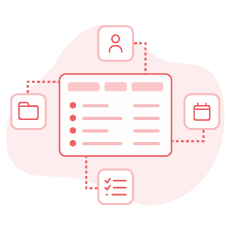
Hours group by user, project, task, client, or date, alone or in combination. Ask how many hours went to a client last month, or how a project breaks down by task, and the answer is already there, no calculation required.

Finance, a manager, or a client each need a different slice of the same data. Filter by period, approval status, or billable hours, and timesheets narrow to exactly the view each one needs, without exporting or reformatting anything.
submit · review · approve · lock
A manager or admin approves submitted hours, which locks them for payroll or billing. A formal cycle that turns tracked hours into validated, locked data, ready for payroll or billing.
Employees submit their hours at the close of the period.

Managers review hours grouped by person and period.

Approve a whole period with one click, or reject specific entries while approving the rest.

Once approved, hours lock in place.
dashboard · project · user
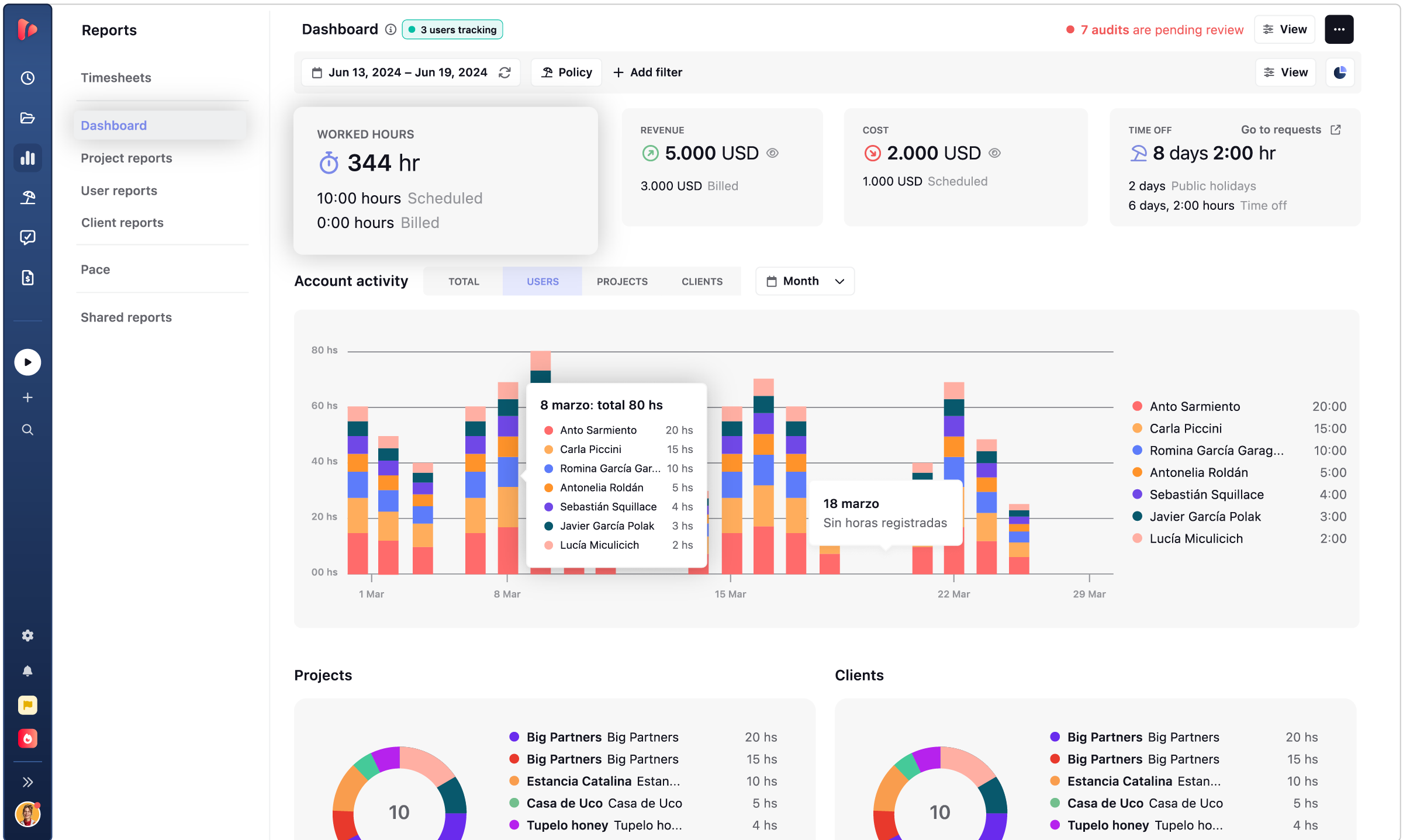
Dashboard, project, and user reports, each reading the same hours differently.
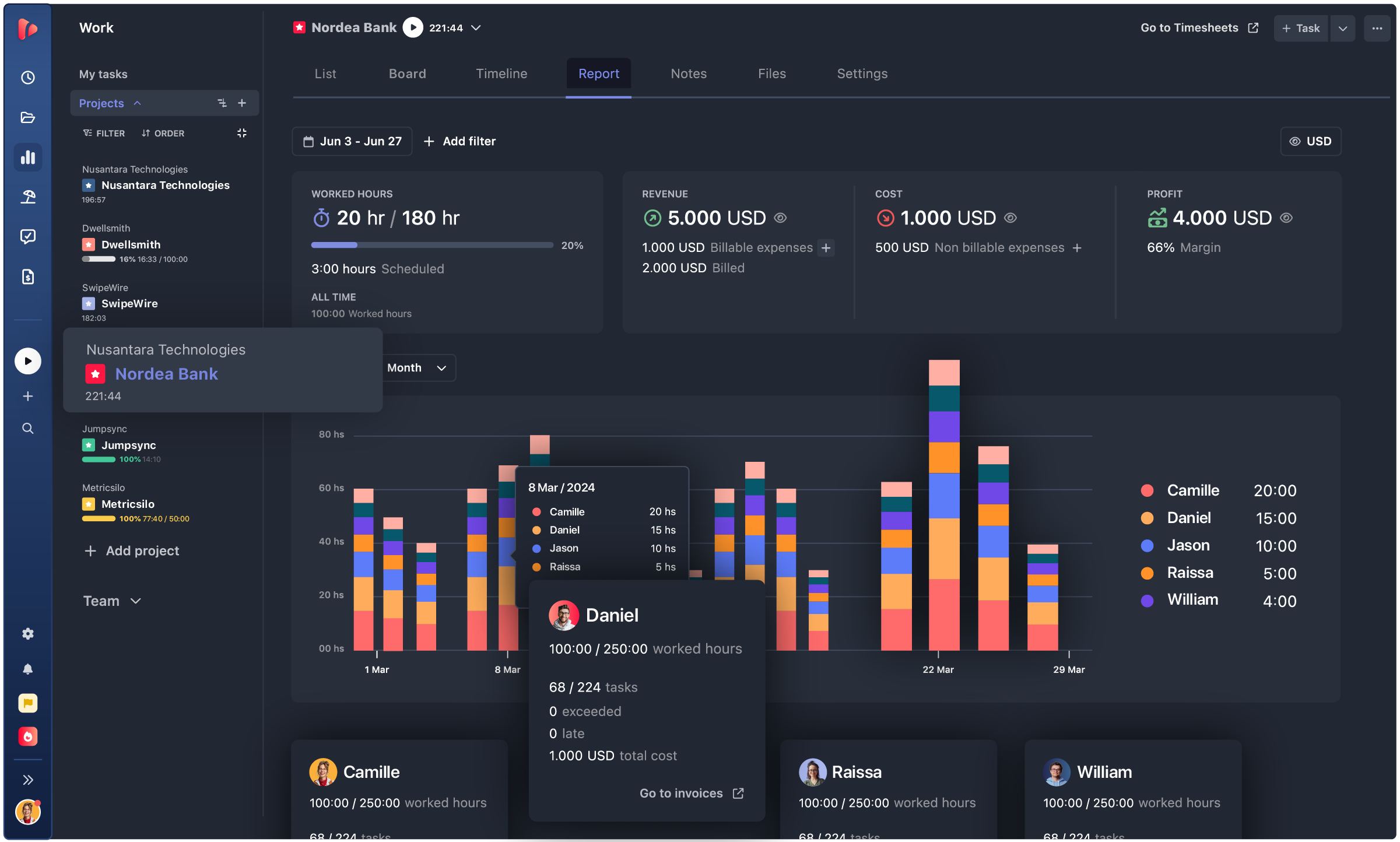
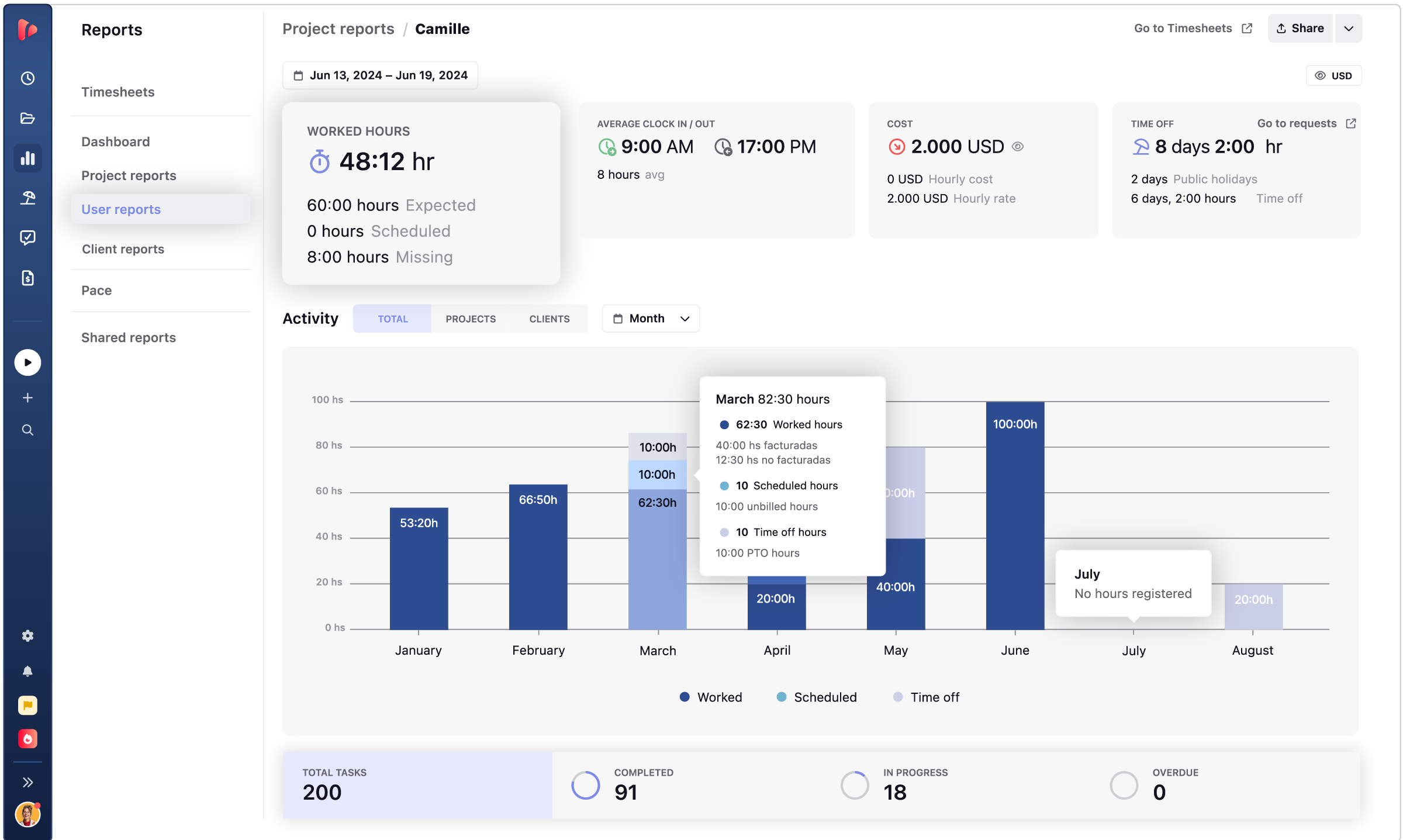
audits · exports · custom fields
Time audits catch what’s wrong before anyone approves it. From there, export to CSV, PDF, or Excel, or filter with custom fields built around your workflow.

Time audits flag entries with no project, missing details, odd durations, or overlaps, so a manager fixes them in minutes.

Export to CSV, PDF, or Excel, whatever the billing system or payroll process on the other end needs.

Add fields like service type, project phase, or ticket number. They show up as columns, filterable like any other.

saved · shared · delivered
What usually turns reporting into extra work: nobody has the report they need, clients wait for a PDF, and budget problems surface once it’s too late to fix them. All covered here.

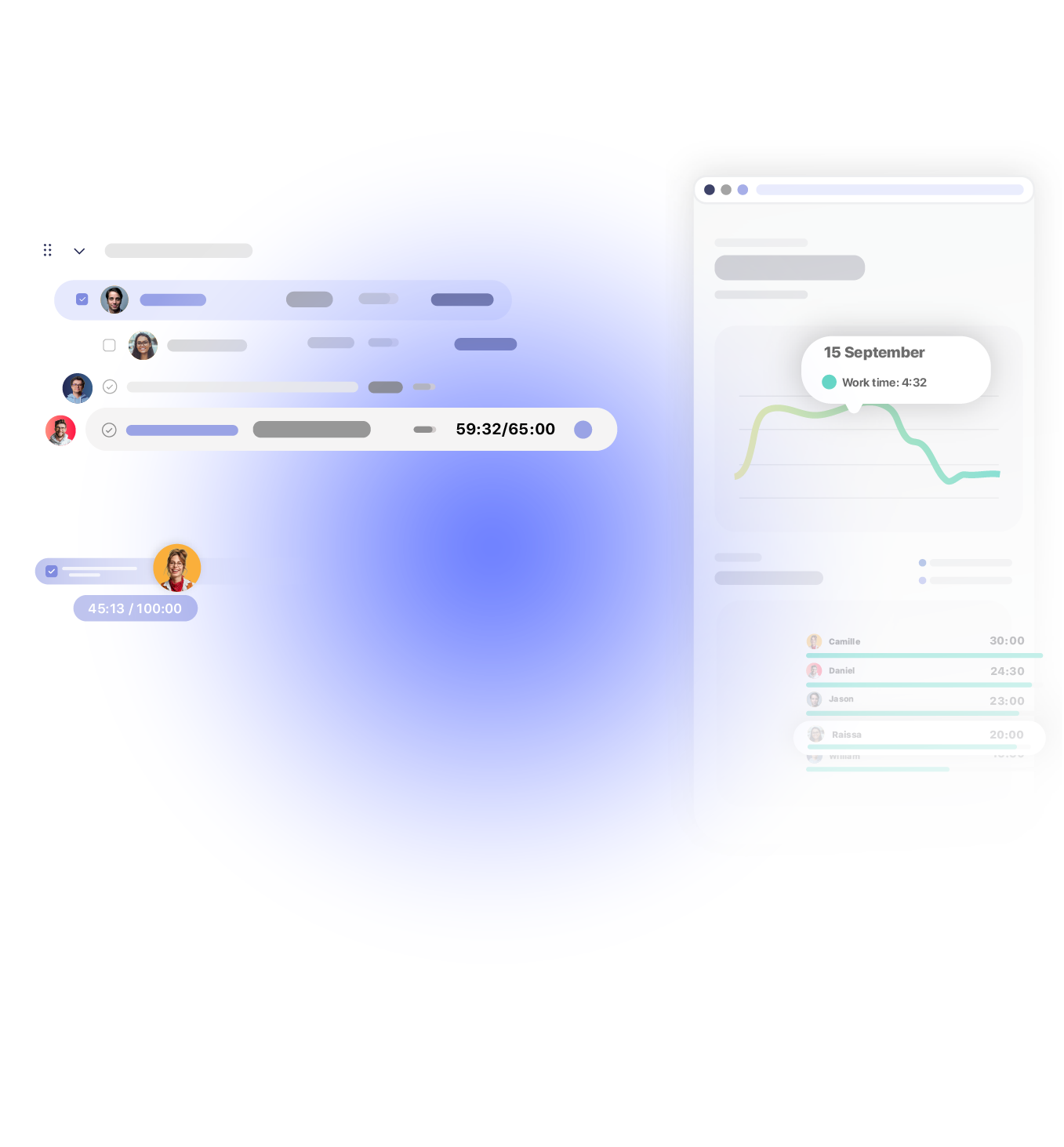
Set the filters and grouping once, and the report stays there, always showing today’s numbers. Nobody rebuilds the same view month after month.

Share a public link with a client or outside stakeholder, and they see the numbers update in real time. No login, no separate PDF to send each month.

Reports reach the inbox on their own, weekly, monthly, or the moment a sprint closes. Set the schedule once, and nobody has to remember to send it.

Pace shows managers how hours compare to time left before the deadline, in real time. Most teams find out only once it’s too late to fix.
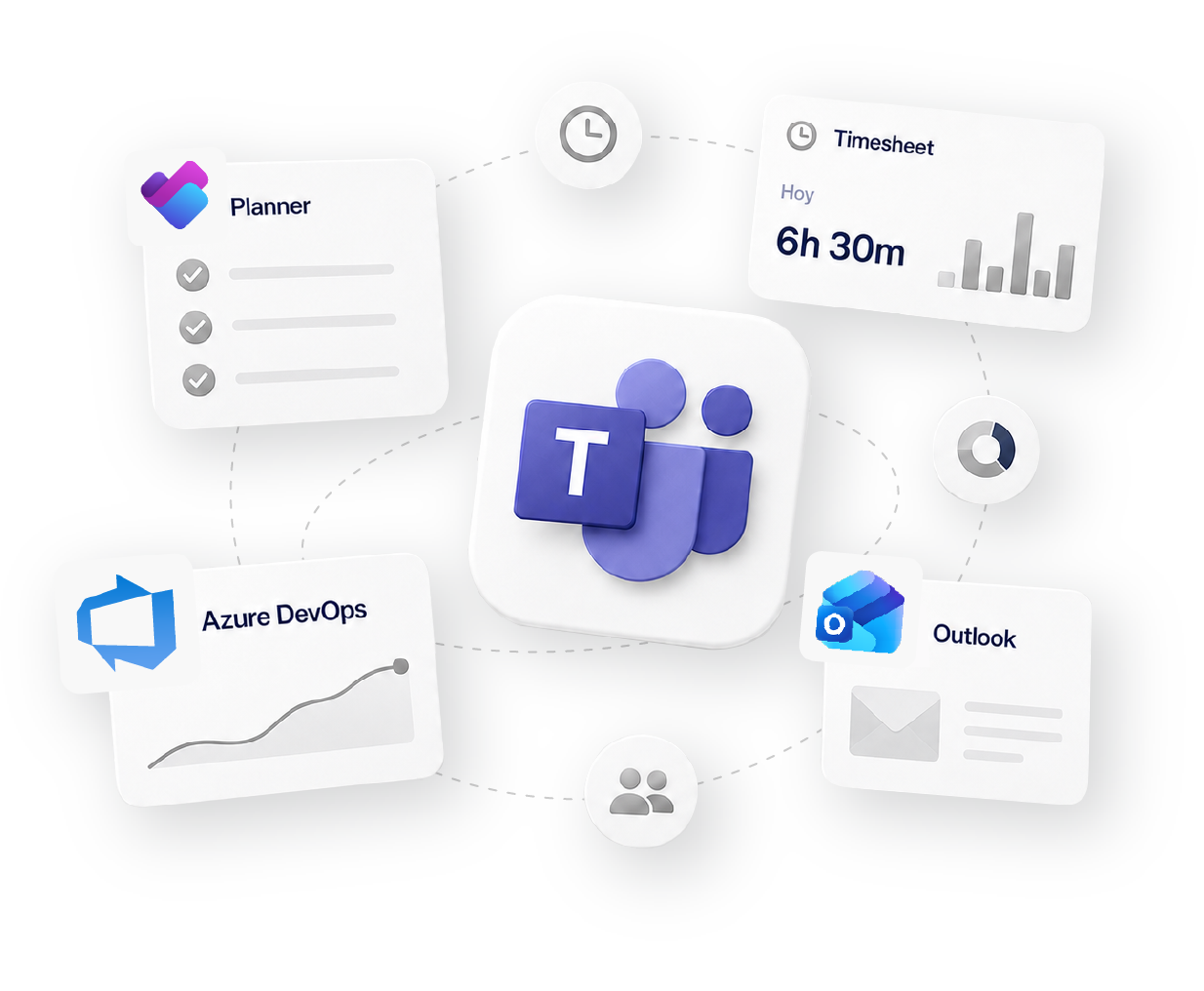
Works with 60+ tools your team already uses
how it fits your workflow
Track
Time tracking
Organize
Projects & Tasks
Approve
Timesheets & Approvals
Share
Reports & Clients
Bill
Invoicing & Rates
Social proof

High rates from our users confirm that we’re built for teams.
![G2 High Performer Fall 2026 [Task Management, Time & Attendance, Time Tracking, Project Management, Project, Portfolio & Program Management]](https://trackingtime.co/wp-content/uploads/2026/09/ProjectPortfolioProgramManagement_HighPerformer_HighPerformer-1-3.png?x55164)
![G2 Regional Leader EMEA Fall 2026 [Time Tracking]](https://trackingtime.co/wp-content/uploads/2026/09/TimeTracking_Leader_EMEA_Leader-1-1.png?x55164)
![G2 High Performer EMEA Fall 2026 [Time & Attendance]](https://trackingtime.co/wp-content/uploads/2026/09/TimeAttendance_HighPerformer_EMEA_HighPerformer-1-1.png?x55164)
![G2 High Performer Mid-Market Fall 2026 [Time & Attendance]](https://trackingtime.co/wp-content/uploads/2026/09/TimeAttendance_HighPerformer_Mid-Market_HighPerformer-1-1.png?x55164)
![G2 High Performer Small-Business Fall 2026 [Time & Attendance, Time Tracking]](https://trackingtime.co/wp-content/uploads/2026/09/TimeAttendance_HighPerformer_Small-Business_HighPerformer-1-1.png?x55164)


OPENSTAX

MOMA

PLAYPASS

SSL

SMARTSHEET

MCI
Fit, setup, approvals, data quality, and compliance.
Excel works fine for a few people and a handful of clients. Once the team or the client list grows, pulling everything together by hand turns into hours of work every month. TrackingTime builds the timesheet automatically, the same result in seconds.
Email works for small teams with low volume. As it scales, there’s no clear status, no traceable history, and errors surface once payroll or billing is already being processed. Approvals give every hour a state, a correction cycle, and a lock, without depending on email.
The lock only applies once hours are approved, not before. Submit, review, correct, and resubmit all happen before the lock. If a real correction is needed afterward, an admin can unlock it.
Reminders go out automatically. A Block Hours policy can also be set to close the period automatically after a set window, whether or not the manager acted.
Time audits automatically catch incomplete entries, overlaps, or suspicious durations before the period closes. A manager resolves it in minutes. Once approved, the lock prevents any changes after that.
Yes. TrackingTime generates auditable records with full traceability, who logged it, when, and what. For teams under European compliance requirements, period locks and formal exports cover the documentation needed.
With Shared Reports: a public link with the month’s hours, always up to date. The client accesses it without an account, and it can be set to show only billable hours and expire at the end of the month.
Pro covers the full financial control cycle: approvals, lock, retainers, and expense tracking. It’s the plan for organizations that need their hours to be reliable for billing, payroll, and compliance.
Free for unlimited users. No credit card required.
Start for free