01 / No PM tool yet

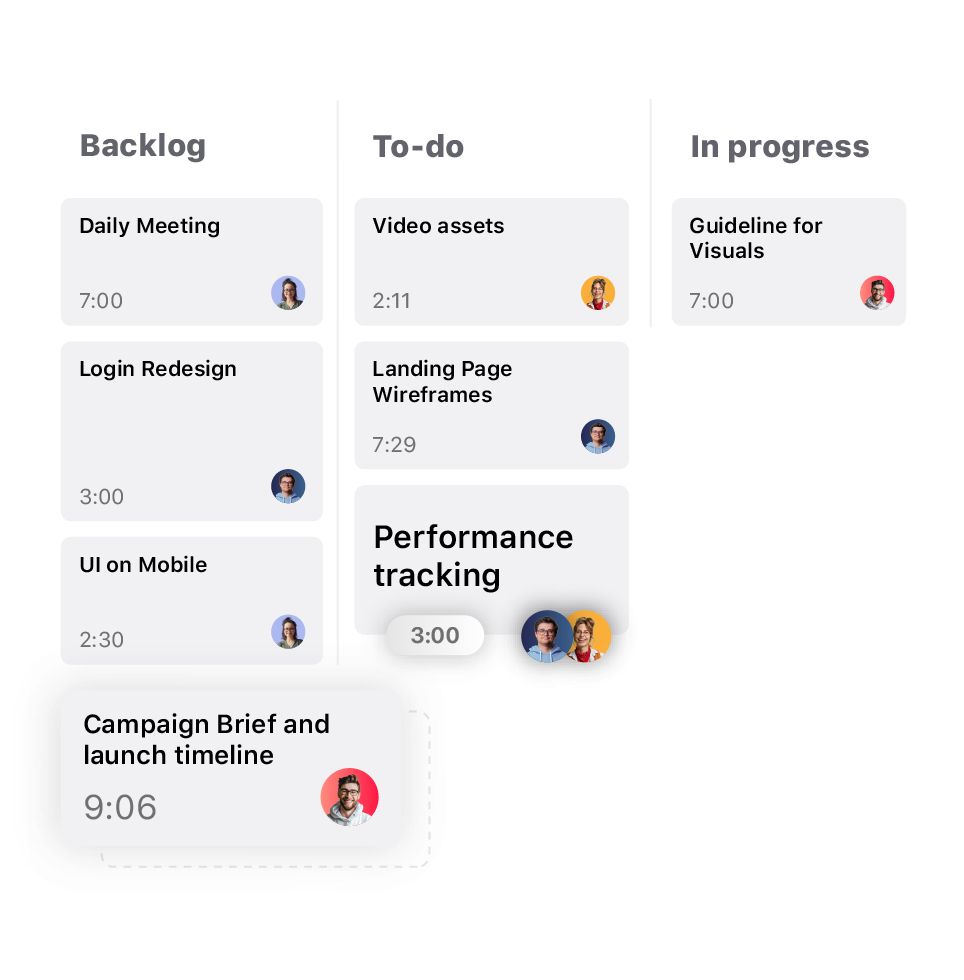
TrackingTime becomes your project manager.
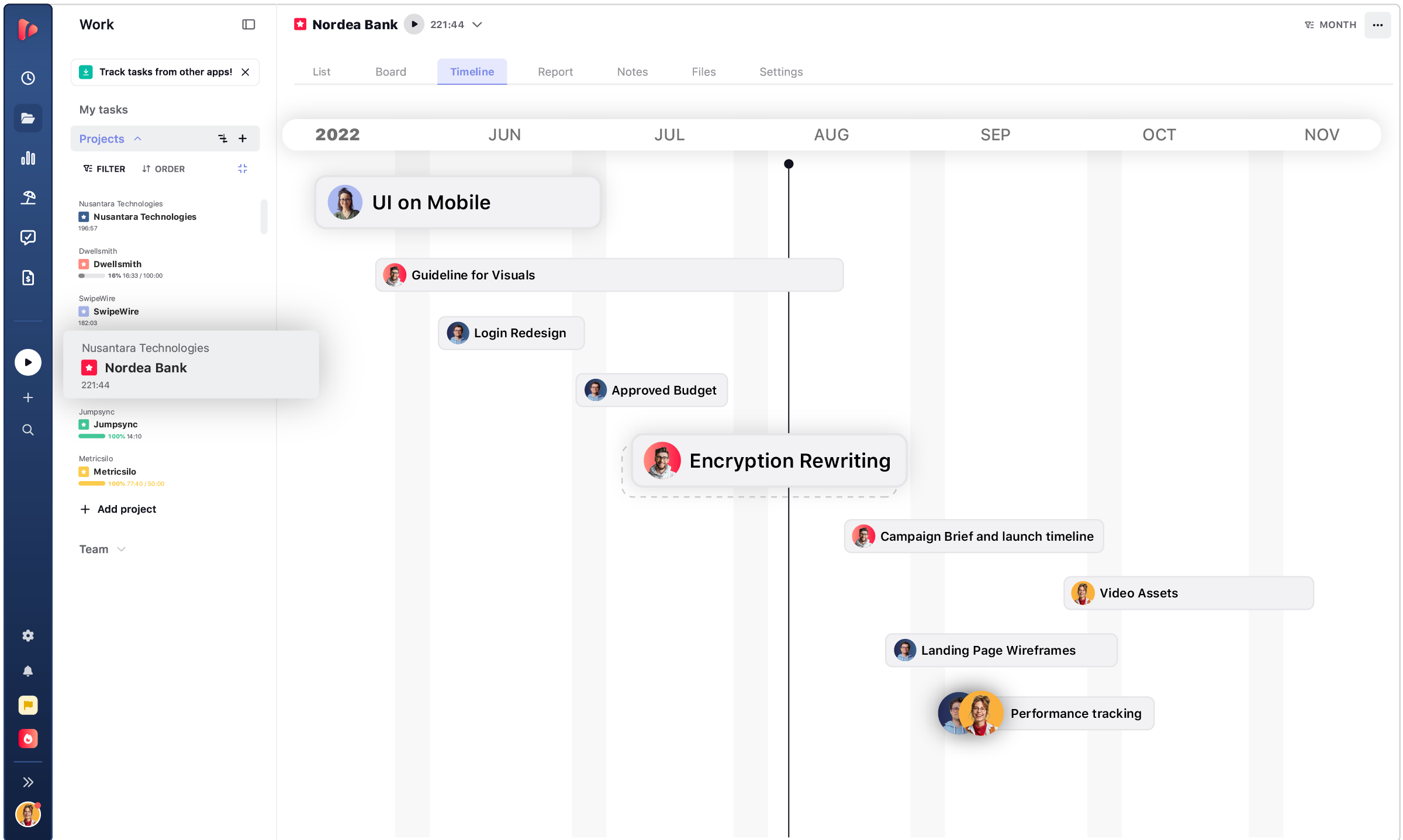
- Task list, board, and timeline in one place
- Time tracked directly on each task
- Project reports without building them by hand
PROJECT MANAGEMENT WITH NATIVE TIME TRACKING
TrackingTime gives client-service teams project management with time tracking built into every task, free to start with unlimited users.

manage team tasks
One workspace for planning the work, tracking the hours it takes, and seeing what it costs to deliver, all without switching between separate tools.
Projects and tasks live in the same place as the time tracked against them. There's no separate app for planning the work and another for logging hours. What needs to get done, who's doing it, and how long it's taking all sit in one workspace.
Every hour logged attaches directly to the task it belongs to, not to a generic timer running in the background. That's what makes it possible to know how long a specific piece of work took, not just how many hours the team logged that day.
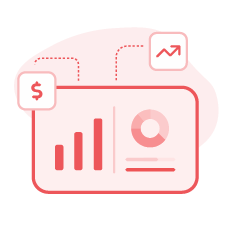
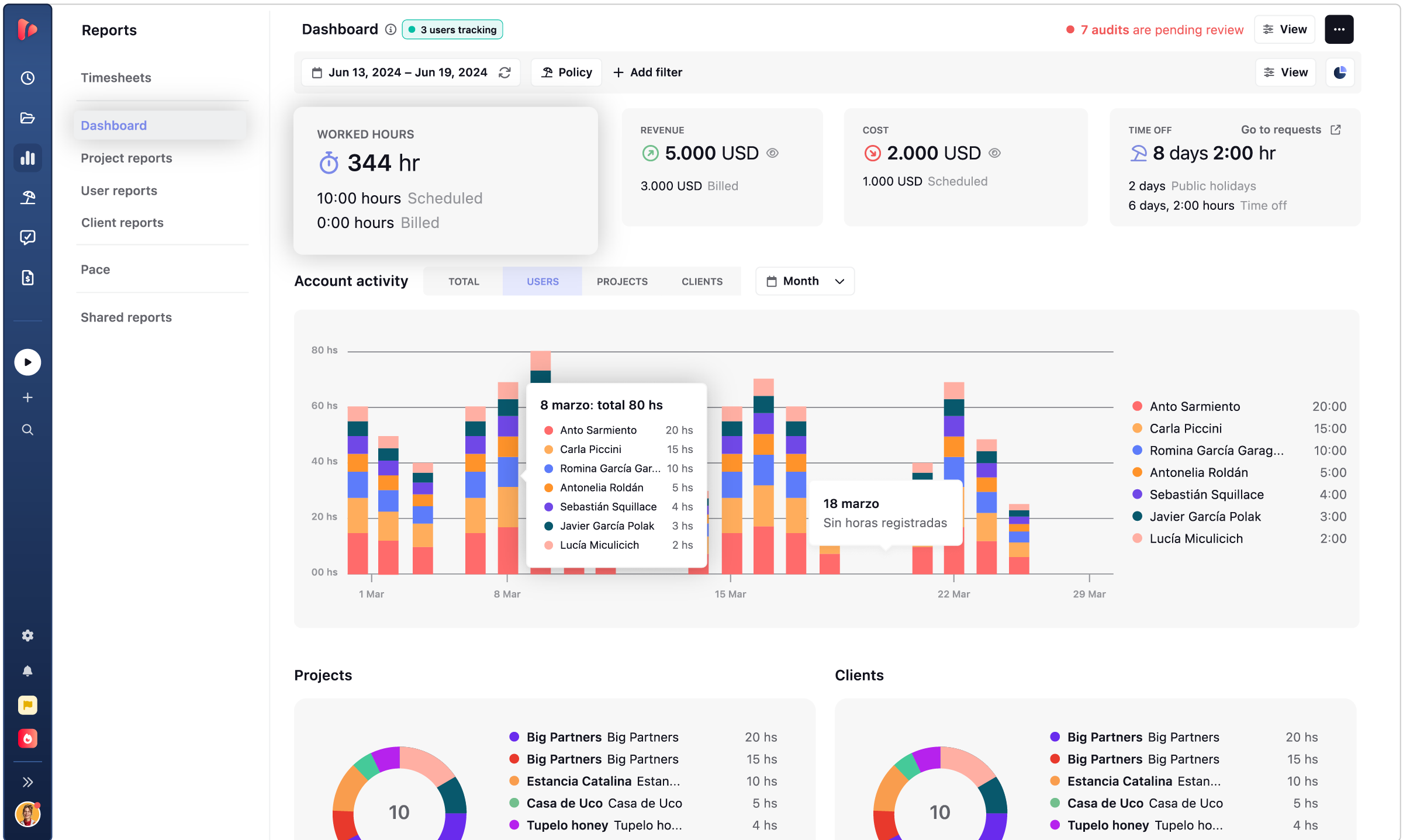
Progress and cost update from the same data, in real time. A manager checking on a project sees both at once, how far along it is and what it has cost so far, without exporting a report or opening a second tool.
with or without a PM tool
Two ways to use TrackingTime, depending on how your team
already organizes work.
TrackingTime becomes your project manager.
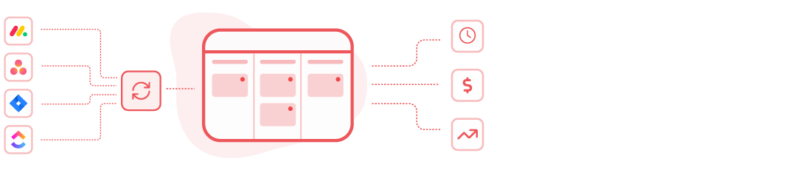
Tasks sync automatically from Jira, Asana, ClickUp, Monday, and more.
task list · board · timeline
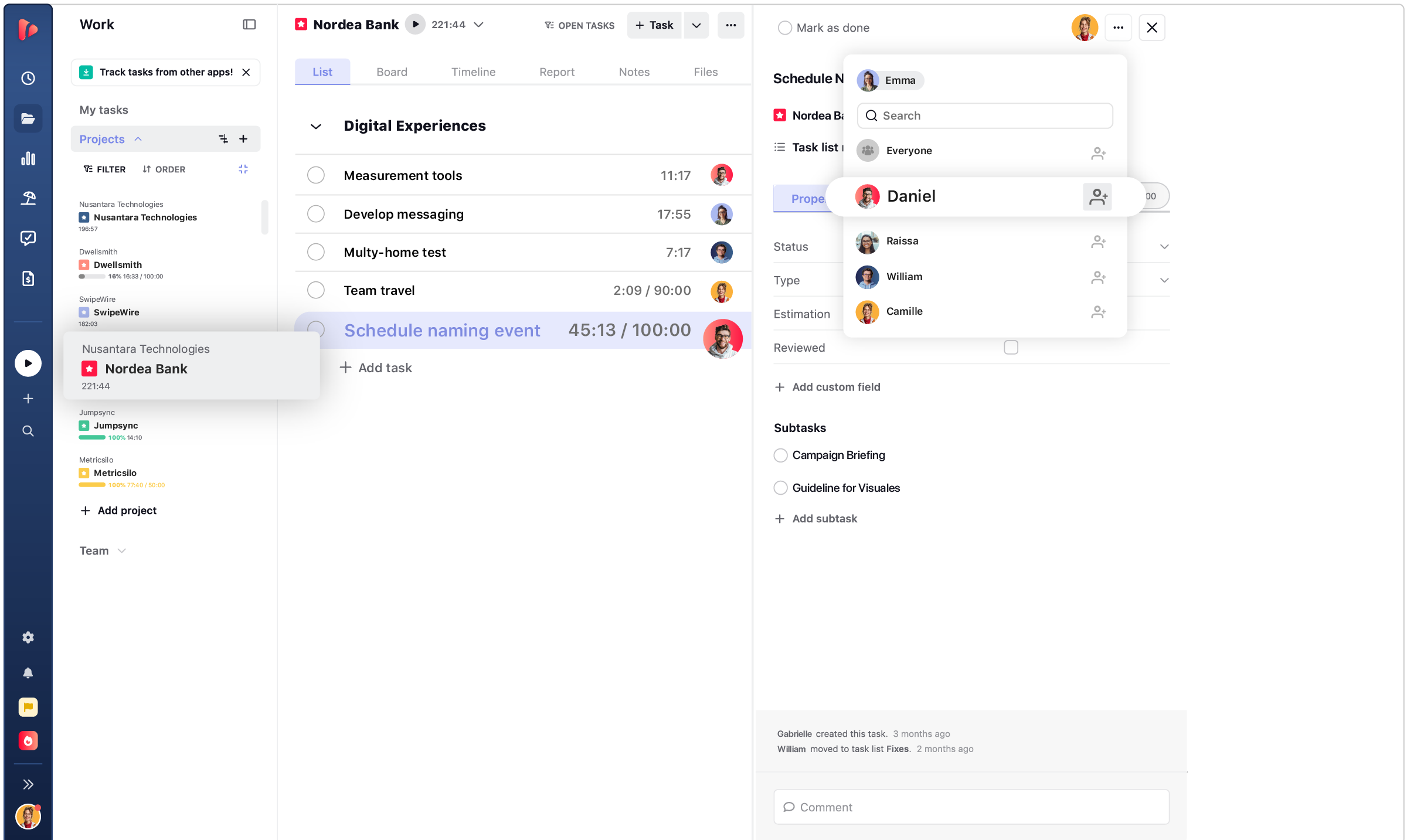
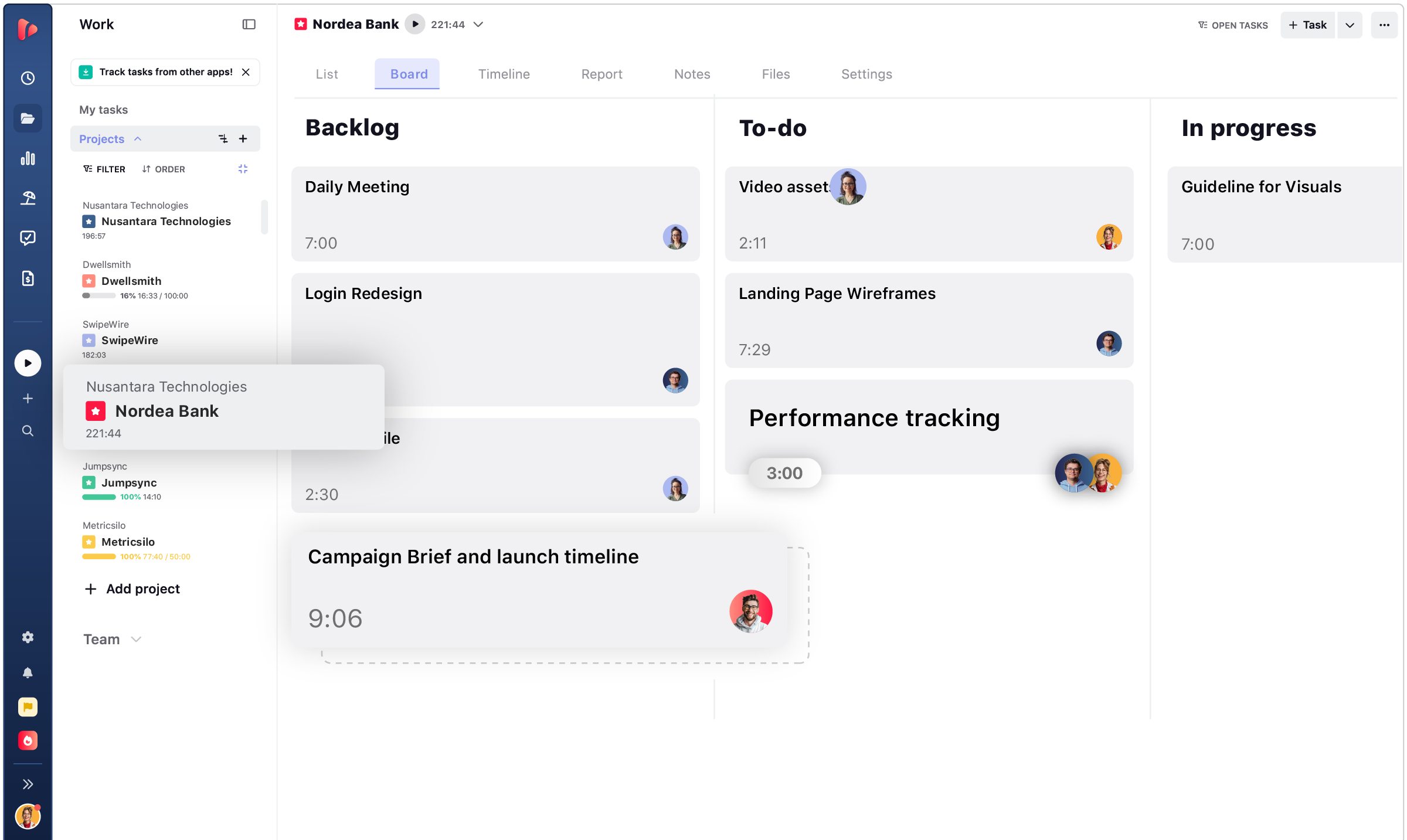
Switch between task list, board, timeline, and reports without leaving the project.
comments · notifications · shared views
What usually causes confusion on a team: lost context, missed updates, and status meetings that repeat what’s already on the board. All covered inside the project.

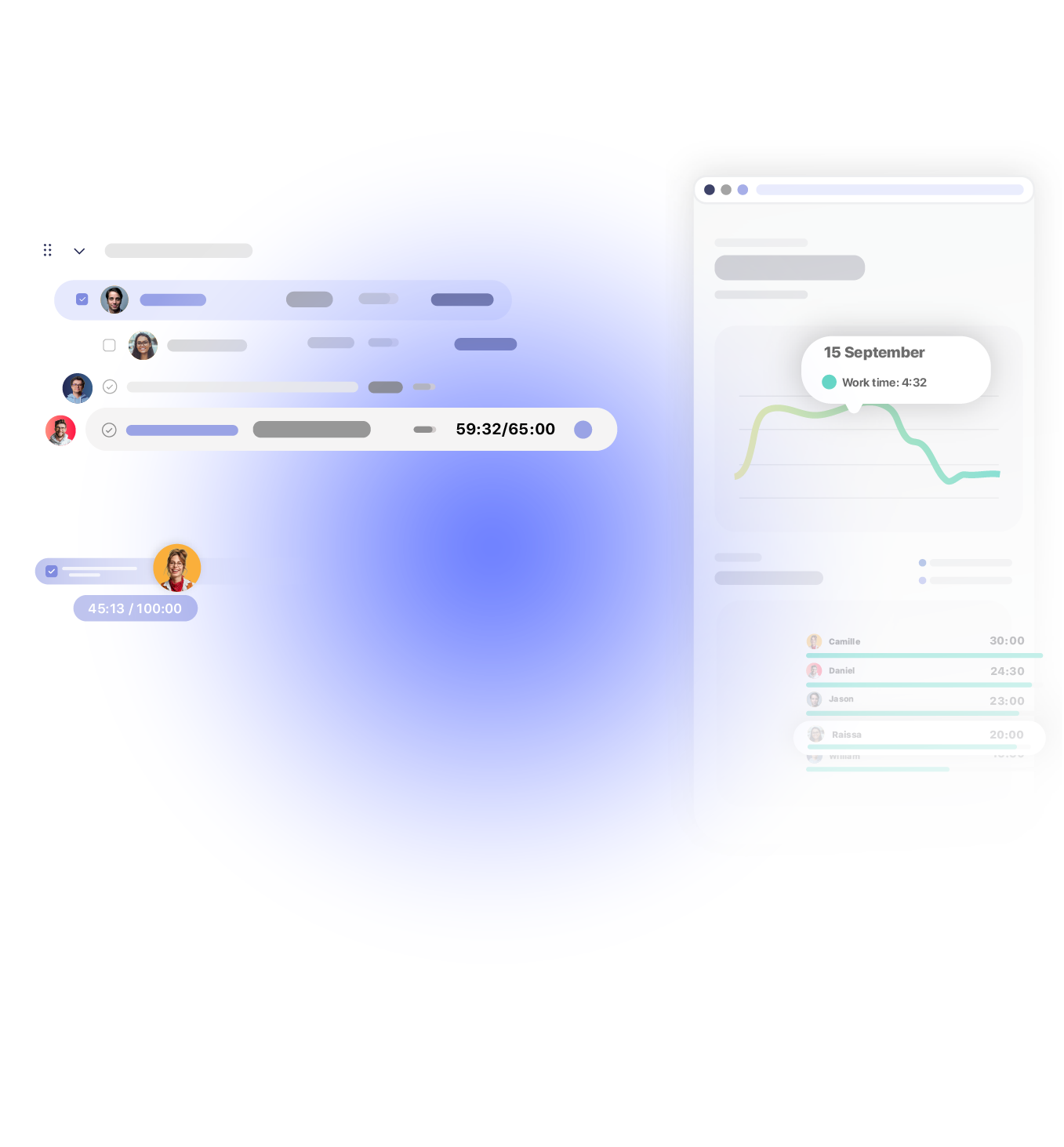
Add comments and leave notes directly on the task they belong to, so context never gets lost in a separate thread.

Attach files to the task itself, so nobody has to search another folder or thread to find them.

Email and in-app notifications fire the moment a status changes or a deadline gets close.

Shared views keep the whole team looking at the same version of the project as the only source of truth.
estimate vs actual
Compare what you planned against what’s really happening, for every task and every project.
profitability
Hours multiplied by rates equals cost. Add expenses and the margin becomes a real number.

Every hour logged carries a rate, so cost builds automatically as the project moves forward.

Add costs beyond hours, like software, contractors, or travel, so the total reflects the full picture.

See which projects protect margin and which ones lose it quietly, without waiting for the project to close.

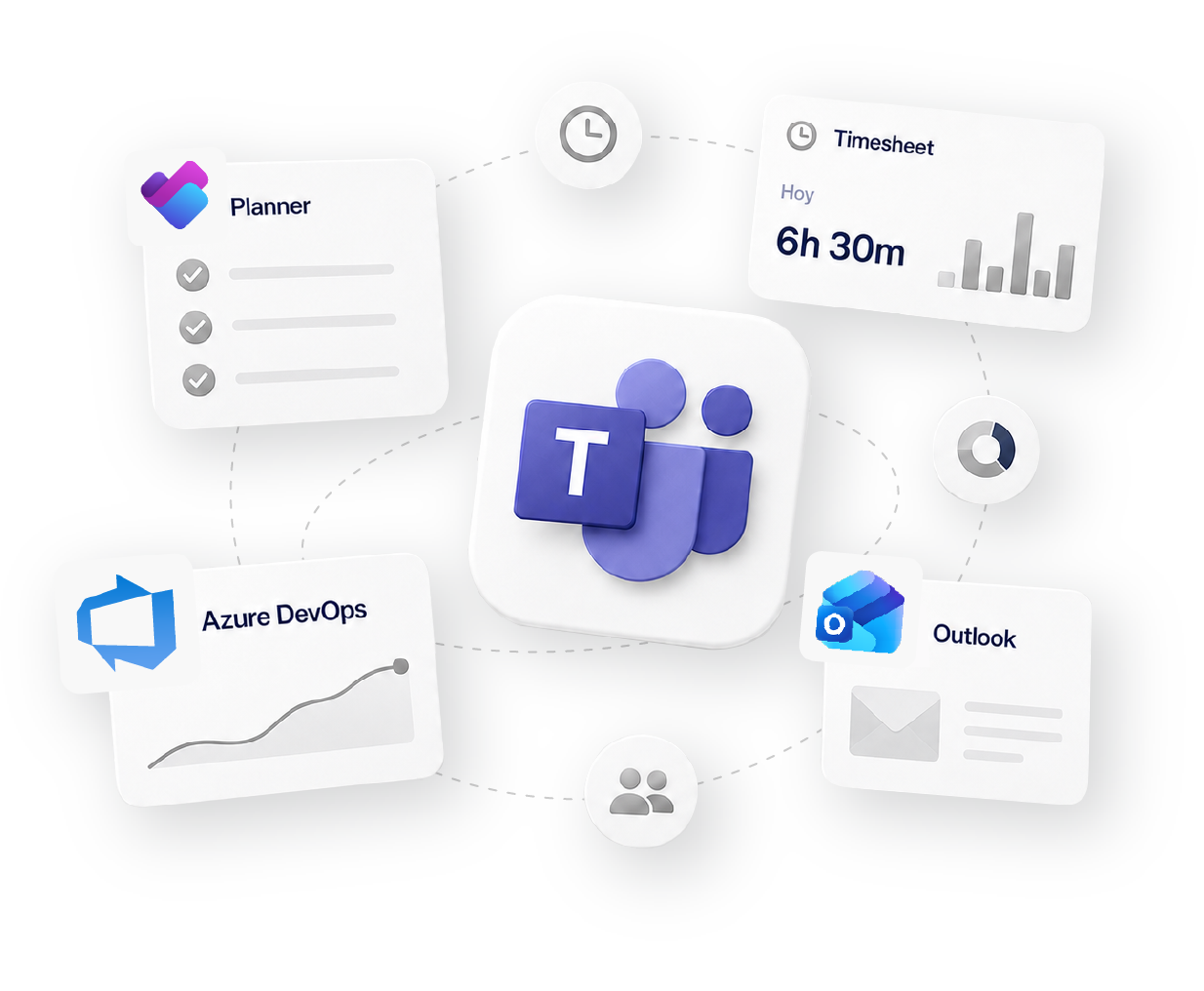
Works with 60+ tools your team already uses
how it fits your workflow
Track
Time tracking
Organize
Projects & Tasks
Approve
Timesheets & Approvals
Share
Reports & Clients
Bill
Invoicing & Rates
Social proof

High rates from our users confirm that we’re built for teams.
![G2 High Performer Fall 2026 [Task Management, Time & Attendance, Time Tracking, Project Management, Project, Portfolio & Program Management]](https://trackingtime.co/wp-content/uploads/2026/09/ProjectPortfolioProgramManagement_HighPerformer_HighPerformer-1-3.png?x17694)
![G2 Regional Leader EMEA Fall 2026 [Time Tracking]](https://trackingtime.co/wp-content/uploads/2026/09/TimeTracking_Leader_EMEA_Leader-1-1.png?x17694)
![G2 High Performer EMEA Fall 2026 [Time & Attendance]](https://trackingtime.co/wp-content/uploads/2026/09/TimeAttendance_HighPerformer_EMEA_HighPerformer-1-1.png?x17694)
![G2 High Performer Mid-Market Fall 2026 [Time & Attendance]](https://trackingtime.co/wp-content/uploads/2026/09/TimeAttendance_HighPerformer_Mid-Market_HighPerformer-1-1.png?x17694)
![G2 High Performer Small-Business Fall 2026 [Time & Attendance, Time Tracking]](https://trackingtime.co/wp-content/uploads/2026/09/TimeAttendance_HighPerformer_Small-Business_HighPerformer-1-1.png?x17694)


OPENSTAX

MOMA

PLAYPASS

SSL

SMARTSHEET

MCI
FAQS
Fit, setup, budgets, and how it connects with the tools you already use.
TrackingTime doesn’t replace your PM tool. It syncs your tasks and adds time, cost, and profitability on top.
If your team already has a PM tool, there’s nothing new to adopt, tasks sync automatically, and time tracking sits on top of the board they already use. If your team doesn’t have one yet, task list, board, and timeline are simple enough that the free plan doesn’t need a setup process.
Their timers are basic. They don’t show cost, compare actual time against estimate, generate invoices, or connect to payroll. TrackingTime is built specifically to measure and manage time.
It depends on the kind of work your team does. Projects built from tasks work well as a direct replacement. Product work with epics, backlogs, and Gantt dependencies works better through an integration, with TrackingTime handling time and cost.
Yes. Set hours per task and project at kickoff, compare actual time against estimate as the project moves, and see cost and margin update from the same data.
Yes. Cost and margin update in real time as hours and expenses are logged, so you don’t have to wait until the project closes to see whether it’s profitable.
TrackingTime connects with 60+ tools. Tasks sync automatically from the ones your team already uses, and time tracking adds on top.
No. Connect the account once, and tasks sync automatically from there.
get started
Free for unlimited users. No credit card required.
Get started