Automatic Time Tracking for Productive TeamsKeeping your business running smoothly is our goal. Focus on business growth while we handle the rest. Time Tracking Project Management Timesheets Time Cards Time & Attendance Time Reports Leave Management AutoTrack
TrackingTime IntegrationsSync TrackingTime with the tools your team uses every day to fit their work habits. This way, they can keep track of every minute without switching between apps while working on their browser. Asana ActiveCollab Azendoo Basecamp Bitbucket ClickUp Evernote Factorial Figma Google Sheets Microsoft Teams Monday
ResourcesExplore time tracking alternatives across industries, and leverage calculators and templates to streamline daily operations. Industries Graphic Designers Freelancers Architects Consultants Remote Workers Developers Marketing Teams Resources Time Card Calculator Timesheet Templates Global PTO Project Management Templates
Use TrackingTime According to Your RoleLearn how to use TrackingTime based on the specific needs of your work role and find useful recommendations for successful time tracking. Solutions Extension Policies Custom Fields Reminders Rates & Costs Roles Team Lead Freelancer HR Manager Finance Lead Guides For Employees For Employers
01 about your business —Specify How you Sell your Services to Use TrackingTime CorrectlyTrackingTime offers an all-in-one solution for managing your clients, tracking hours, monitoring projects, and invoicing your work. I’m hired on a project basisDifferent clients hire me to complete specific projects, and I invoice them once each project is completed.Takeaways Organize the work for different clients Provide updates on milestones and overall progress for each project Invoice each client for projects with the corresponding rates Service Agreement I provide servicesI provide services to various clients for a specific number of hours and invoice them at the end of the month based on the agreed-upon rate.Takeaways Keep the services provided to each client organized Report hours allocated specifically to each service Invoice services provided based on pre-established rates Go to my report I’m hired on a contract basisI am hired to provide services externally for a specific period of time.Takeaways Keep the information of my occasional clients organized Report work hours accuratelyt Bill every single hour worked Go to my report
I’m hired on a project basisDifferent clients hire me to complete specific projects, and I invoice them once each project is completed.Takeaways Organize the work for different clients Provide updates on milestones and overall progress for each project Invoice each client for projects with the corresponding rates Service Agreement
I provide servicesI provide services to various clients for a specific number of hours and invoice them at the end of the month based on the agreed-upon rate.Takeaways Keep the services provided to each client organized Report hours allocated specifically to each service Invoice services provided based on pre-established rates Go to my report
I’m hired on a contract basisI am hired to provide services externally for a specific period of time.Takeaways Keep the information of my occasional clients organized Report work hours accuratelyt Bill every single hour worked Go to my report
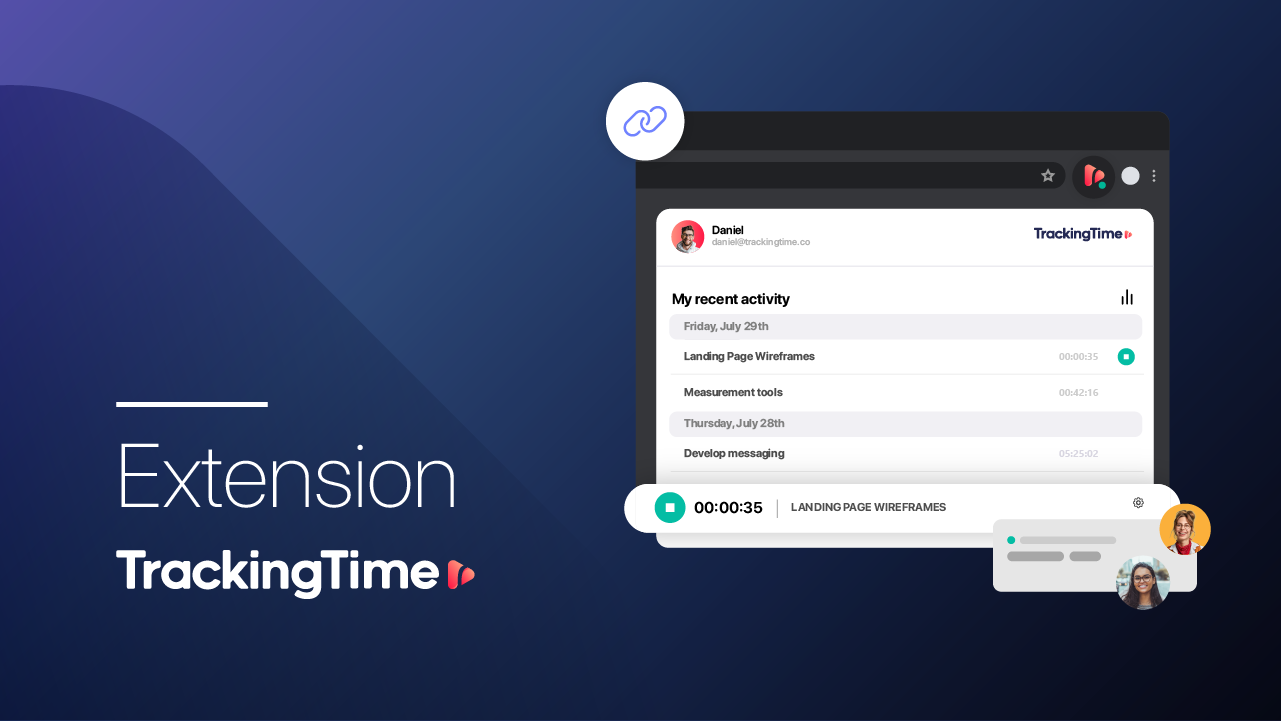
02 time tracking —Organize Your Work and Determine How You Want to Report to Your ClientsClearly identify the information you need to include in your client reports for a simple and successful implementation. The information as you need itDetermine the specific information you need to report to your clients and keep all your work organized. Most suitable tracking method Track using the desktop app or mobile app according to your convenience, use the extension to integrate with other apps, and synchronize your calendars. Adopting the habitEnable notifications to remember to track your hours, and use AutoTrack as a backup in case you forget. Month-end close Identify billable hours, export your timesheets into invoices and bill your clients for the hours worked.
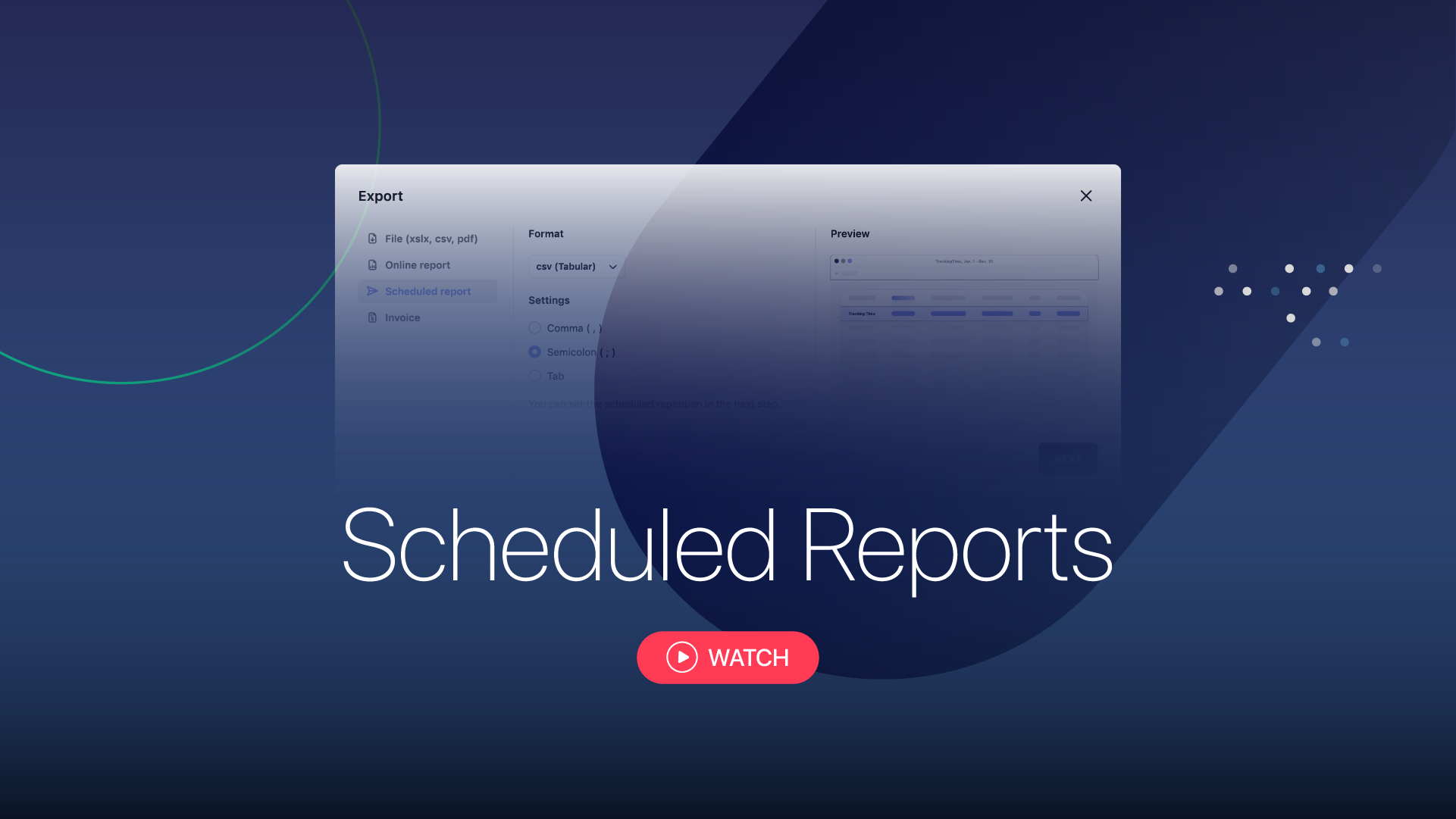
03 time reports —Report Hours to Your Clients and Mark them as BilledReport your working hours according to your needs and the requirements of each client. Filter the informationFilter billable hours for the desired period by project, task, user, or client,and group them according to your needs. Export and share your reportExport your report in the desired format, or generate a customized report to share online. Mark billed hoursOnce reported, the hours will be marked as billed so that you can keep a better control.
04 solutions —Recommendations to Achieve the Results You ExpectFind practical solutions to implement TrackingTime according to the specific needs of your business.
05 setup checklist -Organize, Report, and Bill Your Work Track your hours Sync your calendar Install the extension or apps Turn on AutoTrackOrganize your projects Create your projects Assign rates to your hours Customize your timesheetsBill your clients Identify billable hours Export the report into an invoice Mark hours as billed
integrationsIntegrate Time Tracking into Your Workflow hr tools spreadsheet tools PM TOOLS INVOICING TOOLS