Best Productivity Tools for Workflow Efficiency in 2026

In 2026, teams rely on connected tools that reduce friction, automate routine work, and provide real-time visibility across workflows. The best productivity tools help individuals and teams stay focused, aligned, and efficient—without adding unnecessary complexity.
💡Productivity tools are designed to help individuals and teams organize tasks, manage projects, communicate efficiently, and automate repetitive work. These tools reduce manual effort, simplify workflows, and make daily processes faster and easier to manage.
Work Smarter with the Best Productivity Tools
Top Productivity Tools to Get Things Done
Staying productive isn’t about pushing harder—it’s about using the right tools to organize your day, eliminate friction, and keep your work moving. The productivity tools below were selected for their impact on real workflows: reducing context switching, improving focus, and helping teams stay aligned across projects and responsibilities. Whether you’re refining your personal system or building a more efficient team workflow, these tools help you work smarter and make meaningful progress every day.
TrackingTime
TrackingTime helps teams track work hours across projects, clients, and tasks with accuracy. It transforms time data into clear reports that reveal workload distribution, efficiency trends, and project performance—making it essential for businesses needing reliable insights for billing, payroll, or productivity analysis.
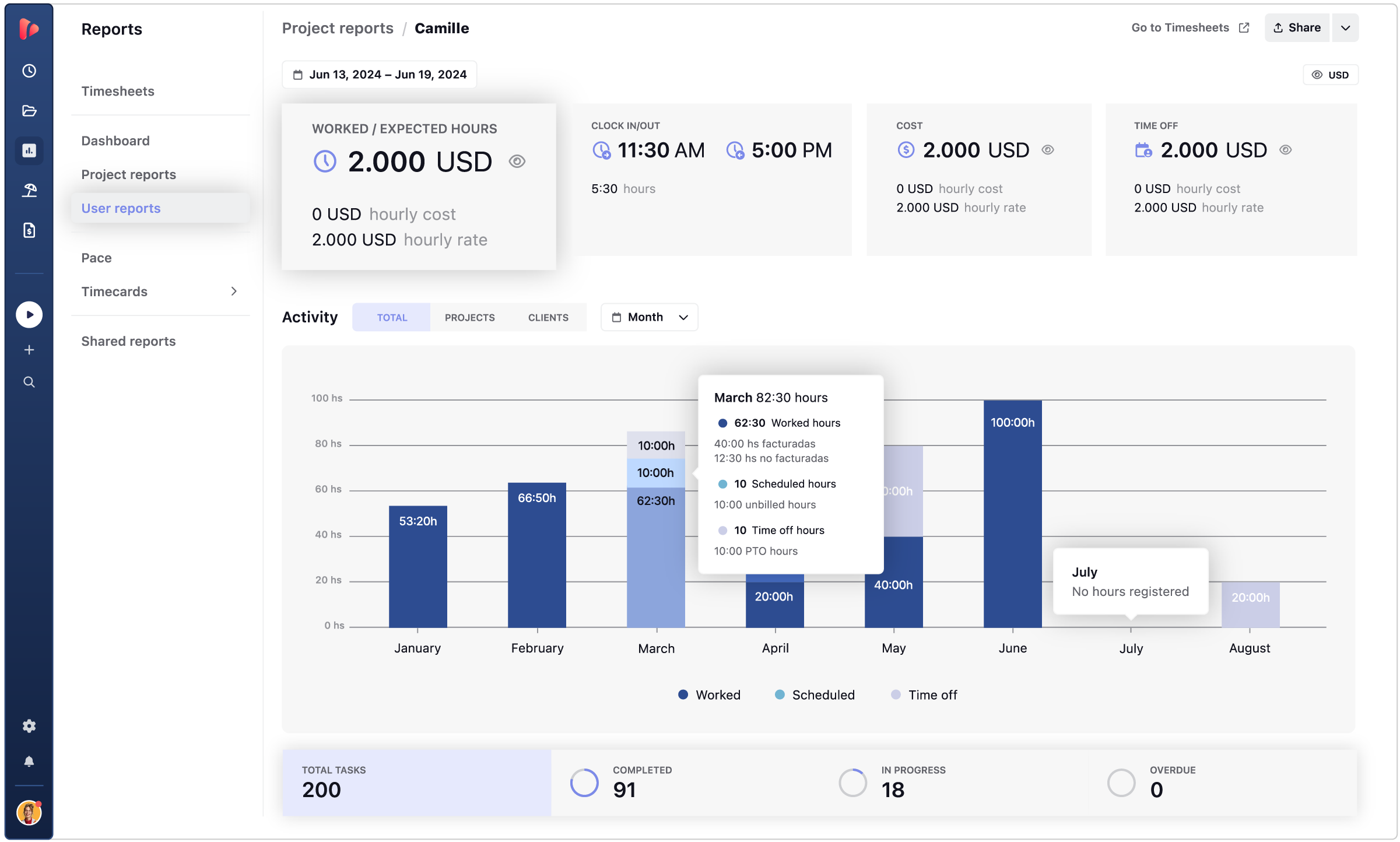
✨ Best for: Teams needing structured time tracking with real-time reporting.
Notion
Notion centralizes everything—notes, docs, databases, and task lists—into one customizable workspace. It’s ideal for teams that want a unified place to think, plan, write, and organize information.

Slack
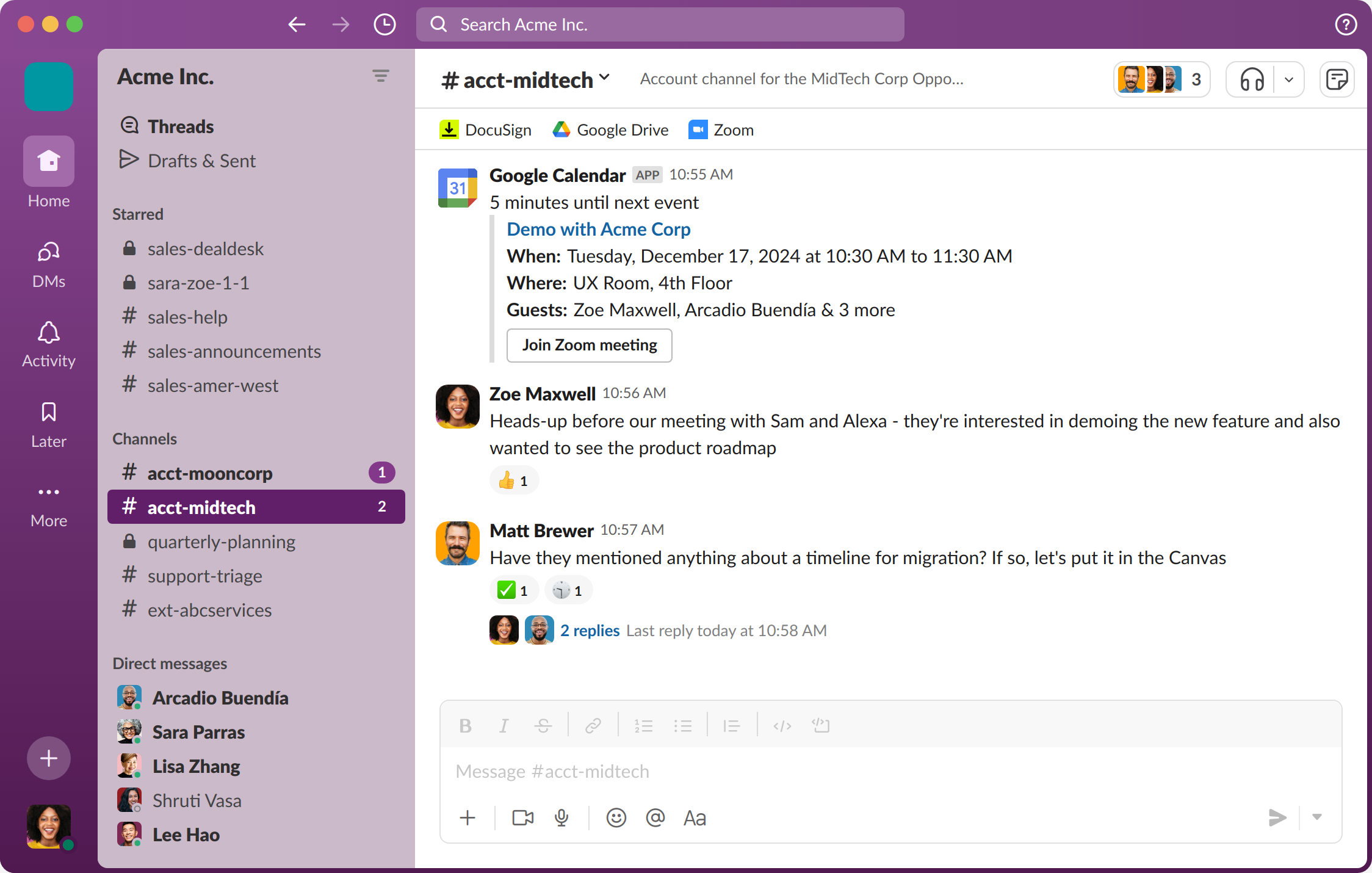
Slack streamlines communication through channels, messaging, audio, video, and app integrations. It helps hybrid and remote teams stay connected and reduce long email threads that slow down collaboration.
Asana
Asana offers powerful task and project management features, including timelines, automation rules, dependencies, and workload views. It helps teams stay aligned on goals, responsibilities, and deadlines.

Trello
Trello uses a visual Kanban board to make workflows intuitive. Drag cards through stages, assign tasks, add checklists, and collaborate seamlessly with your team.

Google Workspace
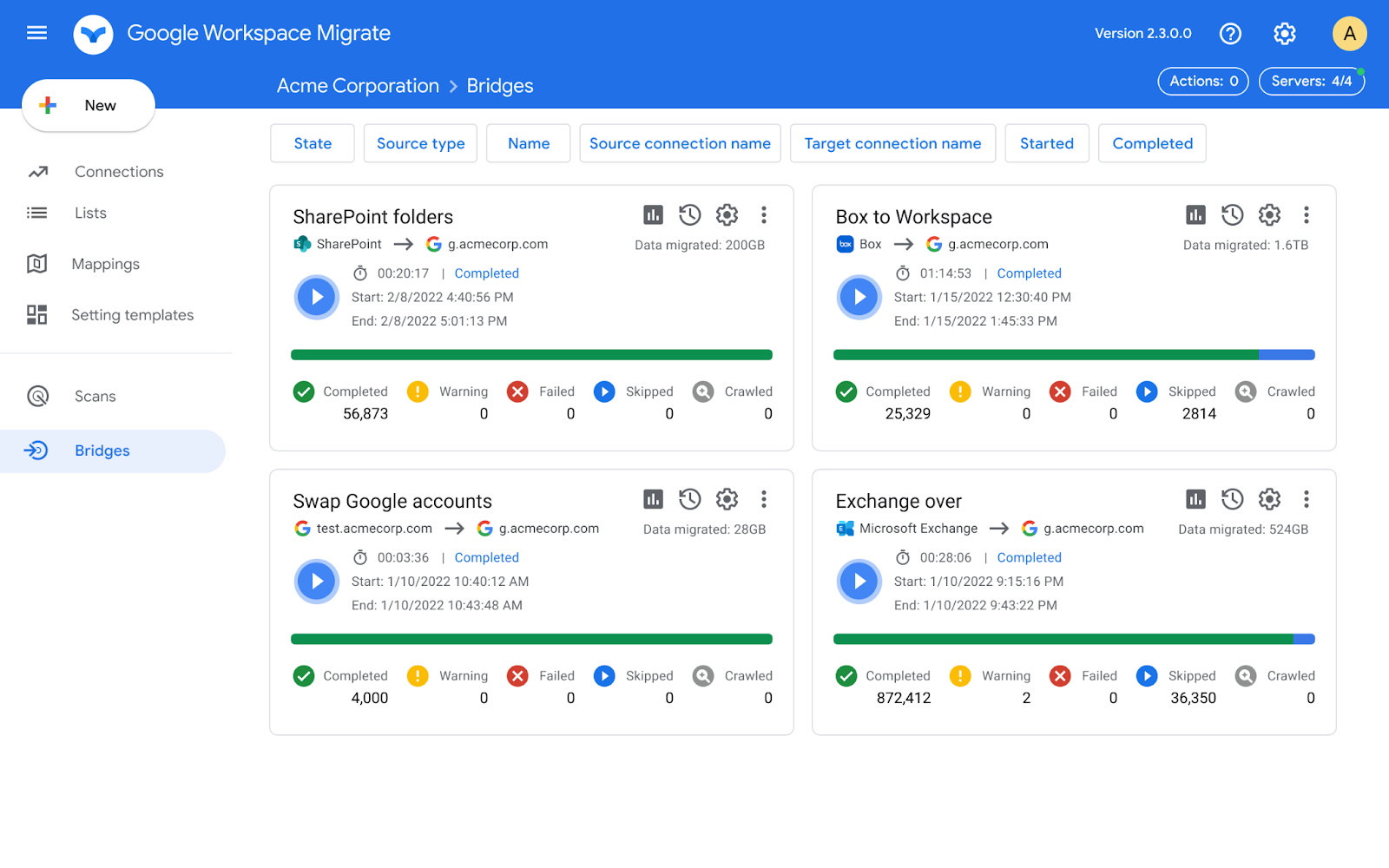
Google Workspace brings together email, documents, spreadsheets, file sharing, meetings, and calendars into a unified collaboration suite. Real-time editing makes teamwork effortless.
Zapier
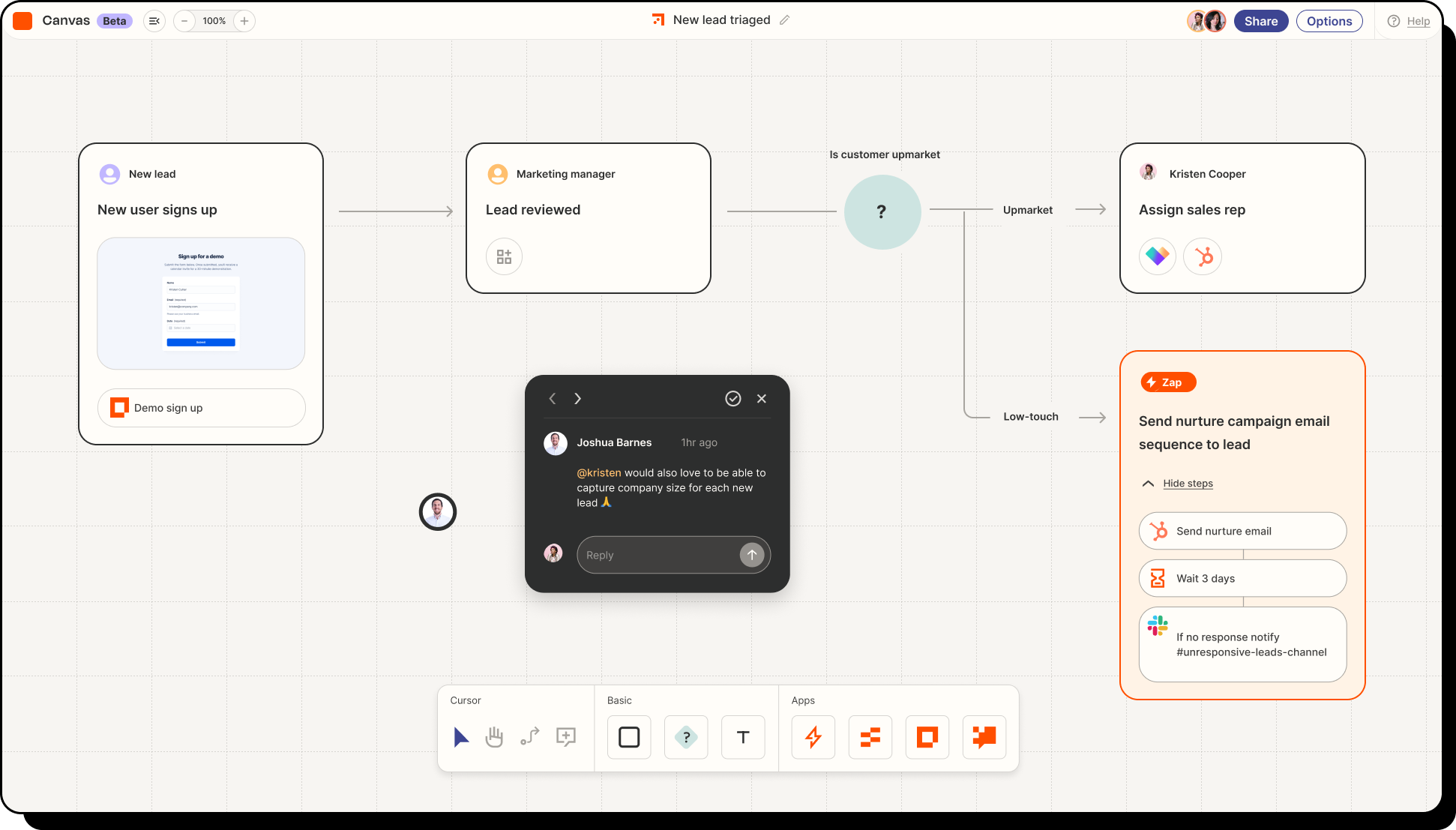
Zapier connects your apps and allows you to automate repetitive work without coding. Build workflows that sync data, send alerts, or trigger actions across your entire tool ecosystem.
Miro
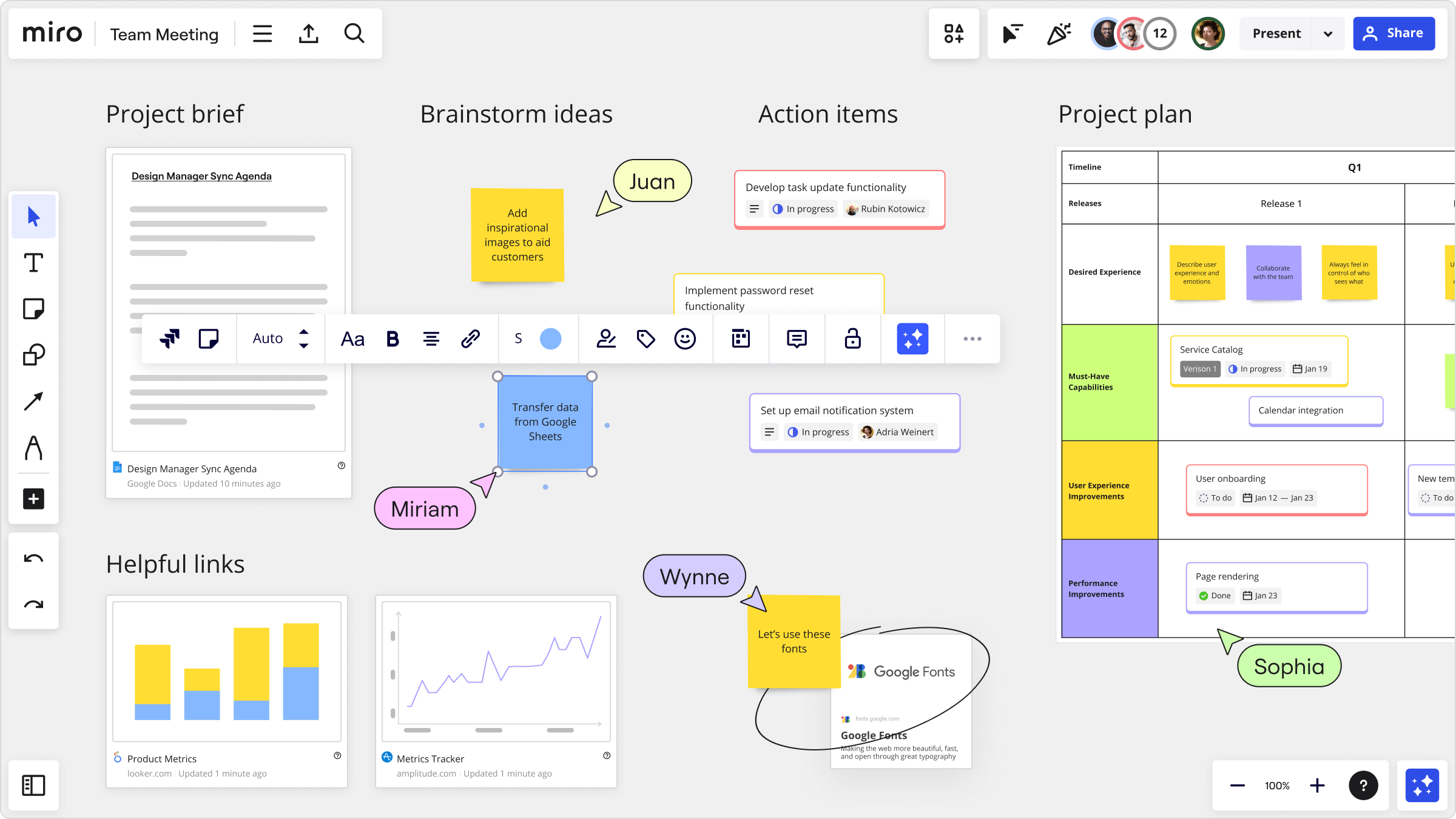
Miro is a visual collaboration platform with an infinite canvas that brings team workflows together in one shared space. It supports every phase of work with rich integrations and templates.
ClickUp
ClickUp combines tasks, docs, whiteboards, goals, dashboards, and communication into a single work hub. It supports deep customization for complex workflows.

Evernote
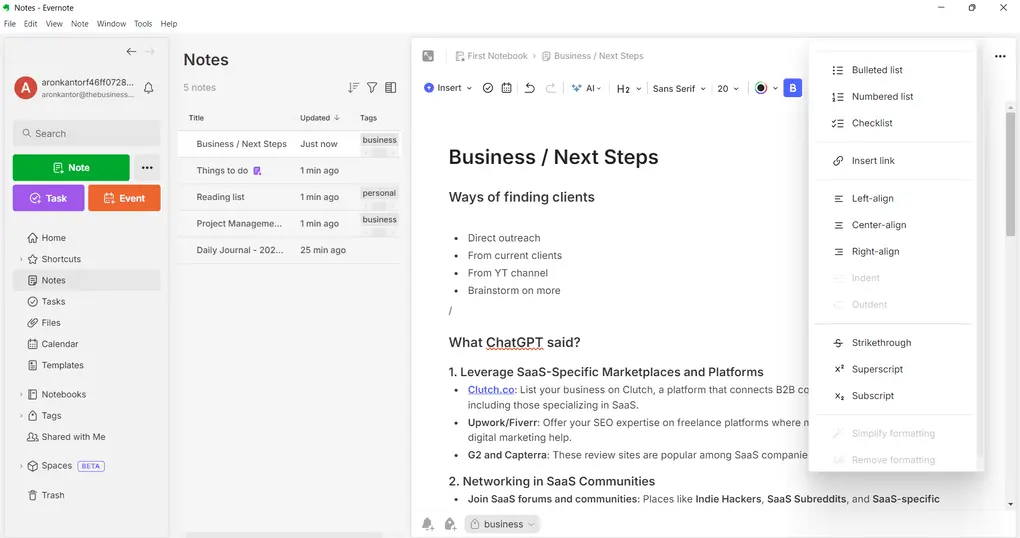
Evernote is designed for organized note-taking and information management. Capture ideas, to-dos, documents, and images—then sort them with tags and notebooks.
The Role of Productivity Tools in Modern Workflows
Productivity tools play a crucial role in keeping modern workflows organized, efficient, and predictable. They help teams reduce manual work, stay aligned on priorities, and maintain the clarity needed to work faster and more effectively.
Bring Structure to Complex Work
Today’s workflows span multiple apps, communication channels, and responsibilities. Productivity tools help you centralize projects, tasks, documentation, and communication so nothing gets lost. They reduce the mental load of switching between scattered tools and give your workday a clear system.
Reduce Manual Tasks and Save Time
Modern tools automate repetitive steps — assigning tasks, sending reminders, updating project statuses, syncing information between apps, and logging activity. This reduces admin work and gives individuals and teams more time for high-value tasks that actually move work forward.
Improve Team Alignment and Collaboration
By keeping information in one place and accessible to everyone, productivity tools eliminate confusion about who’s doing what. Teams gain shared visibility into priorities, deadlines, progress, and blockers, which leads to faster decision-making and fewer miscommunications.
Increase Focus and Reduce Distractions
A clear workflow supported by the right tools helps you stay organized and focused. Features like priority levels, time blocking, task batching, Do Not Disturb modes, or automated notifications keep distractions low and momentum high — crucial for both individual efficiency and team output.
Make Workflows Measurable
Without data, it’s hard to improve. Productivity tools provide visibility into performance: time spent on tasks, project progress, workload distribution, bottlenecks, and efficiency trends. This insight helps teams forecast resources, avoid burnout, and achieve more predictable results.
Types of Productivity Tools That Power Modern Workflows
Productivity tools span several core categories, each solving a different part of the workday. The most effective teams combine tools across these groups to build a complete, streamlined workflow:
- Task & Project Management – Organize work, assign responsibilities, and track progress. (Asana, ClickUp, Trello)
- Communication & Collaboration – Keep conversations clear and centralized across teams. (Slack, Google Workspace)
- Time Tracking & Timesheets – Measure effort, improve accountability, and optimize workloads. (TrackingTime)
- Documentation & Knowledge Bases – Store processes, notes, and information in one searchable hub. (Notion, Evernote)
- Automation & Integrations – Reduce manual work by connecting apps and automating repetitive tasks. (Zapier)
Productivity Tools for Remote & Hybrid Teams
Remote and hybrid teams depend heavily on digital tools to stay coordinated, communicate clearly, and maintain consistent productivity across different locations and time zones. The right stack ensures visibility, reduces friction, and keeps everyone aligned on priorities no matter where work happens.
Keep Collaboration Centralized
Remote teams thrive when communication isn’t scattered across channels. Tools that centralize conversations, tasks, and files help reduce confusion and keep everyone on the same page.
👉 Highlights: shared workspaces · message threads · integrated files · async communication
Maintain Visibility Across Workloads
When teams aren’t in the same room, understanding who’s working on what becomes essential. Productivity tools provide real-time visibility into tasks, deadlines, progress, and blockers — helping managers forecast better and reduce bottlenecks.
👉 Highlights: dashboards · workload overviews · progress tracking · priority alignment
Support Real-Time and Async Work
Hybrid and distributed workflows require flexibility. The best tools allow teams to collaborate live when needed and work asynchronously when schedules don’t overlap.
👉 Highlights: comments · mentions · collaborative documents · version history
Automate Routine Processes
Workload automation is crucial for remote teams juggling multiple tools and responsibilities. Automated notifications, task updates, data syncing, and reminders help reduce manual admin work.
👉 Highlights: app integrations · automated workflows · recurring tasks · synced updates
Enable Clear Documentation
Remote teams rely on written clarity. Tools that support structured documentation and knowledge sharing help teams build repeatable processes and reduce onboarding time.
👉 Highlights: wikis · SOPs · project notes · searchable knowledge hubs
💡 With the right productivity stack, remote and hybrid teams can collaborate efficiently, minimize miscommunication, and maintain predictable workflows regardless of distance.
How to Choose the Right Productivity Tools
Start by identifying where your workflow slows down—unclear tasks, scattered tools, repetitive steps, or communication gaps. Choose tools that solve those pain points while integrating smoothly with your existing processes. Test new tools with a small group before rolling them out to everyone.
Comparing Top Productivity Tools
Different tools solve different parts of your workflow. Use this table to quickly compare strengths and find the apps that best support your team’s productivity.
| Tool | Best For | Key Strengths |
|---|---|---|
| TrackingTime | Time tracking & reporting for teams | Accurate time logs, project visibility, productivity insights |
| Notion | All-in-one workspace | Docs, databases, wikis, flexible structure |
| Slack | Team communication | Channels, async messaging, deep app integrations |
| Asana | Task & project management | Timelines, dependencies, automation, workload clarity |
| Trello | Simple visual workflows | Kanban boards, easy onboarding, lightweight collaboration |
| Google Workspace | Cloud-based collaboration & communication | Email, docs, sheets, meetings, real-time co-editing |
| Zapier | Automation between tools | No-code workflows, cross-app triggers and actions |
| ClickUp | Customizable work management | Multiple views, docs, goals, dashboards in one platform |
| Evernote | Structured note-taking & knowledge storage | Notes, web clipping, tagging, powerful search |
| Miro | Visual collaboration & planning | Infinite canvas, diagrams, workshops, remote collaboration |
Bringing Your Productivity Stack Together
The most effective workflows aren’t built on a single tool but on a well-structured ecosystem. By combining task management, collaboration, automation, and time optimization tools, you create a workflow that reduces friction and helps your team operate with clarity and focus. The key is choosing tools that complement each other and support the way your team actually works — so productivity becomes the result, not the effort.


