Automatic Time Tracking for Productive TeamsKeeping your business running smoothly is our goal. Focus on business growth while we handle the rest. Time Tracking Project Management Timesheets Time Cards Time & Attendance Time Reports Leave Management AutoTrack
TrackingTime IntegrationsSync TrackingTime with the tools your team uses every day to fit their work habits. This way, they can keep track of every minute without switching between apps while working on their browser. Asana ActiveCollab Azendoo Basecamp Bitbucket ClickUp Evernote Factorial Figma Google Sheets Microsoft Teams Monday
ResourcesExplore time tracking alternatives across industries, and leverage calculators and templates to streamline daily operations. Industries Graphic Designers Freelancers Architects Consultants Remote Workers Developers Marketing Teams Resources Time Card Calculator Timesheet Templates Global PTO Project Management Templates
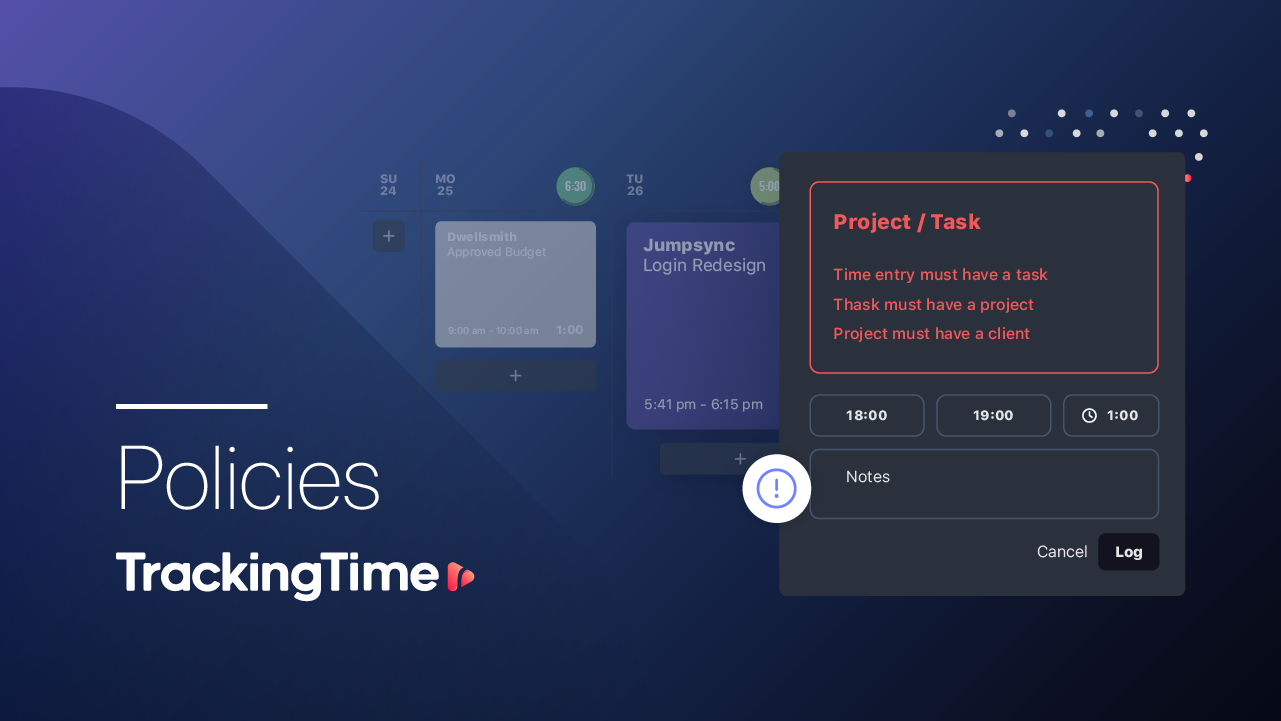
Use TrackingTime According to Your RoleLearn how to use TrackingTime based on the specific needs of your work role and find useful recommendations for successful time tracking. Solutions Extension Policies Custom Fields Reminders Rates & Costs Roles Team Lead Freelancer HR Manager Finance Lead Guides For Employees For Employers
01 about your business —Define Your Productivity Goals to Use TrackingTime CorrectlyTrackingTime provides a comprehensive project tracking solution to measure and enhance your team's productivity. Optimize projectsTeam collaboration is key to optimizing projects. It encourages teamwork dynamics with clear guidelines to efficiently complete projects.Takeaways Task lists, boards, and timelines to organize projects Assignments and comments to collaborate as a team Process improvement to hit deadlines Go to my report Optimize resultsIdentify processes that can be improved to set hourly goals and monitor the results, and repeat to achieve continuous improvement.Takeaways Identify and isolate inefficient processes Define improvement benchmark with those involvedt Set estimates and measure results Go to my report Precise planningStarting from the definition of a clear scope of work, create tasks with hour estimates and precise milestones for tracking and fulfillment.Takeaways Estimate hours accurately Establish a suitable timeline Follow up on the plan for its fulfillment Go to my report

Optimize projectsTeam collaboration is key to optimizing projects. It encourages teamwork dynamics with clear guidelines to efficiently complete projects.Takeaways Task lists, boards, and timelines to organize projects Assignments and comments to collaborate as a team Process improvement to hit deadlines Go to my report
Optimize resultsIdentify processes that can be improved to set hourly goals and monitor the results, and repeat to achieve continuous improvement.Takeaways Identify and isolate inefficient processes Define improvement benchmark with those involvedt Set estimates and measure results Go to my report
Precise planningStarting from the definition of a clear scope of work, create tasks with hour estimates and precise milestones for tracking and fulfillment.Takeaways Estimate hours accurately Establish a suitable timeline Follow up on the plan for its fulfillment Go to my report
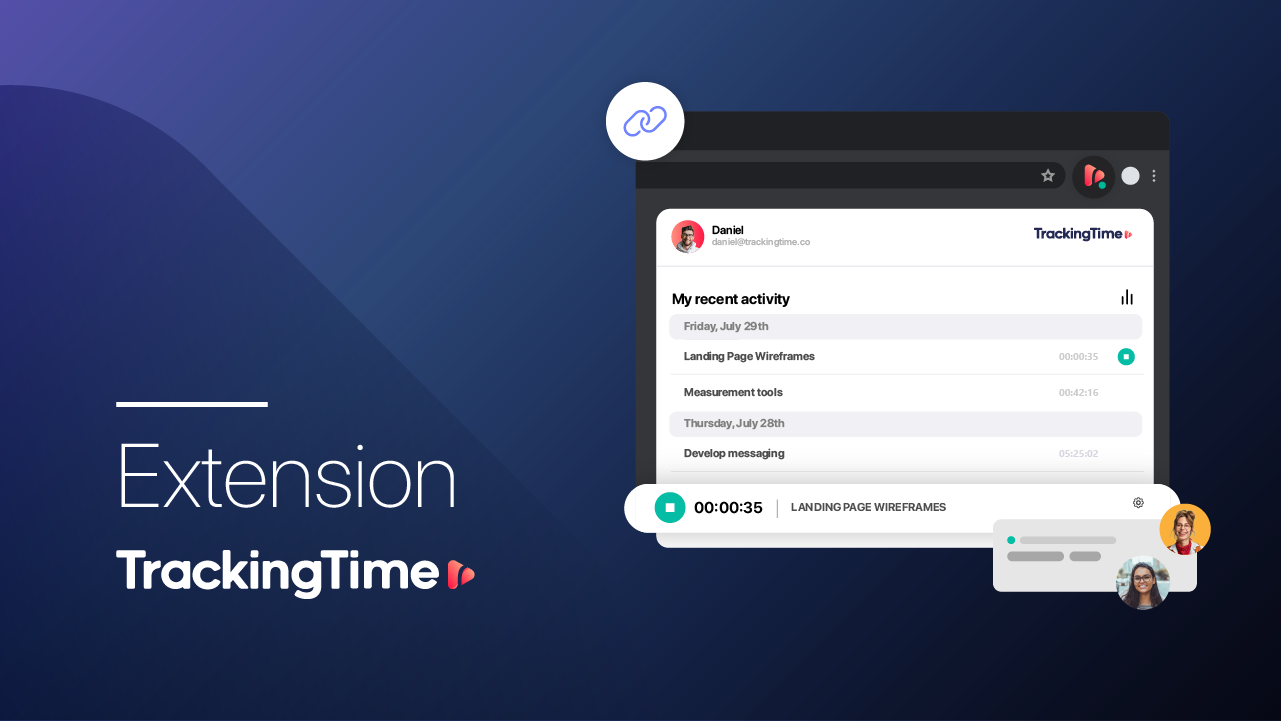
02 time tracking —Set Tracking and Reporting GoalsProvide your team with clarity regarding tracking goals and time reporting to ensure successful implementation. The information as you need itDefine and communicate to your team what you expect to see in their time reports, and explain whether you are assessing their work based on individual tasks or by task type. Most suitable tracking methodRecommend to your team to track using the desktop or mobile apps according to their convenience, and encourage the use of the extension to integrate with other apps. Help them develop the habit Use Pace to monitor your team’s time logging during the first weeks to ensure they are doing it as expected. Report and analyze productivityConduct regular assessments of your team's productivity based on the time invested in each project, and establish improvement actions to optimize their efficiency.
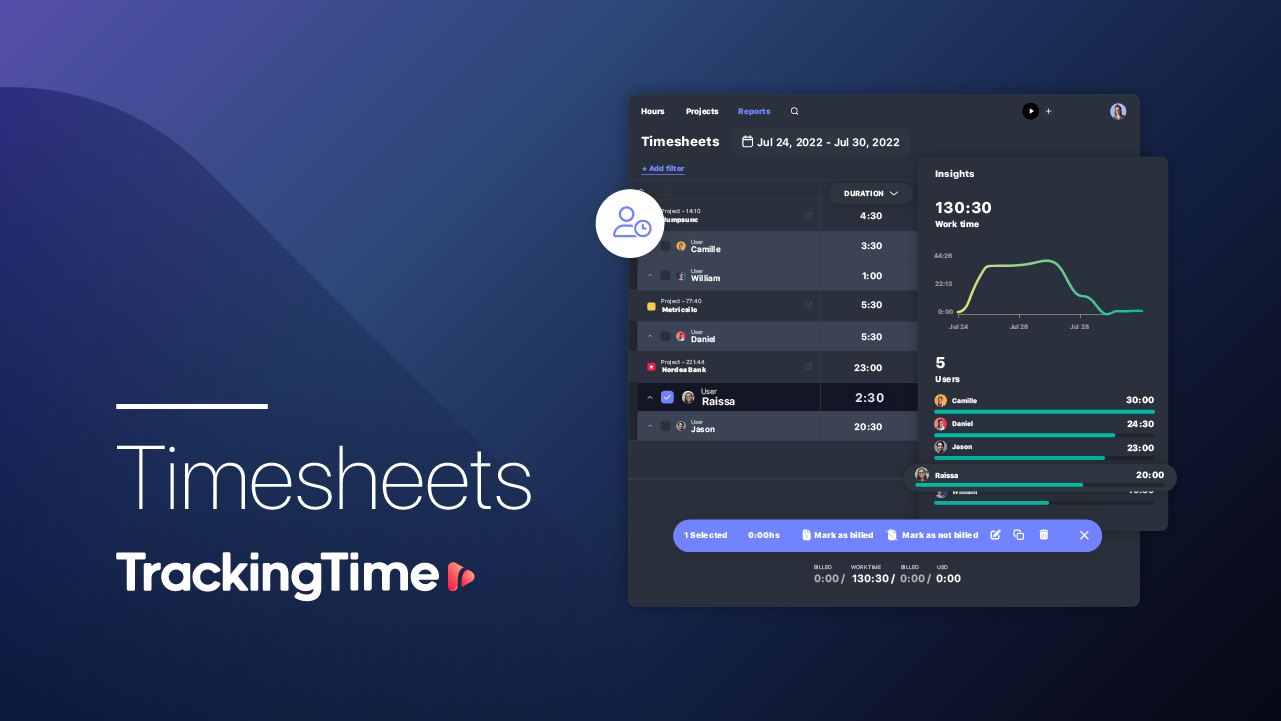
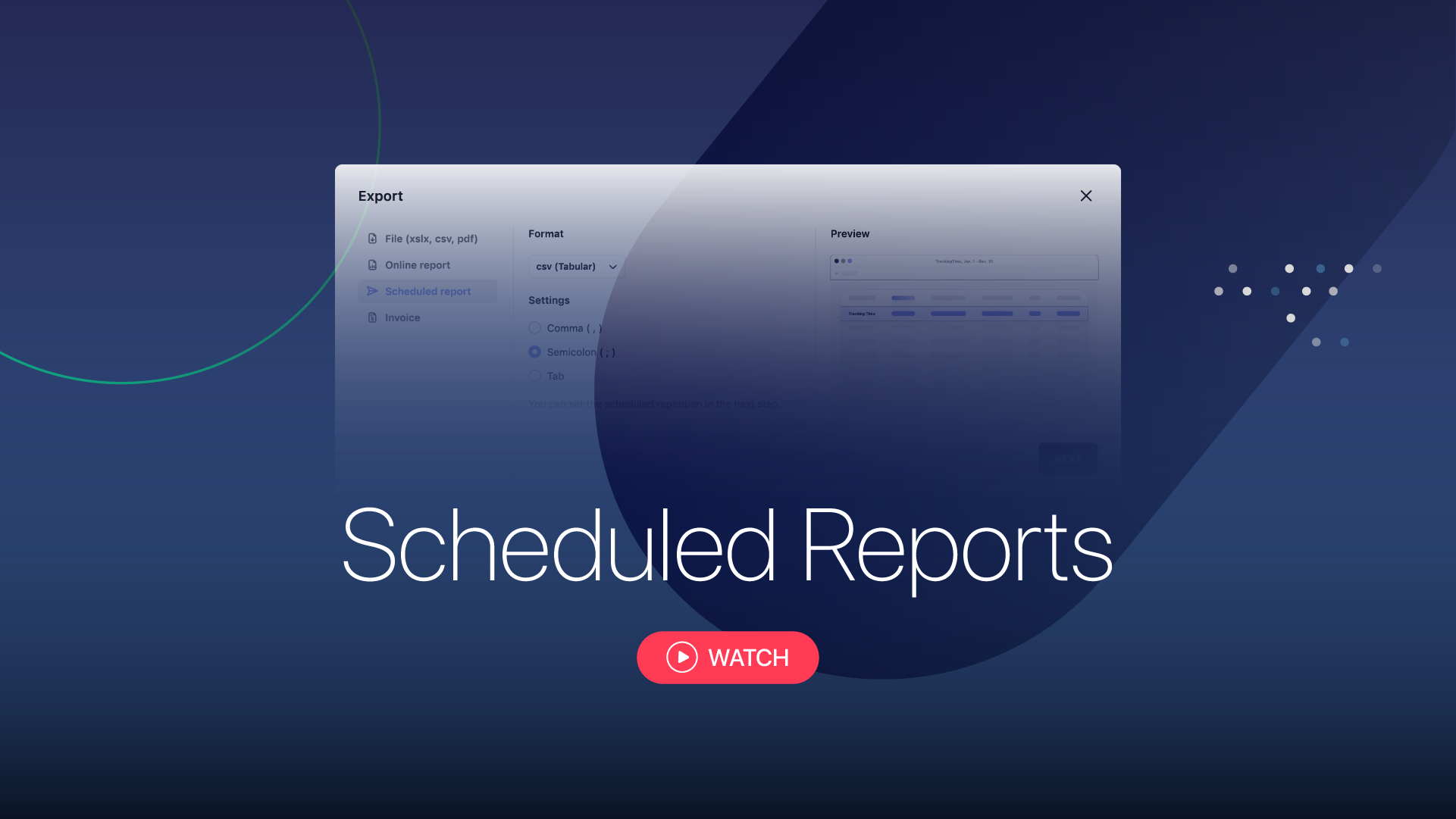
03 time reports —Report Hours to Your Clients and Mark them as Billed Filter the informationFilter billable hours for the desired period by project, task, user, or client,and group them according to your needs. Export and share your reportExport your report in the desired format, or generate a customized report to share online. Mark billed hoursOnce reported, the hours will be marked as billed so that you can keep a better control.
04 solutions —Recommendations to Achieve the Results You ExpectFind practical solutions to implement TrackingTime according to the specific needs of your business.
employeesGuide for Employees Sync your calendar Install the extension Turn on AutoTrack Set notifications Guide employerGuide for Employers Keep it simple Set expectations Work with estimates Monitor progress Guide
06 setup checklist -Organize and Report Your Team's Work Organize hour tracking Set work schedules Turn on and recommend reminders Set expectations with estimatesMonitor time records Define tracking policies Identify missing hours with Pace Audit time-off and extra-timeReport productivity Track project progress Report hours per user Report results to clients
integrationsIntegrate Time Tracking into Your Workflow hr tools spreadsheet tools PM TOOLS INVOICING TOOLS