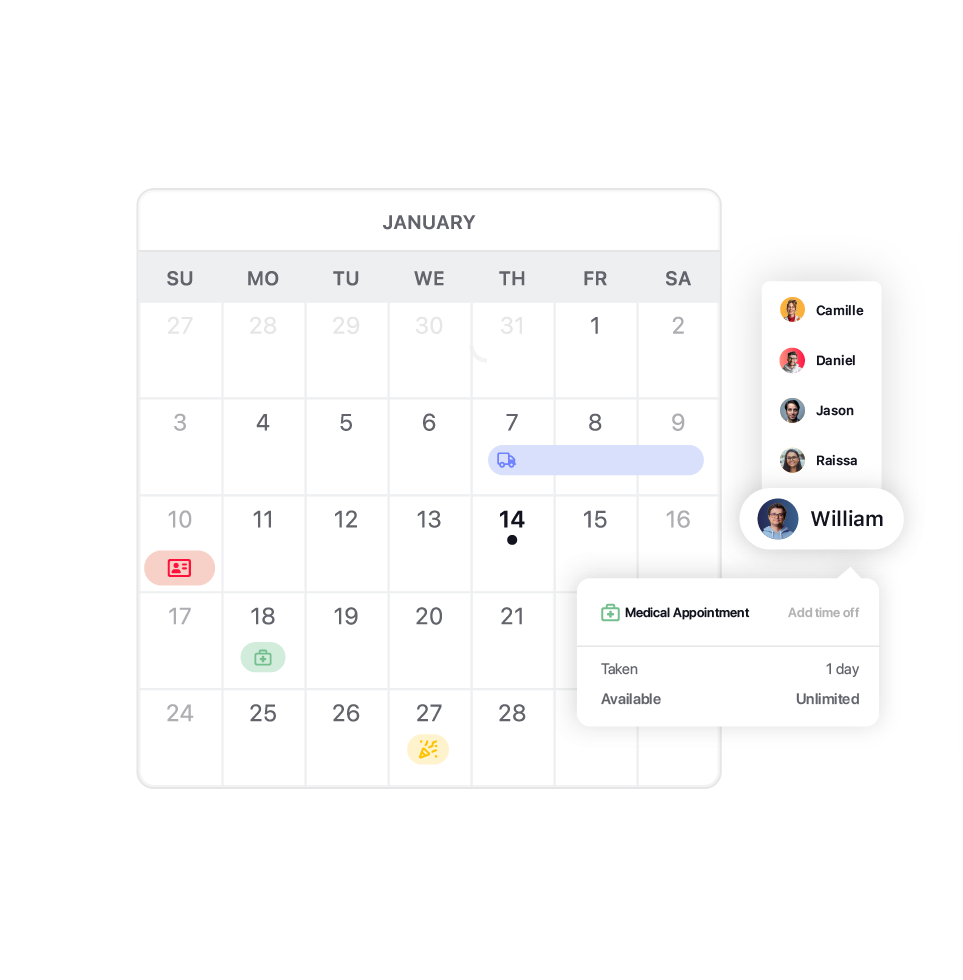
01 / Request

An employee requests time off with the type, dates, and an optional note.
- Any leave type: vacation, sick leave, parental leave, personal days
- Lands directly in the manager's or HR's pending requests
- Nothing gets lost in email or chat
LEAVE MANAGEMENT SOFTWARE FOR HR AND DISTRIBUTED TEAMS
TrackingTime gives people and payroll teams time off requests, approvals, and balances in the same workspace where hours are already tracked, so nothing needs cross-checking at payroll time.

leave management
Requests, approvals, and balances happen where the team already works, not in a separate tool HR has to maintain.

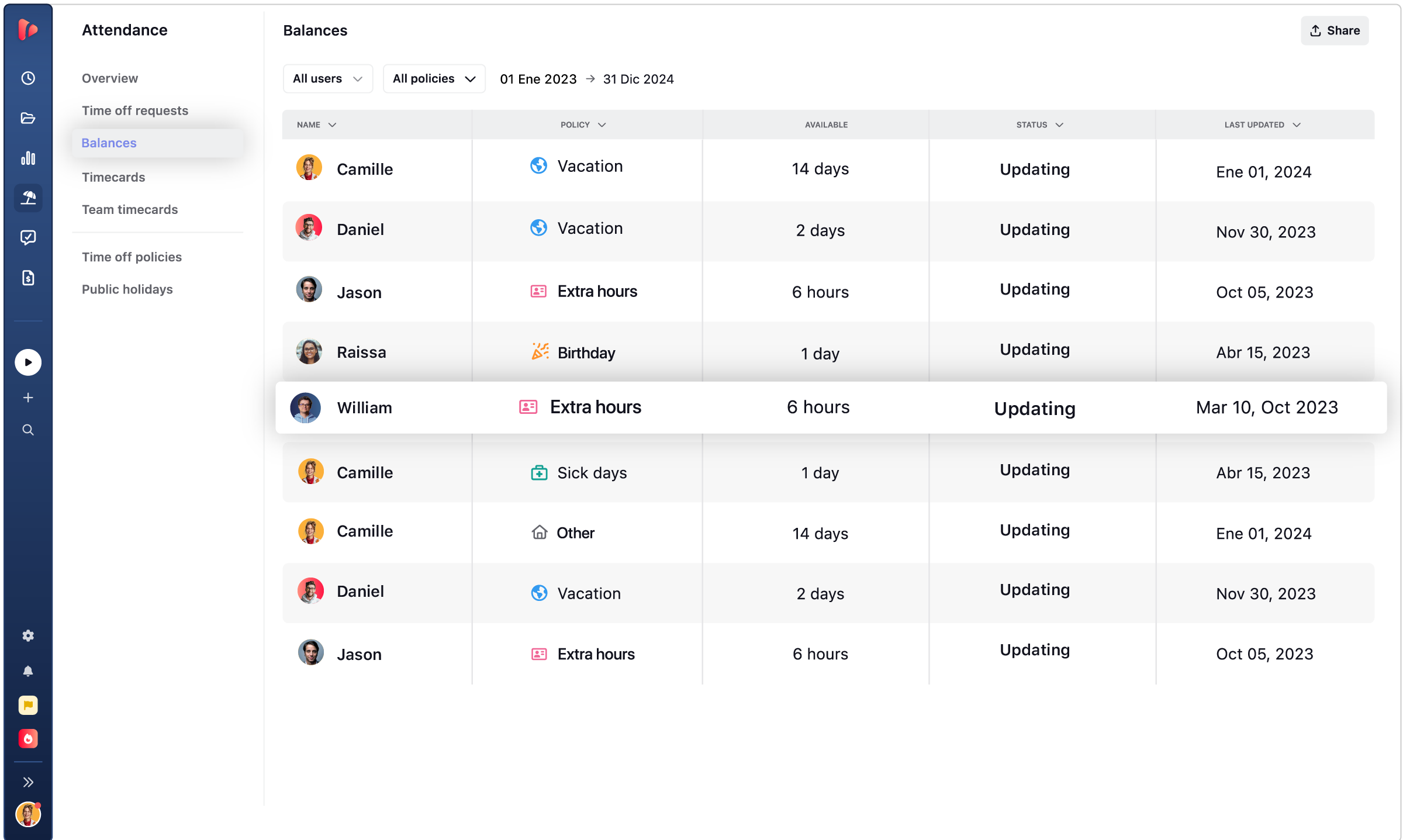
Every employee sees their own days, assigned, used, pending, and available, any time they check, without sending a message to HR or waiting on a reply. The number is always current, not something calculated when someone asks.

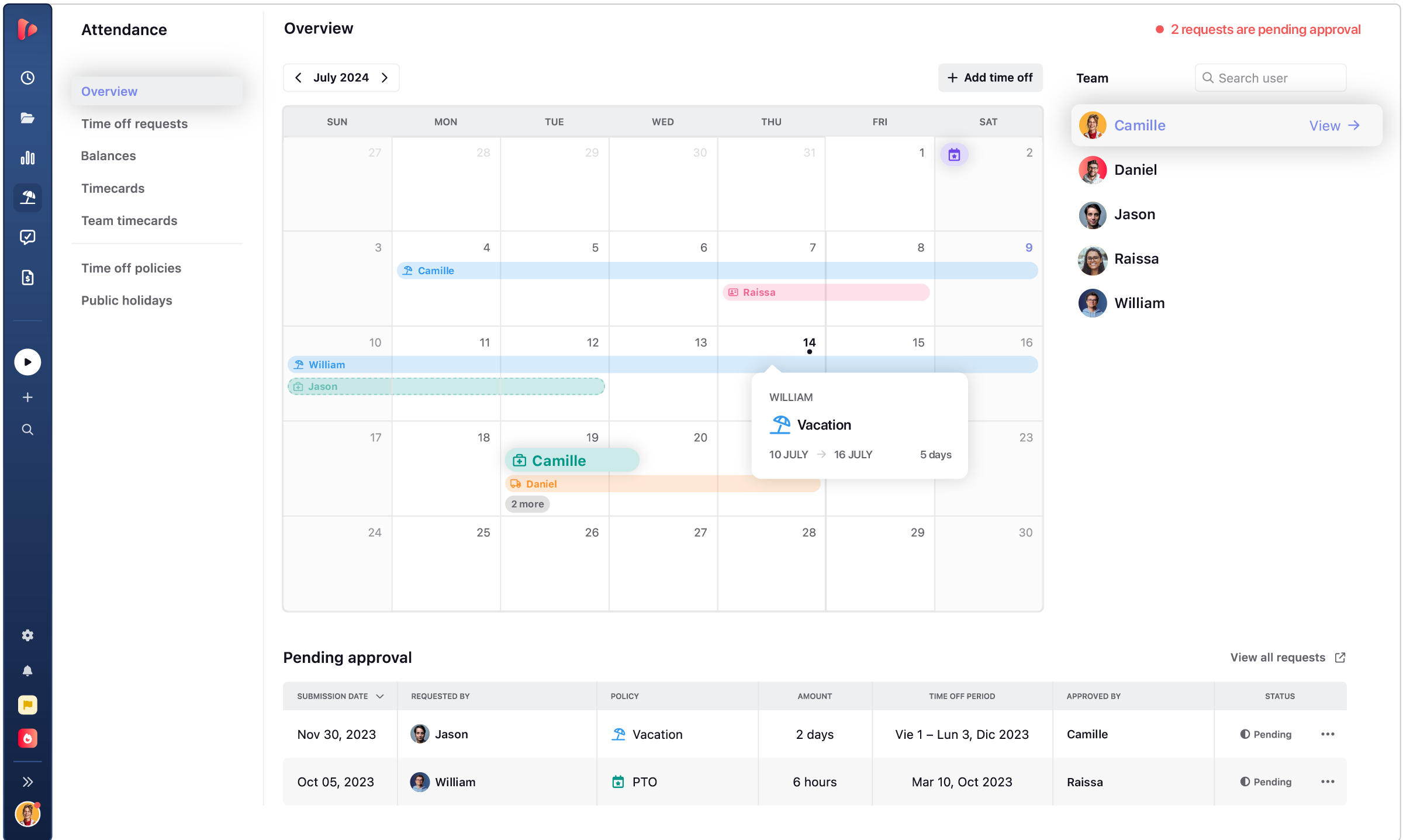
Before approving a request, the manager sees the team calendar and who else is already out that same period, so coverage gets considered before the decision, not discovered afterward when two people are gone at once.

Hours worked and time off live in the same place, so when payroll closes, there's no separate file to cross-check or reconcile by hand.
The numbers HR needs are already there, already correct.
request · approve · update
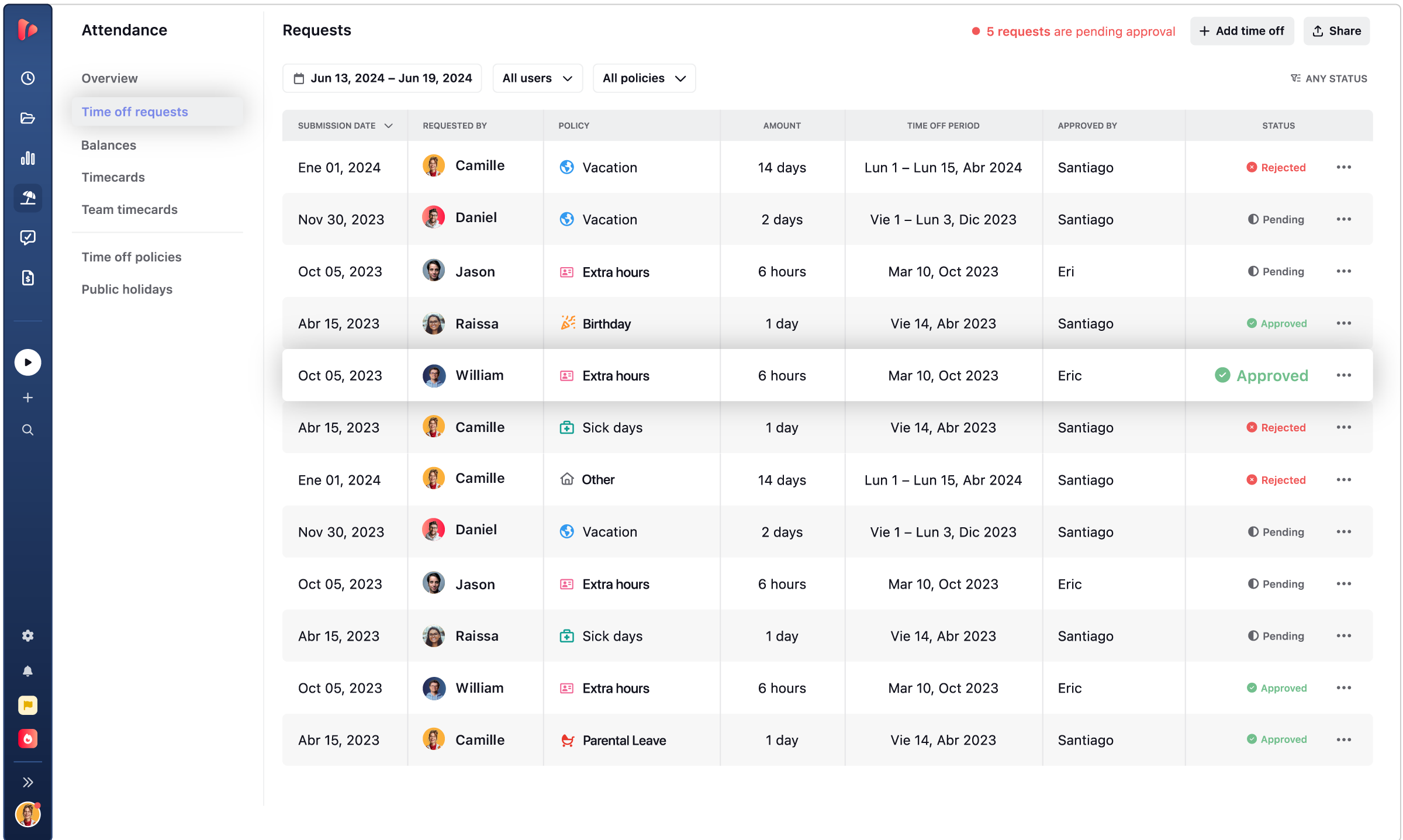
Employees ask, managers approve, and the balance updates the moment a decision is made.
An employee requests time off with the type, dates, and an optional note.

One approver, or several, depending on how the organization is structured.

The employee sees the status the moment it changes.
balance · calendar · requests · policies
Switch between the employee balance, the team calendar, pending requests, and policy setup.
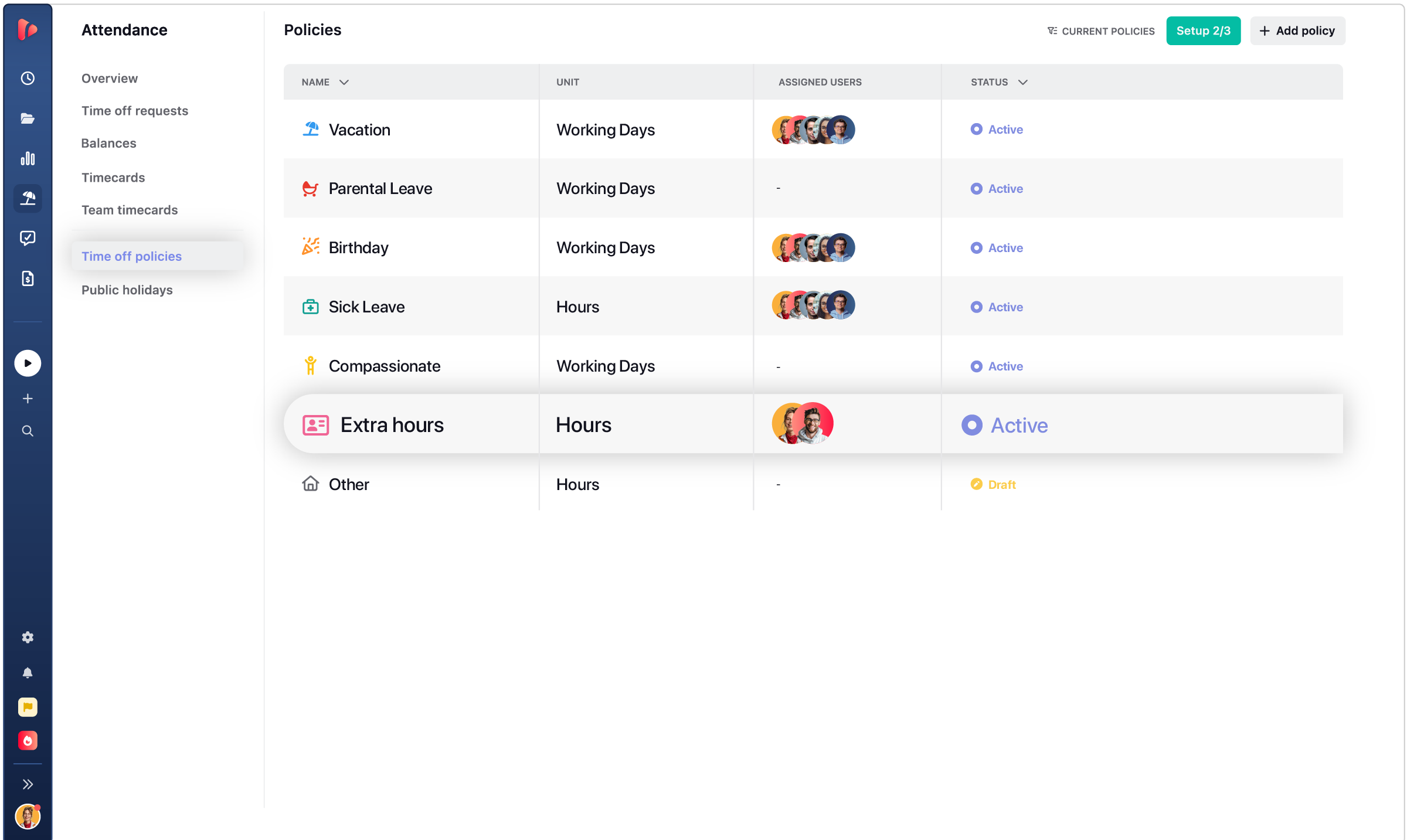
types · carry forward · seniority · sync
Every policy adjusts on its own, and the data shows up wherever the team already looks.

Vacation, sick leave, parental leave, personal days, each with its own color, policy, and balance behavior.

Unused days roll into the next period, up to the carry-forward limit set in the policy.

Days increase with tenure on their own, no manual recalculating each year.

Approved days sync to Google Calendar or Outlook, and HRIS data flows in automatically.
native vs synced
Two ways to handle time off, depending on whether HR data already lives somewhere else.
HR · distributed teams · compliance
Time off looks different depending on how the organization is structured: leave management adjusts to match, with approval levels, holiday calendars, and accrual rules all configurable.

A single place for requests, balances, and holidays, without cross-referencing spreadsheets.

Different holiday calendars and policies for each region, without managing them one by one.

A full history of every request and approval, with who did what and when, ready for any audit or labor requirement.

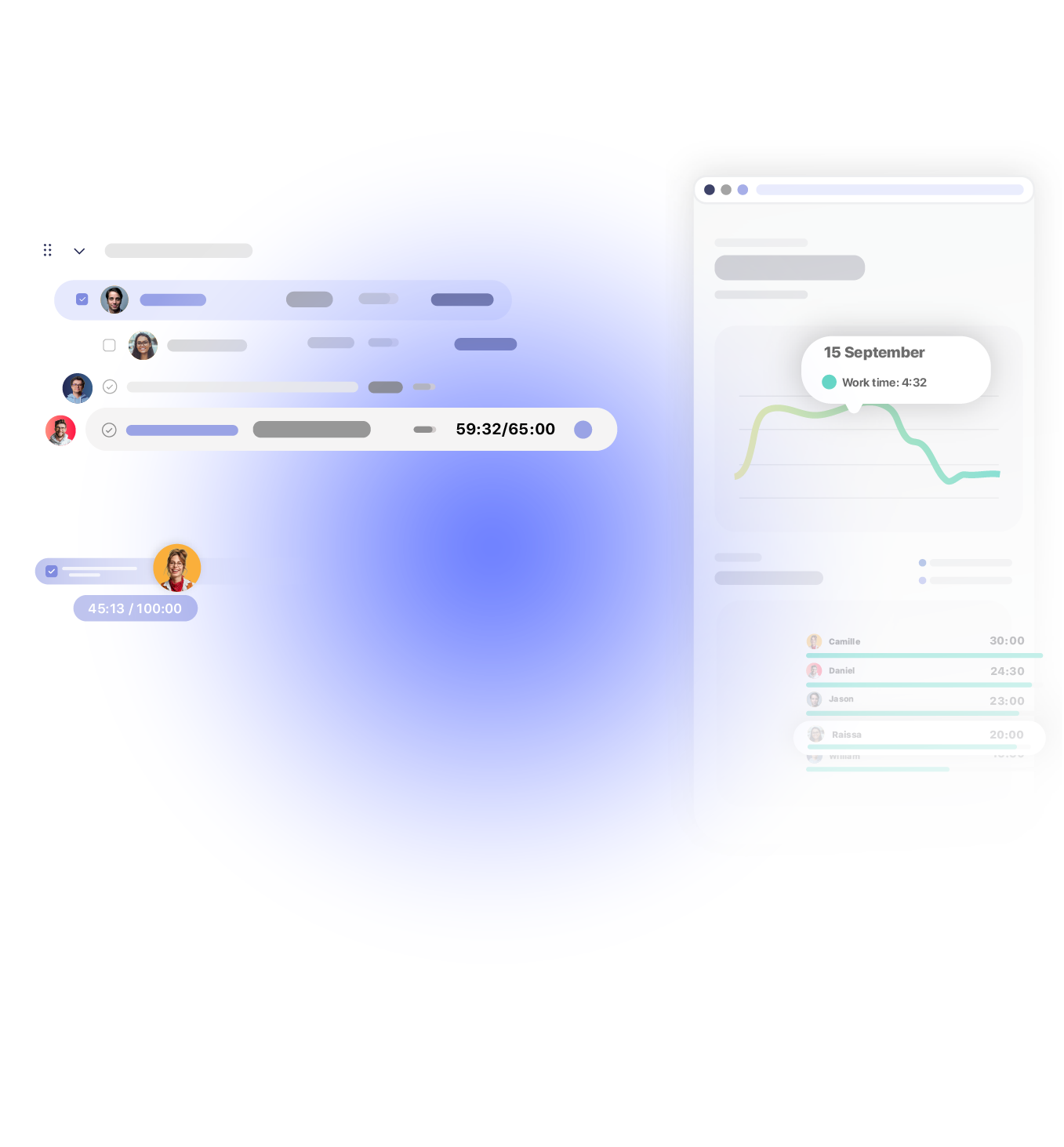
Works with 60+ tools your team already uses
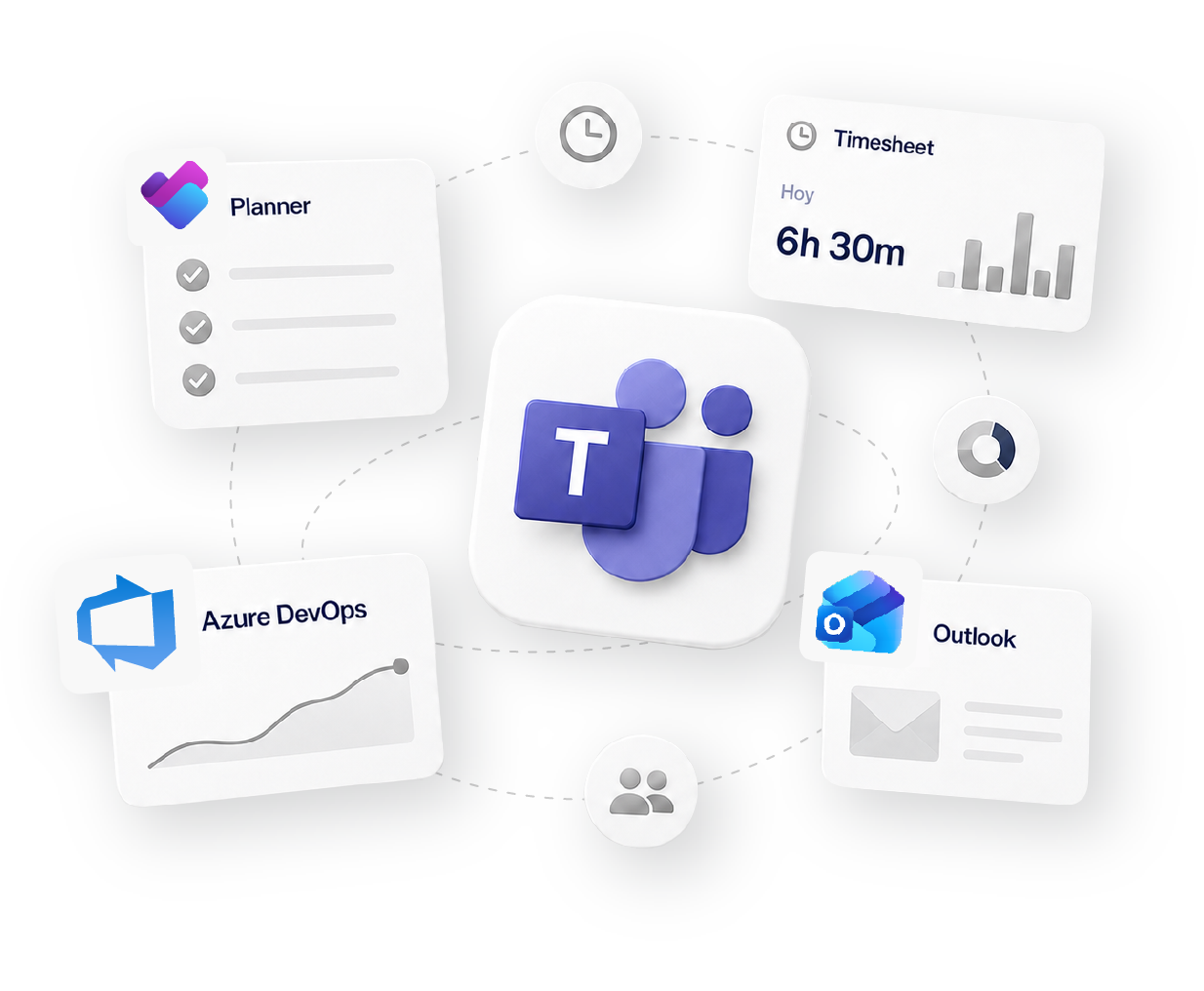
how it fits your workflow
Track
Time tracking
Organize
Projects & Tasks
Approve
Timesheets & Approvals
Share
Reports & Clients
Bill
Invoicing & Rates
Social proof

High rates from our users confirm that we’re built for teams.
![G2 High Performer Fall 2026 [Task Management, Time & Attendance, Time Tracking, Project Management, Project, Portfolio & Program Management]](https://trackingtime.co/wp-content/uploads/2026/09/ProjectPortfolioProgramManagement_HighPerformer_HighPerformer-1-3.png?x33905)
![G2 Regional Leader EMEA Fall 2026 [Time Tracking]](https://trackingtime.co/wp-content/uploads/2026/09/TimeTracking_Leader_EMEA_Leader-1-1.png?x33905)
![G2 High Performer EMEA Fall 2026 [Time & Attendance]](https://trackingtime.co/wp-content/uploads/2026/09/TimeAttendance_HighPerformer_EMEA_HighPerformer-1-1.png?x33905)
![G2 High Performer Mid-Market Fall 2026 [Time & Attendance]](https://trackingtime.co/wp-content/uploads/2026/09/TimeAttendance_HighPerformer_Mid-Market_HighPerformer-1-1.png?x33905)
![G2 High Performer Small-Business Fall 2026 [Time & Attendance, Time Tracking]](https://trackingtime.co/wp-content/uploads/2026/09/TimeAttendance_HighPerformer_Small-Business_HighPerformer-1-1.png?x33905)


OPENSTAX

MOMA

PLAYPASS

SSL

SMARTSHEET

MCI
FAQS
Fit and setup, approvals, multi-country teams, and integrations.
It works for small teams. As the team grows, balances go stale, requests get lost in email, and closing payroll means reconciling sources by hand. TrackingTime automates the full cycle, no parallel spreadsheets.
Yes. Assigned, used, pending, and available days are visible from their own profile, updated in real time.
Single-level routes it to the direct manager. Multi-level moves it through approvers by hierarchy, based on how the organization is structured.
They carry forward into the next period, within whatever limit the policy sets.
Holiday calendars are configured by country or group, choosing the relevant holidays for each region from the official list. One workspace can have different calendars for different countries.
Yes, a full history of every request and approval, traceable by who did what and when.
TrackingTime integrates with both, it doesn’t replace them. Time off logged in your HRIS syncs automatically, so hours and time off live together without double entry.
Yes. Pro includes time off with a fixed allowance, approvals, and holidays. Business adds automatic accrual, carry forward, and seniority allowance.
get started
Free for unlimited users. No credit card required.
Get started