01 / Build

Time cards build themselves the moment the period closes, no one starts from a blank document.
- Compiles hours, absences, and overtime automatically
- Nothing manual at the start of the cycle
- Ready the same day the period ends
EMPLOYEE TIME CARDS FOR HR AND PAYROLL TEAMS
TrackingTime gives HR and payroll teams time cards built automatically from hours logged, absences approved, and the schedule set, ready for payroll or an audit.

reliable by design
Every time card compiles the hours already logged, the absences already approved, and the schedule already set, so nothing needs double-checking before it’s used.

Every day of the period shows up on its own line, not folded into one total.
If something looks off, it's clear exactly which day to check, without opening a separate report or asking anyone to explain it.

Approved time off appears with its type(vacation, sick leave, or other leave types defined by the policy), right next to the hours worked so nothing has to be added in separately or cross-checked against another list before it's used.

Logged hours are checked against the schedule, so any gap between what was expected and what actually happened is visible right away, not discovered weeks later when payroll is already closing, with no time left to fix it.
build · submit · approve · store
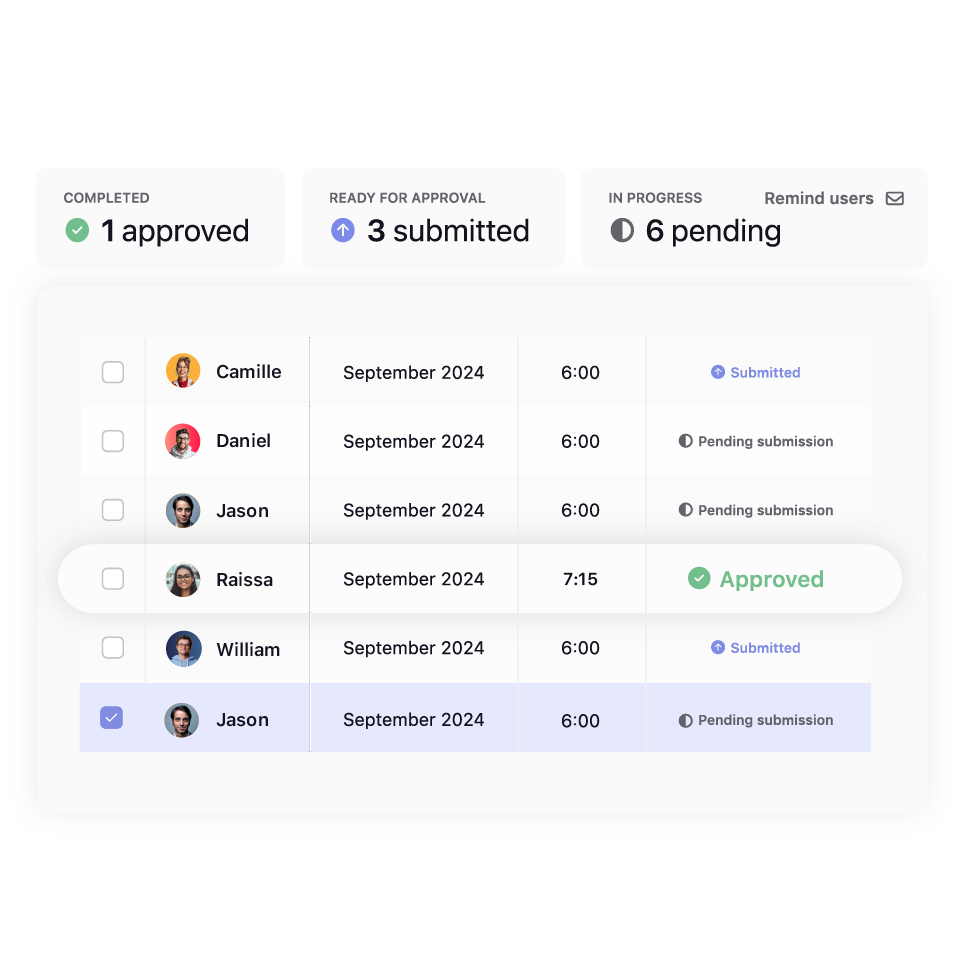
Employees confirm their time card, managers approve it, and it’s ready
to store, all without anyone building it by hand.
Time cards build themselves the moment the period closes, no one starts from a blank document.

Employees review their time card and submit it for approval.

Managers approve or reject with a comment.

Once approved, the time card is locked and kept as the official record, with a full history of who approved what.
HR · managers · hourly teams
Time cards mean something different depending on the role: HR needs a payroll-ready document, managers need approval history, and field teams need an easy way to clock in.

One document with hours, absences, and overtime, ready without compiling anything by hand.

Clock in from the desktop, mobile, Slack, or Teams, wherever the workday actually starts, without depending on being at a computer to log it.

Approve time cards with a clear history of who submitted what, no manual review needed.

european compliance
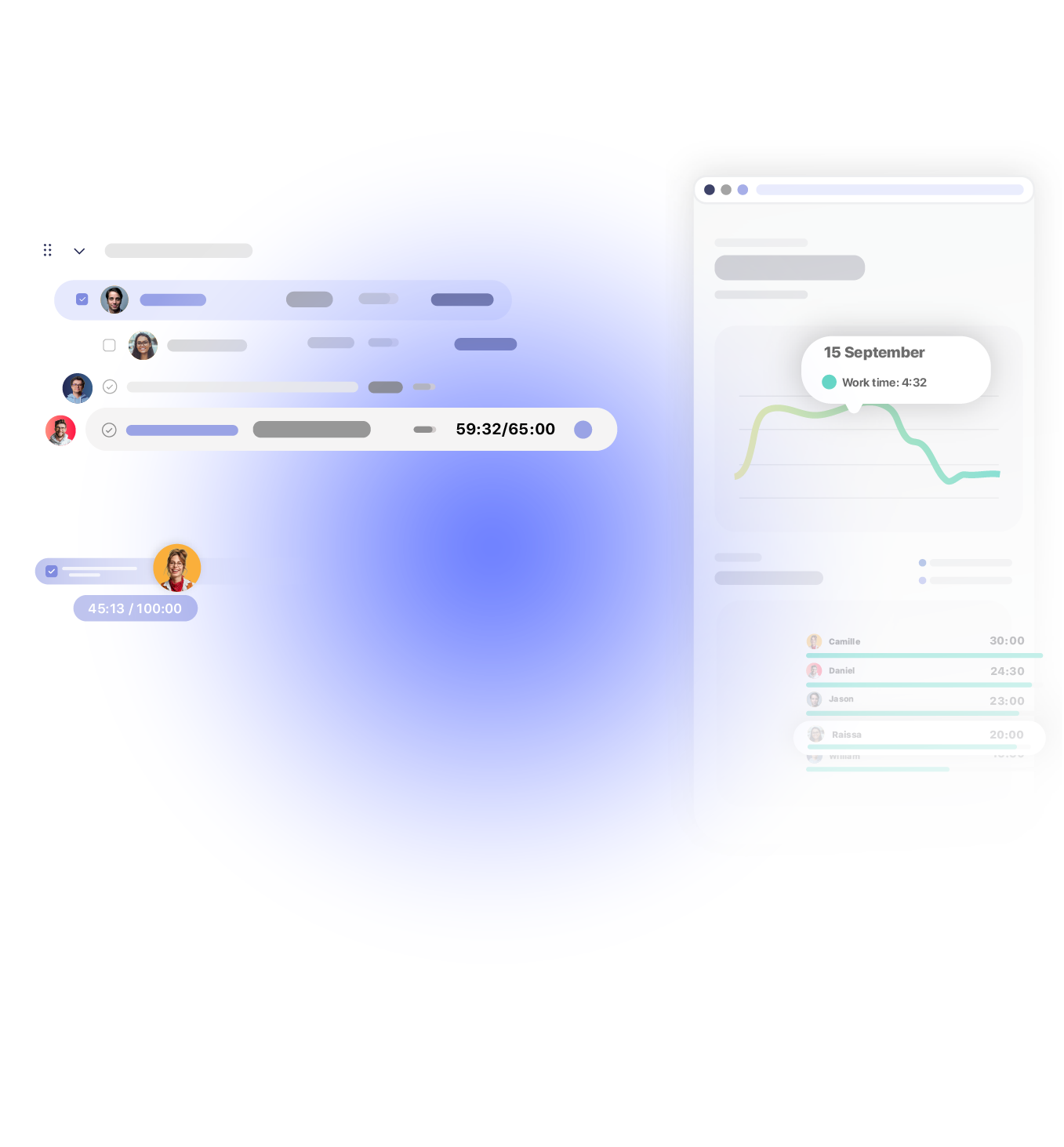
European time-recording regulation requires formal, immutable, traceable records, and this delivers exactly that.

No manual assembly, so there’s no room for the transcription errors an inspector might flag.

Nothing can be edited retroactively once it’s approved and locked, exactly what European regulation requires.

Every approval gets logged: who reviewed it, when it happened, and what the outcome was.

Companies subject to European regulation have their full history ready for any period an inspection covers.
Works with 60+ tools your team already uses
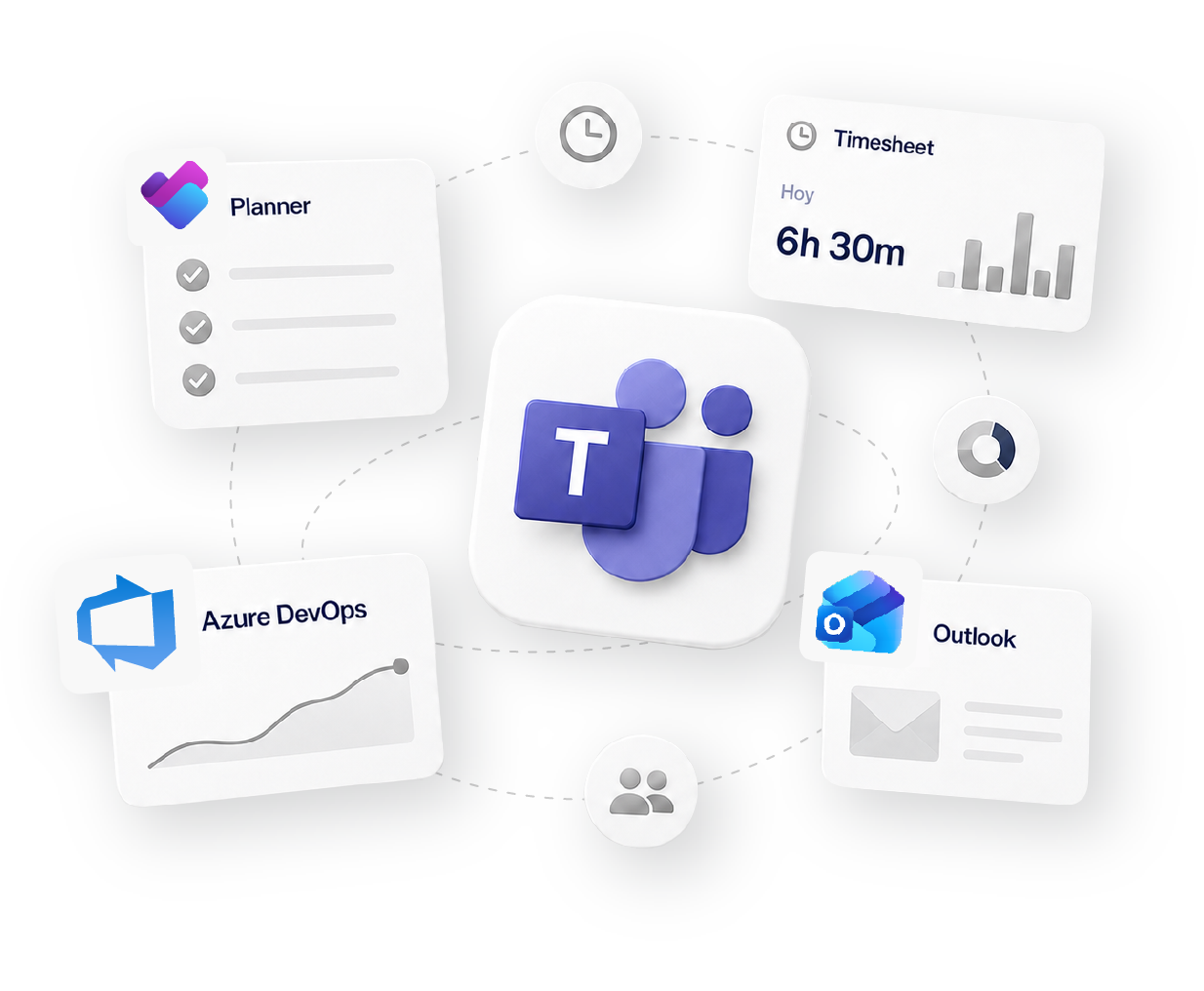
how it fits your workflow
Track
Time tracking
Organize
Projects & Tasks
Approve
Timesheets & Approvals
Share
Reports & Clients
Bill
Invoicing & Rates
Social proof

High rates from our users confirm that we’re built for teams.







OPENSTAX

MOMA

PLAYPASS

SSL

SMARTSHEET

MCI
FAQS
Fit and setup, approvals, compliance, and access.
It works, but every month someone has to compile hours from one source, absences from another, and calculate overtime separately. TrackingTime removes that entirely, the document generates itself, with no room for transcription errors.
If logged hours go over what the schedule expects, the time card marks the difference as overtime automatically, no manual math.
They can review and adjust their entries before submitting the time card. If something’s still off, the manager can request a correction before it’s approved.
It returns to the employee with a comment. They fix it and resubmit, and the cycle repeats until it’s approved.
Yes. Records are formal, traceable, and locked once approved, nothing can be edited retroactively. They export to PDF or Excel for formal archiving.
Yes, to PDF for formal records, or Excel and CSV for direct import into payroll processing.
Yes, the mobile app works for iOS and Android. Teams that live in Slack or Teams can clock in directly from those channels too.
Yes, auto-submit and approval workflows with status tracking are available on Pro.
get started
Free for unlimited users. No credit card required.
Get started