




TIME REPORTING SOFTWARE FOR CLIENT-FACING TEAMS

Tracked hours, turned into client-ready reports.

Time reporting software that builds reports from what’s already tracked and delivers them automatically to the inbox that needs them, always current. Set the filters and grouping once, whether it’s hours by client or billable versus non-billable, and every future report follows the same view.

Get started

Live data

Reports update in real time as hours get tracked, never a static export.

Snapshot

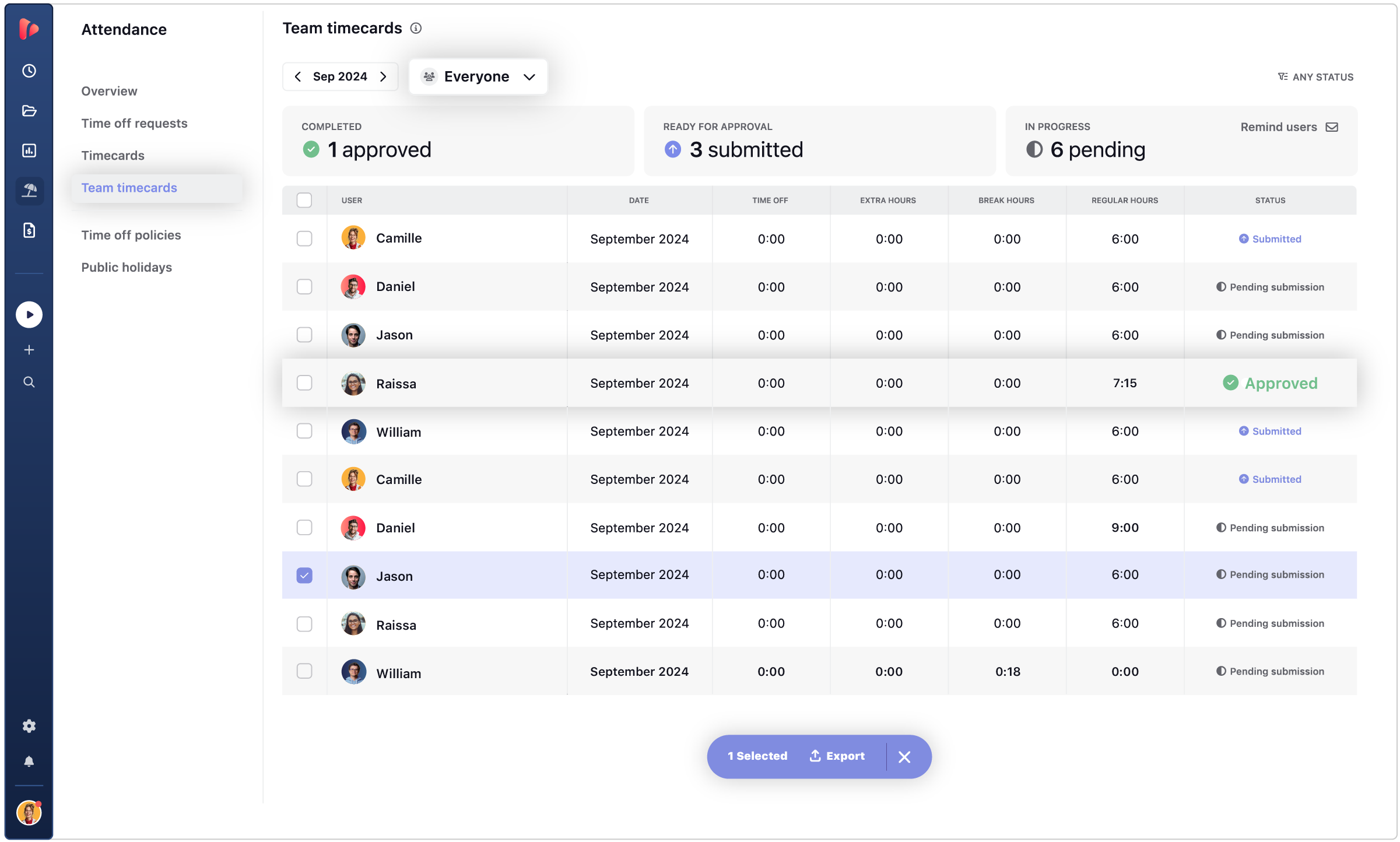
Locked once approved, so the numbers in the report can't change after the fact.

Automated delivery

Scheduled to the right inbox automatically, no one has to remember to send it.

TRUSTED BY TEAMS WORLDWIDE. 60+ INTEGRATIONS. FREE PLAN FOR UNLIMITED USERS.

  • Openstax
  • moma
  • playpass
  • ssl
  • smartsheet
  • mci

How reports get built: from tracked hours to a
finished report, automatically.

Tracked hours in, finished report out, no building required. Four steps happen without anyone building a report from scratch.

1. The raw material for every report is already there.
2. The exact slice of data stakeholders need, without building it from scratch.
3. No need to remember how it was built last time.
4. The report shows up before anyone has to request it.
01 / Start from the timesheet

No report starts from a blank page.
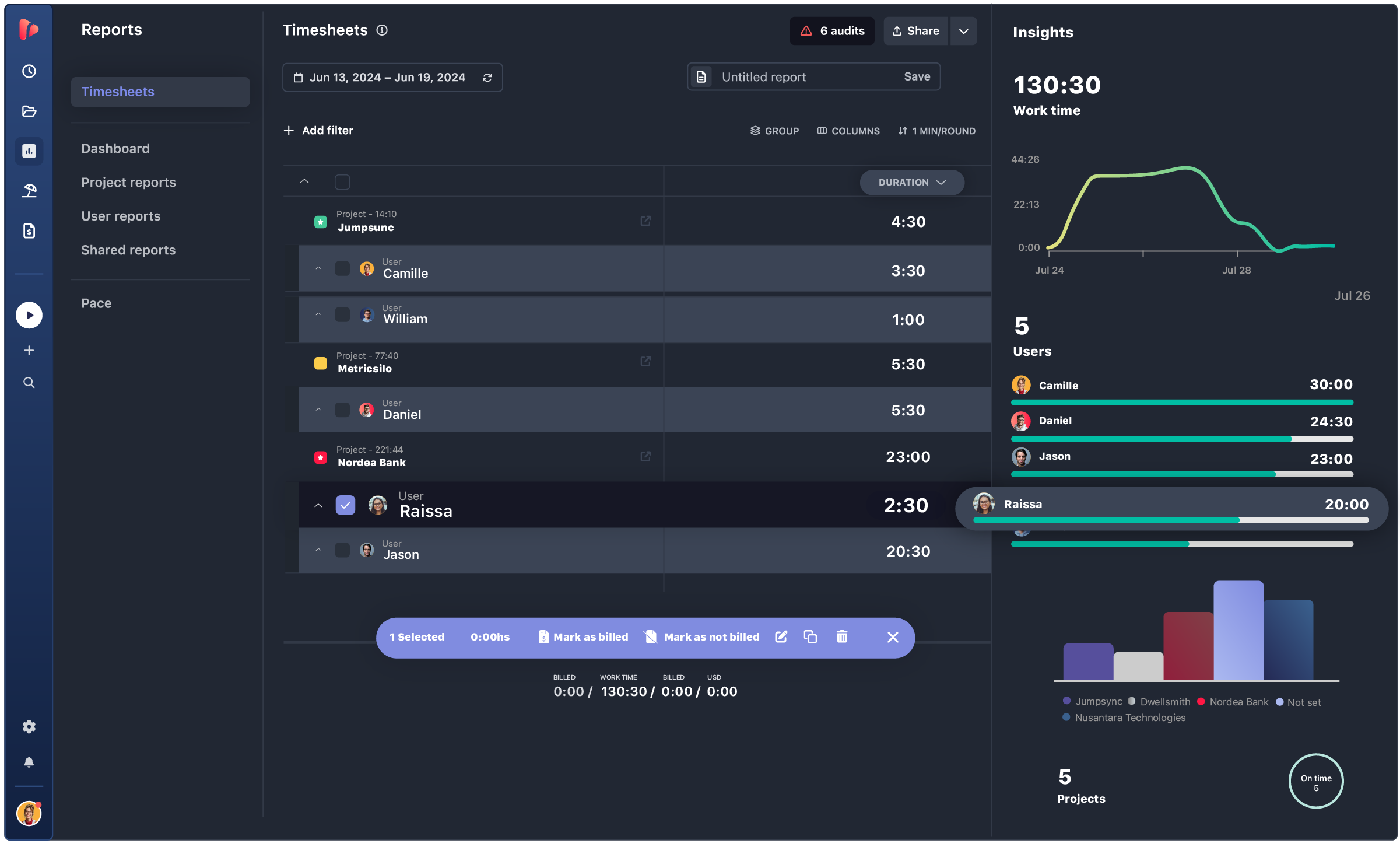
All time entries in one place, filterable by any dimension.
Group by user, project, task, client, date, or combinations.
No new data entry, no separate report tool

03 / Set up once and save

A saved view becomes a report that reopens with current data. Filters and grouping get saved as a named report. Opens anytime, always reflecting the latest tracked hours. No rebuilding the same view every month

02 / Filter and group

Billable hours for a client, approved, filtered by period, broken down by task, built in seconds. Combine filters: period, project, client, approval status, billable status, custom fields. Any combination becomes a specific view. No spreadsheet formulas, no manual sorting

03 / Set up once and save

A saved view becomes a report that reopens with current data. Filters and grouping get saved as a named report. Opens anytime, always reflecting the latest tracked hours. No rebuilding the same view every month.

DASHBOARD · PROJECT · USER · PACE

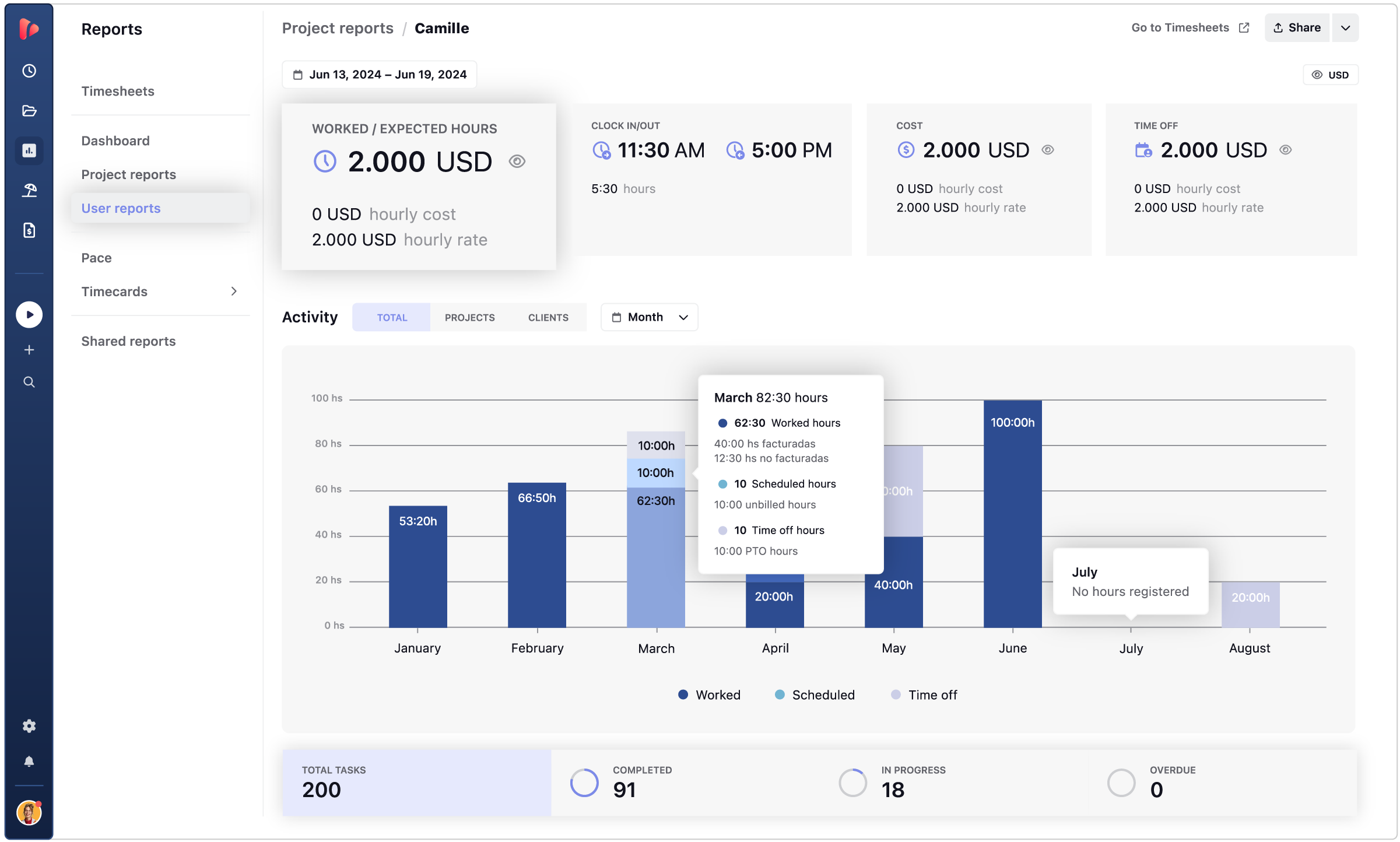
One dataset, four ways to read it.

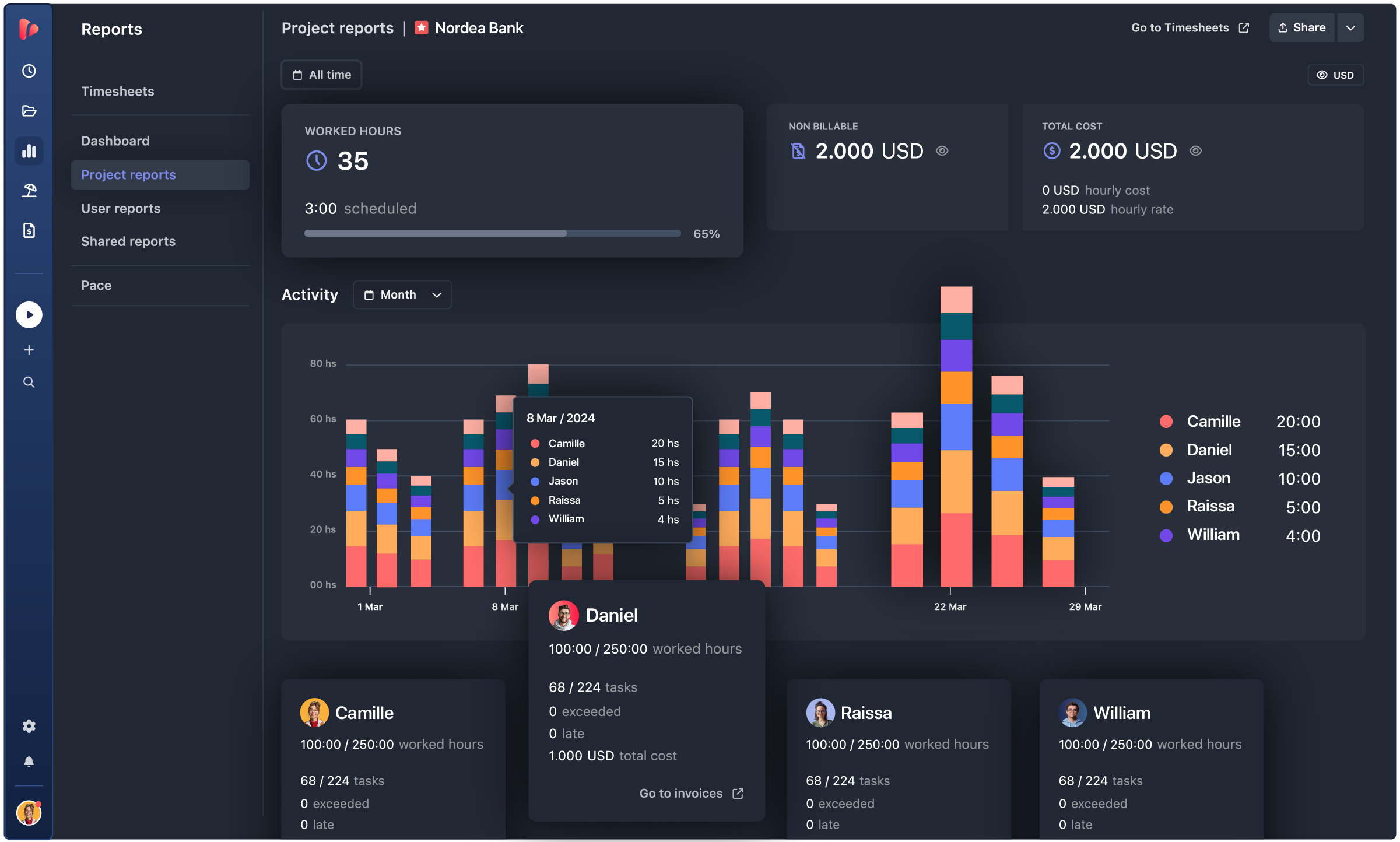
Switch between the workspace dashboard, project breakdown, individual hours, and budget pace.

Project report
TrackingTime report dashboard showing project hours, costs, and activity data to support how to calculate project profitability
time card software

CLIENT TRANSPARENCY

The right access, for how each client actually works with the team.

Not every client needs the same kind of access. TrackingTime gives three levels of external visibility, each matched to a different relationship, without exposing other clients’ data or internal costs.

1

Live Reports

A public link with the hours for a configured period, updated in real time. No account needed on the other end.

2

Viewers

A read-only account. Clients explore their own projects and reports, and change the period whenever they want.

3

Client Users

Clients comment on tasks and follow delivery inside the workspace, without logging time or seeing costs.

the result

This is what built-in reporting looks like.

What changes once every stakeholder gets their report without asking for it.

reporting icon
Reports build themselves.

No spreadsheet to export and reformat every time. The data is already tracked, the report just opens.

website-icons-usecases.
One saved view works every month.

No new report assembled by hand for every stakeholder. The same setup works every time it’s needed.

integration icon
A live link for clients.

No email back and forth asking for hours. The client opens the link and sees them directly.

automation icon
Always current.

No report that’s already stale by the time it gets opened. The numbers update as hours get tracked.

MANAGERS · FINANCE · CLIENTS

One report, shared with clients and used internally.

Managers, finance, and clients, each reading the same hours differently.

INTEGRATIONS

Track time where your team already works

TrackingTime lives where work happens. Add a timer to Asana, Jira, Notion, Monday, ClickUp, Microsoft Teams, Slack, and 60+ more — your team tracks without switching tabs.

Our company has had a fantastic experience with TrackingTime. We would recommend to anyone looking for an easy to use time tracking experience.


5 / 5

We've been using TrackingTime in our company and it's made a huge difference. The customer support is outstanding, quick, helpful, and genuinely interested in solving issues.


5 / 5

Awesome. There are a lot of tech internal features to be improved, such as data storage and sharing access, but it's great in general.


5 / 5

This app is a lifesaver! With TrackingTime, I can easily set project timelines and track my team's progress. The ability to create detailed timesheets and business reports for clients is a game-changer.


4.5 / 5

TrackingTime was incredibly convenient to use; its simple design made it accessible to anyone. The features were outstanding and the reports provided invaluable insights into my own productivity.


5 / 5

TrackingTime keeps my team and projects on track. Saves us hours of headaches and facilitates working remotely. Top notch.


4.3 / 5

Works really well to track project hours


5 / 5

Unmatched Tool for Time and Task Progress Tracking


5 / 5

One of the best time tracking app I've been using


4.5 / 5

Seamless Linear Integration and Easy to Use


5 / 5

TESTIMONIALS

Trusted by all kinds of teams

4.7/5 on G2 · 117 verified reviews · Recognized every season as High Performer and Momentum Leader in Project Management, Time Tracking, and Time & Attendance.

Get client-ready reports
built from tracked hours.

Get started

No spreadsheet to rebuild. No report to assemble by hand. No client waiting on an email.

Sign in with Google

FAQ

Frequently Asked Questions

Get answers to all your questions about our service and plans.

We already use spreadsheets for reporting. Why switch?

Spreadsheets work for a small team with few projects. Once the team or client list grows, reconciling hours by hand turns into hours of admin work every month. Reports build automatically from the same tracked data instead.

Does the team need to change how they track time to get these reports?

No. Reports build from whatever’s already being tracked, timers, AutoTrack, or manual entries. Nothing changes on the tracking side.

Which plan includes the full graphic reports?

Dashboard, Project Report, User Report, and Pace Report, along with PDF and Excel export and Shared Reports, are included from Starter up.

What’s included in reporting on the Free plan?

The basic timesheet view and CSV export, with unlimited users.

How are hours shared with a client?

Through a Shared Report: a public link with the month’s hours, always current. The client accesses it without an account, and it can be limited to billable hours only with an expiration date.

Can a Shared Report show only one project instead of the whole workspace?

Yes. Each Shared Report reflects whatever filters and grouping were configured, whether that’s a single project, a single client, or a specific period.

What if someone logged their hours wrong?

Incomplete or overlapping entries get flagged automatically before the period closes, so a manager can fix them in minutes instead of reviewing every timesheet by hand.

Is there a record of who changed what in a report?

Yes. Every entry keeps a full trail: who logged it, when, and any edits made afterward.

Is this valid as an official work-hour record?

Yes. Reports are built on a full audit trail, and locked periods with formal export cover the documentation needed for regions with legal time-recording requirements.