












Our company has had a fantastic experience with TrackingTime. We would recommend to anyone looking for an easy to use time tracking experience.
Time Tracker for Microsoft Edge
Track time in Edge.
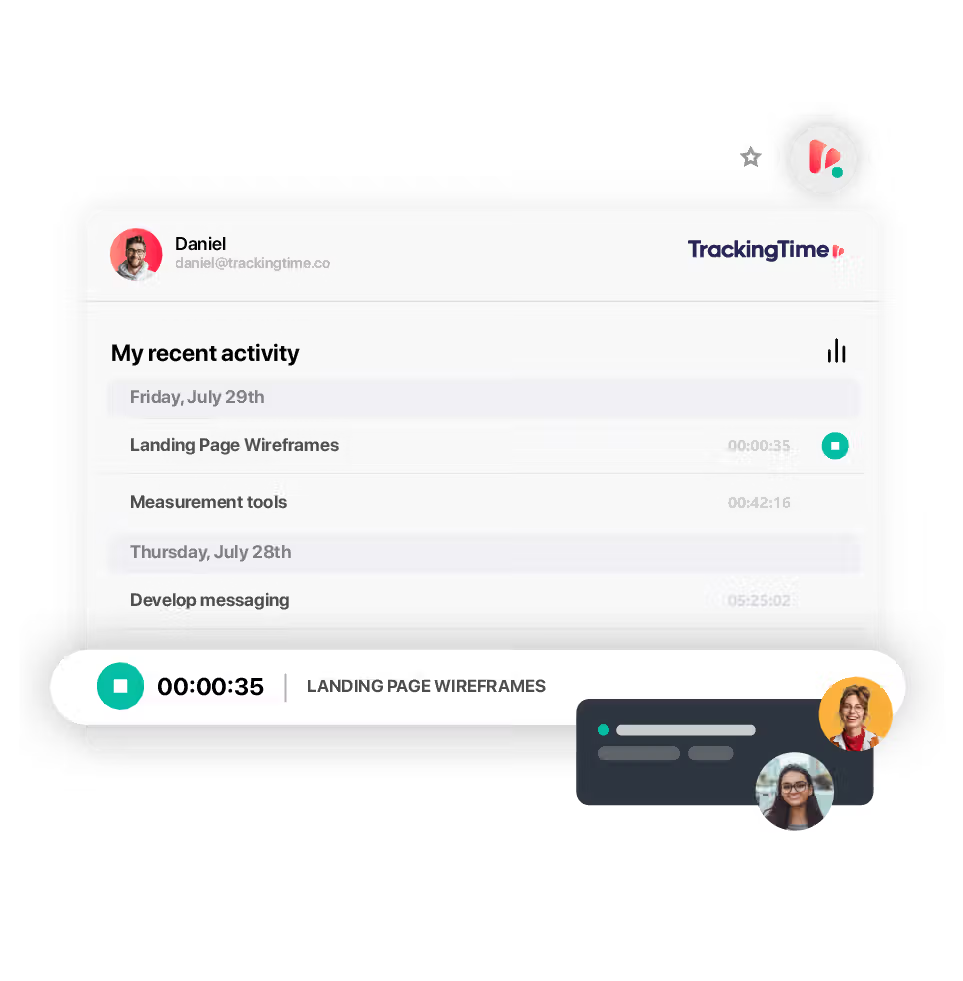
Track time inside Microsoft Edge while using apps like Trello, Asana, Google Docs, and more. Stay focused on your work—your hours are just a click away.

time tracking apps
A time tracker for all your devices.
time tracking browser extension
Edge-ready time tracking for modern teams.
Track time across your favorite productivity tools—directly within Microsoft Edge.
Integrated into your workflow.
Track time inside Edge while using the apps your team relies on—like ClickUp, Trello, Asana, Notion, and Google Docs. The TrackingTime extension embeds directly into your browser, so time tracking becomes part of your workflow, not a separate task. No need to bounce between tabs, copy-paste task names, or run a separate timer app. Everything happens right where you're already working—bringing time tracking closer to your tasks than ever before.
Zero disruption.
Start tracking in a single click—no pop-ups, no distractions.
Whether you're working on long-term deliverables or jumping between multiple tasks, the Edge extension makes it easy to capture your time accurately, in the moment.
There's nothing new to learn: the interface is clean, intuitive, and built to get out of your way.
It adapts to how you already work in Edge, so logging hours never feels like a chore.
Unified tracking across your stack.
Your time entries update instantly across Edge, your TrackingTime account, and every connected device. Whether your team is using Edge on Windows, macOS, or working across platforms, everyone's hours are tracked in real time and consolidated in one place. No more missed entries, double-logging, or version mismatches. This ensures your team’s reports are always accurate, audit-ready, and easy to access.
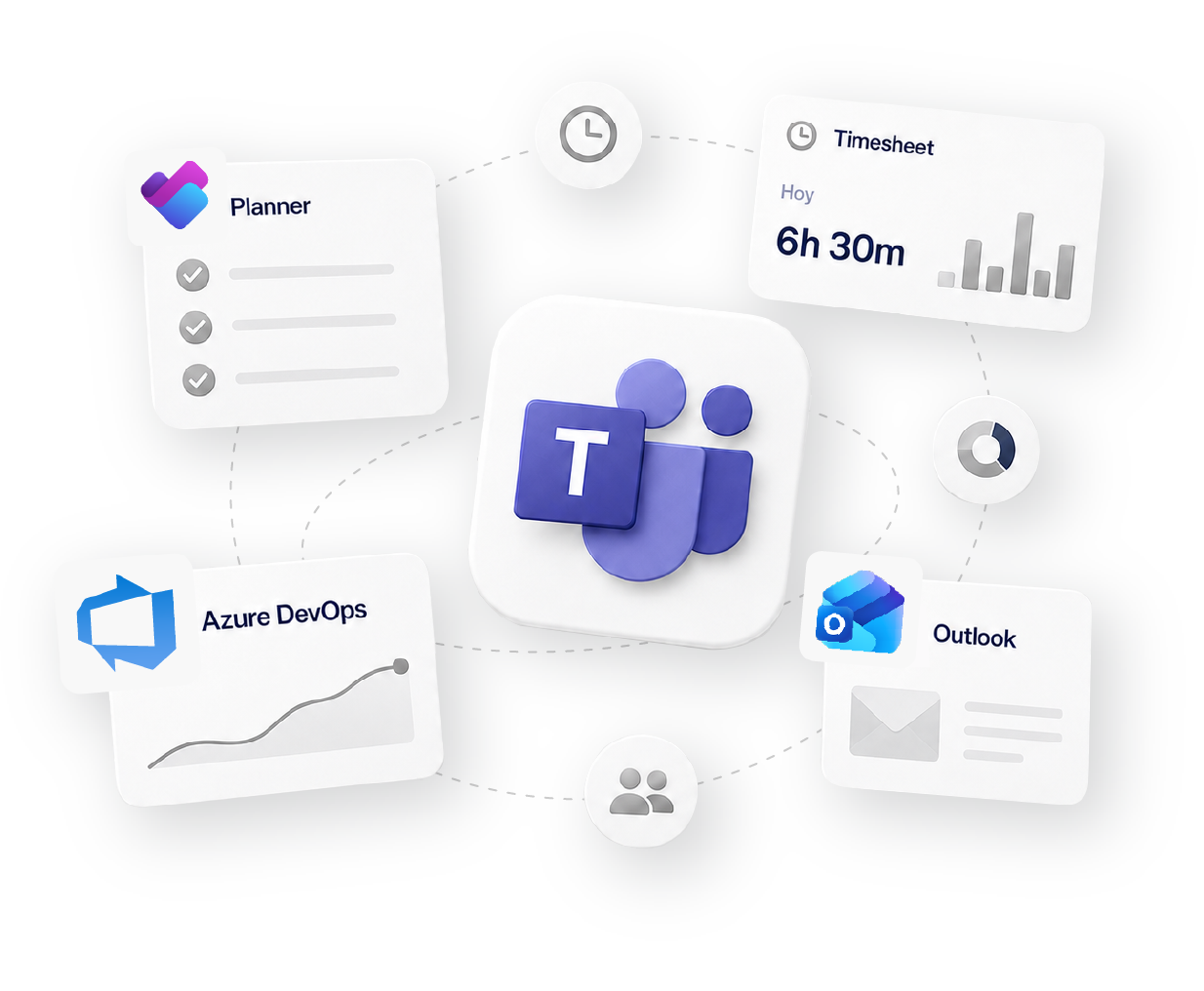
Works with 60+ tools your team already uses
Social proof
Why 15,000+ teams trust TrackingTime.

High rates from our users confirm that we’re built for teams.






-

OPENSTAX
-
MOMA
-
PLAYPASS
-
SSL
-
SMARTSHEET
-

MCI






how it fits your workflow
Track
Time tracking
Organize
Projects & Tasks
Approve
Timesheets & Approvals
Share
Reports & Clients
Bill
Invoicing & Rates


FAQS
Straight answers for Edge users.
Yes, you can use a time tracker for Microsoft Edge to record your work hours directly in the browser. With the right time tracking app, you can start and stop timers while working in tools like Microsoft Project, Outlook, or Planner, without switching tabs. This makes it simple to keep accurate records of your time as you work online. TrackingTime’s time tracker for Edge lets you manage projects, log hours, and create reports straight from your browser.
get started
Track time, distraction-free.
The timer sits right in your Edge toolbar, so logging time never breaks your focus or means switching tabs. Free to start, no credit card required.
Start for free