












Our company has had a fantastic experience with TrackingTime. We would recommend to anyone looking for an easy to use time tracking experience.
Time Tracker for Safari
Track Time in Safari.
Track time while using your favorite tools on macOS and iOS. The Safari extension keeps you productive, accurate, and distraction-free—whether you’re in the office or remote.

time tracking apps
A time tracker for all your devices.
time tracking browser extension
Integrated time tracking for Safari.
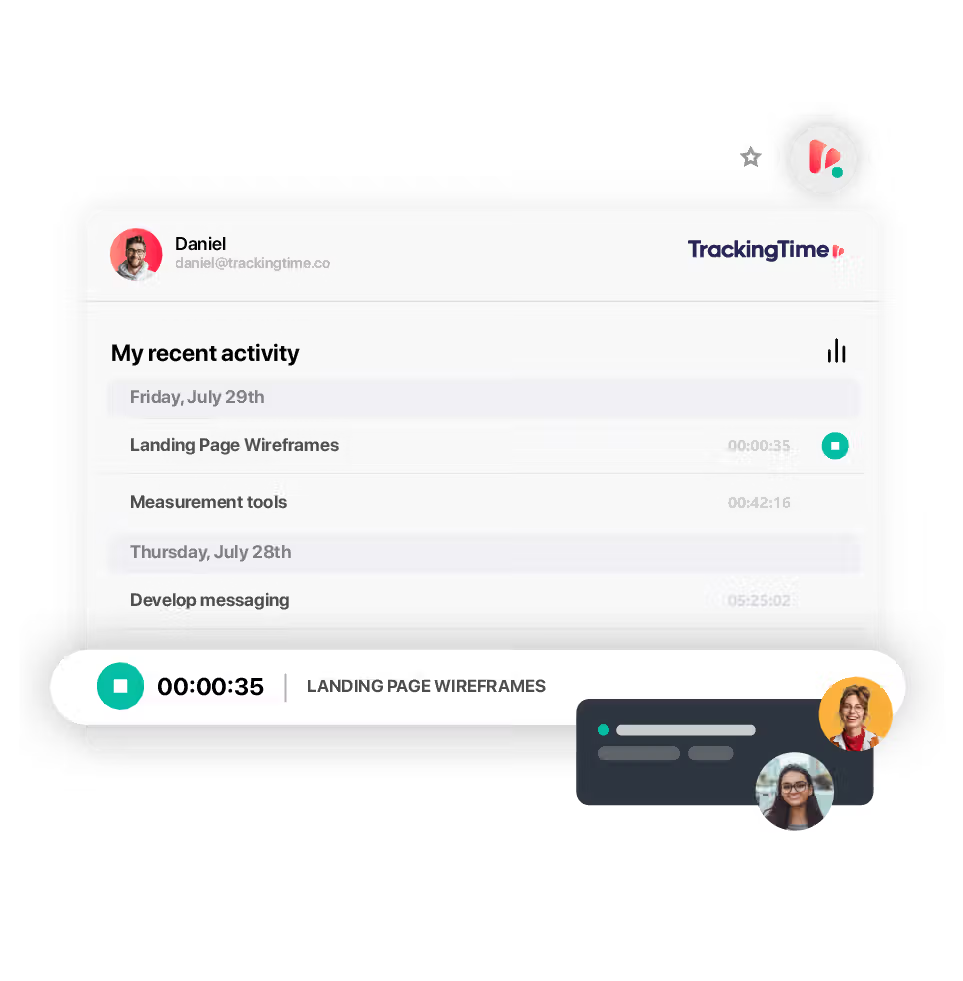
The TrackingTime extension for Safari helps you stay focused by allowing you to track time directly within the apps you already use.

Track time where you work.
Capture work hours directly from Safari while using popular tools like Trello, Asana, Notion, ClickUp, and Google Docs. The timer is built into your browser experience—so you can track time without opening another app, breaking focus, or switching tabs. It’s a seamless layer that fits naturally into your daily workflow, not an extra step.

Streamlined for simplicity.
Start, stop, or switch timers with a single click—right where your work happens. Whether you're jumping between tasks or locked into a focused session, the Safari extension keeps time tracking light, intuitive, and invisible until you need it. No learning curve, no training required—just smart design for fast-moving teams.
Rely on accurate data.
Keep your time data clean, consistent, and dependable—no matter what tools your team uses. TrackingTime ensures that every entry is captured in real time and automatically synced to your shared workspace. Say goodbye to missing hours, scattered logs, and manual adjustments. Your team’s timesheets are always complete, accurate, and ready for payroll, billing, or reporting.
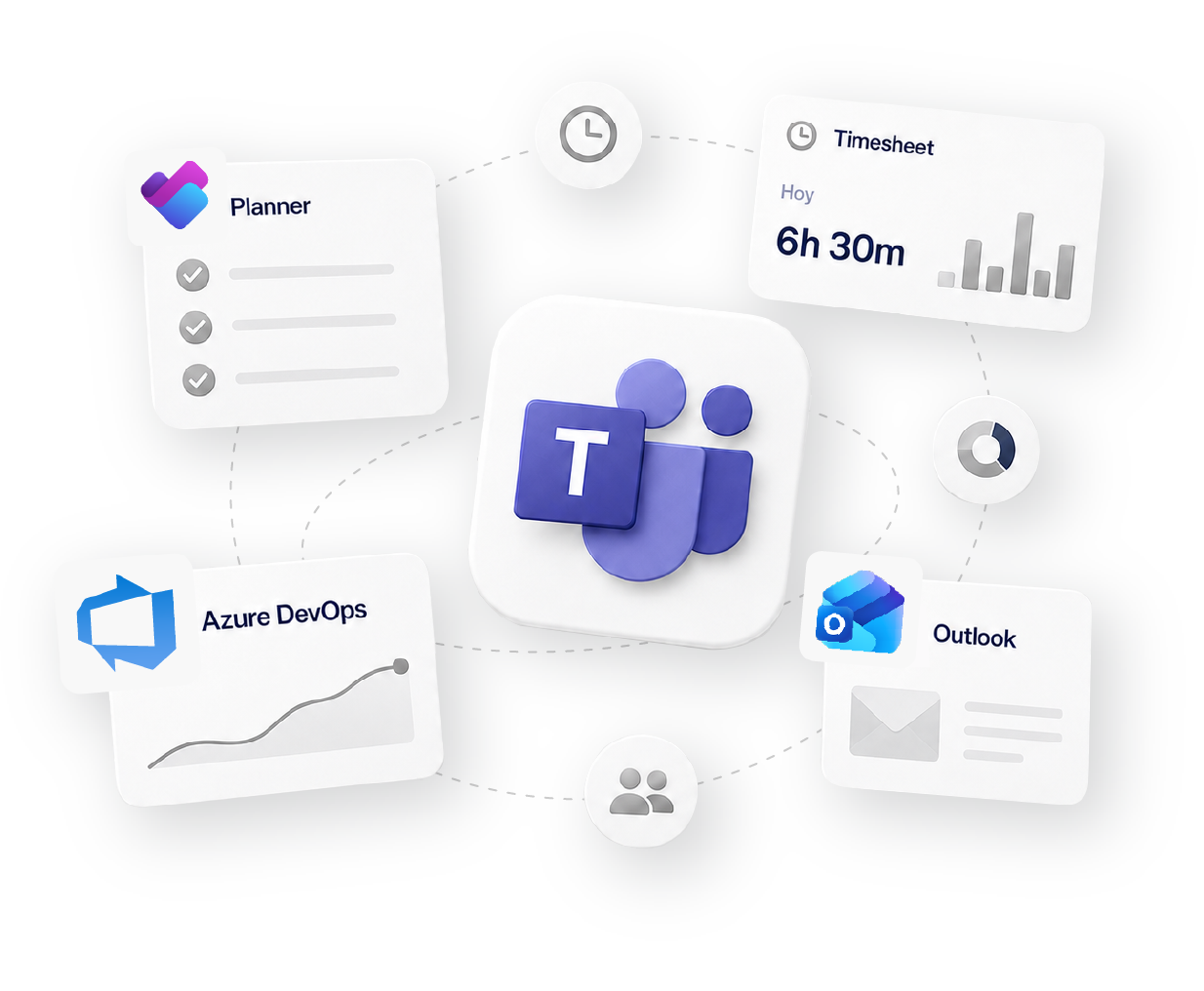
Works with 60+ tools your team already uses
Social proof
Why 15,000+ teams trust TrackingTime.

High rates from our users confirm that we’re built for teams.






-

OPENSTAX
-
MOMA
-
PLAYPASS
-
SSL
-
SMARTSHEET
-

MCI






how it fits your workflow
Track
Time tracking
Organize
Projects & Tasks
Approve
Timesheets & Approvals
Share
Reports & Clients
Bill
Invoicing & Rates


FAQS
Straight answers for Safari users.
Yes, you can use a time tracker for Safari to keep track of your work hours directly in Apple’s browser. With the right app, you can start and stop timers while working in online tools like Google Docs, Asana, or Trello, without needing to switch windows. This makes it easy to maintain accurate records as you move through your tasks. TrackingTime’s time tracker for Safari offers seamless project management, time logging, and reporting features so you can stay organized right from your browser.
get started
Track time, distraction-free.
The timer sits right in your Safari toolbar, so logging time never breaks your focus or means switching tabs. Free to start, no credit card required.
Start for free